
Do all of this in Your list on Page.
Change the order
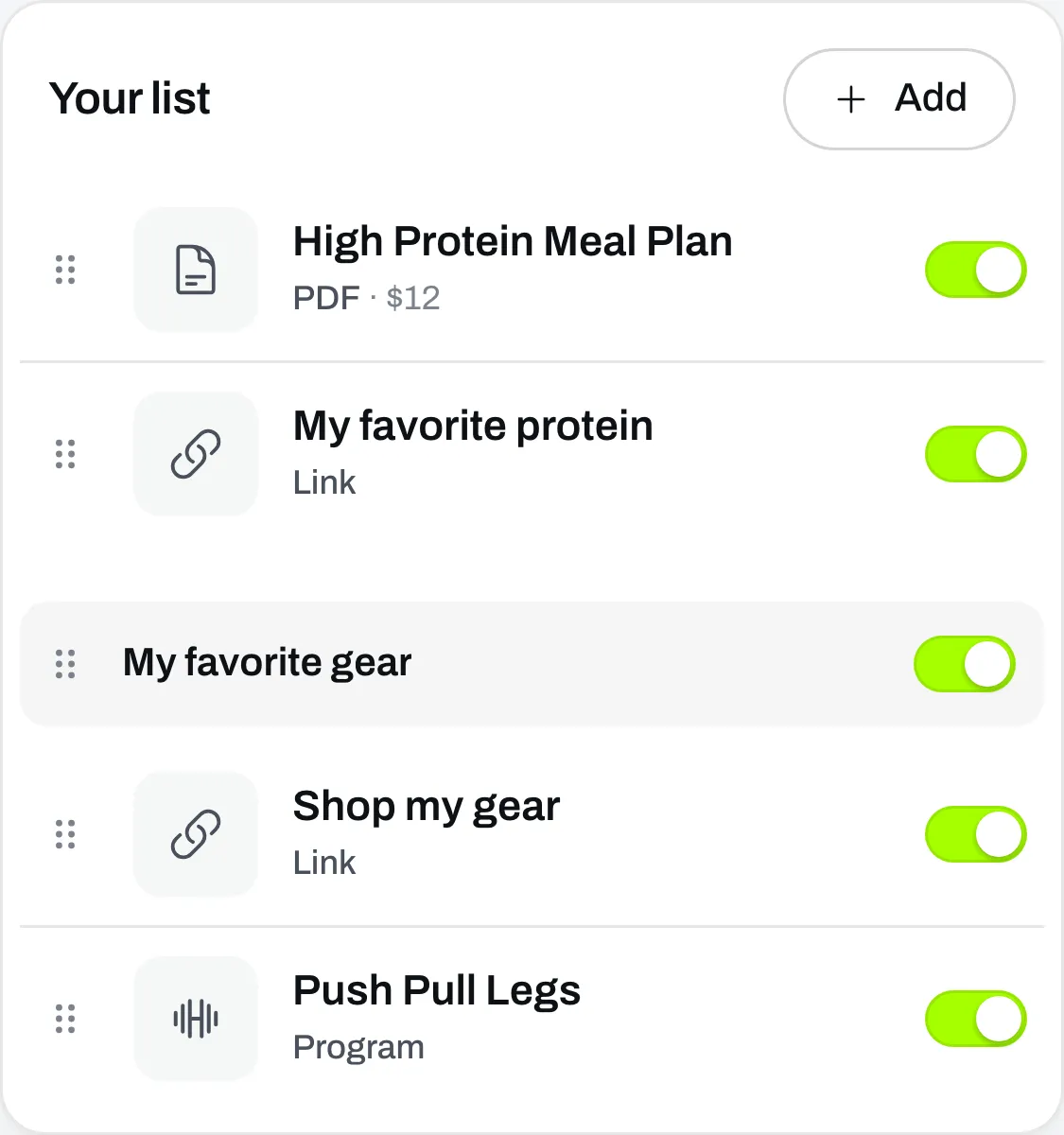
Drag a row by the dots on its left. Your page shows things in the same order as your list.
Hide something
Click the switch on its row. It comes off your page but stays in your list, with everything you set on it. Click the switch again to put it back.
Its own link keeps working while it’s off your page. That’s useful for something you only want to send to certain people.
Remove something
Click the row, then click Delete at the bottom of the box. People who already bought it can still open it.
A program doesn’t have a Delete button here. It leaves your list when you delete the program itself. See Unpublish, switch off or delete a program.