Everything on your page sits in Your list on Page. Click Add to put something new in it. New things land at the top, and you can drag them where you want them.
Add a link
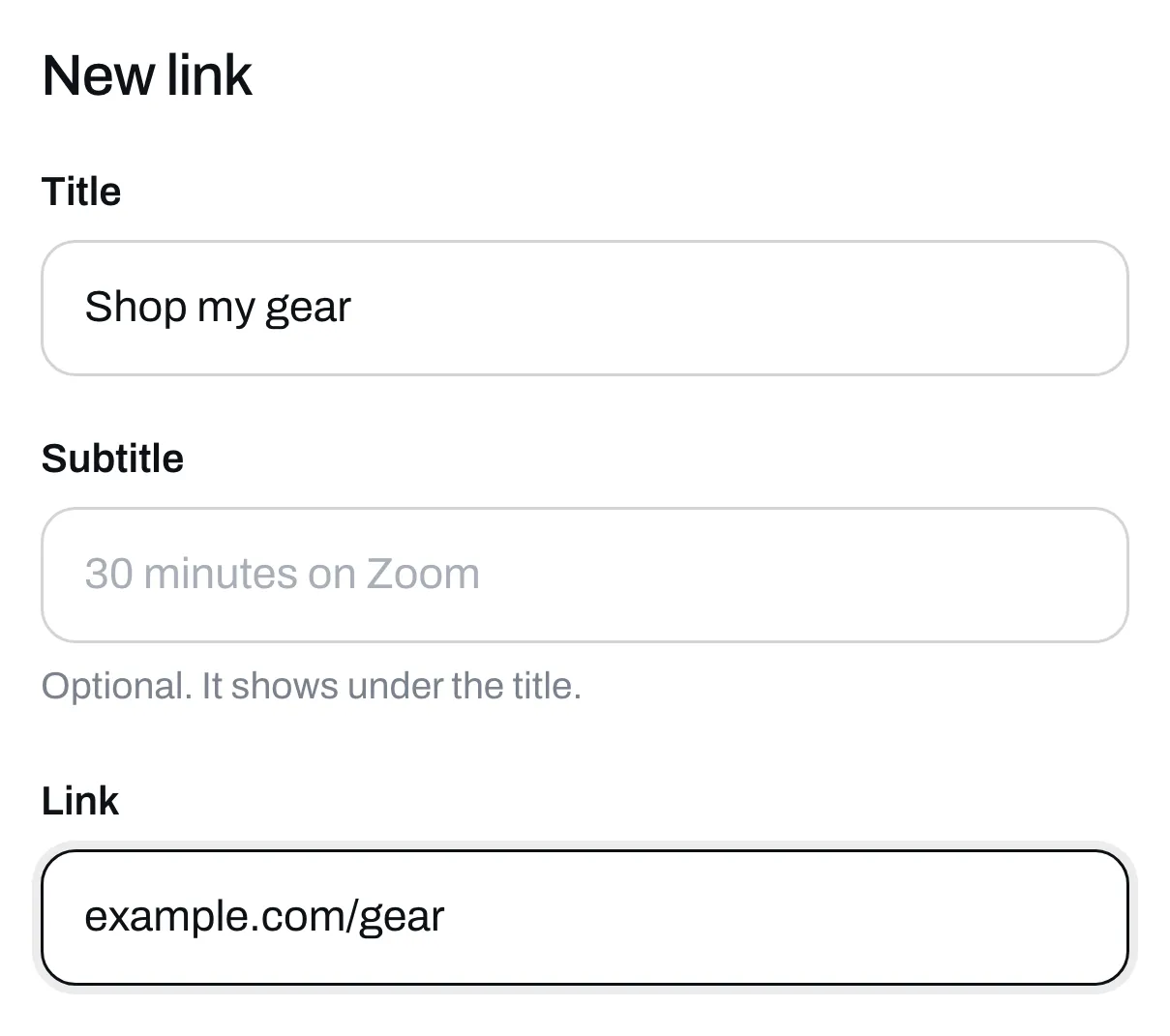
Click Add, then Link. Give it a title and paste the link. You can also paste an email address. A subtitle is optional, and it shows under the title.
Pick a style. Button is a single row. Big picture needs a picture and takes up more of your page. Click Save.
A link can also have a price or ask for an email first. See Sell a link and Ask for an email before someone gets something.
Add a heading
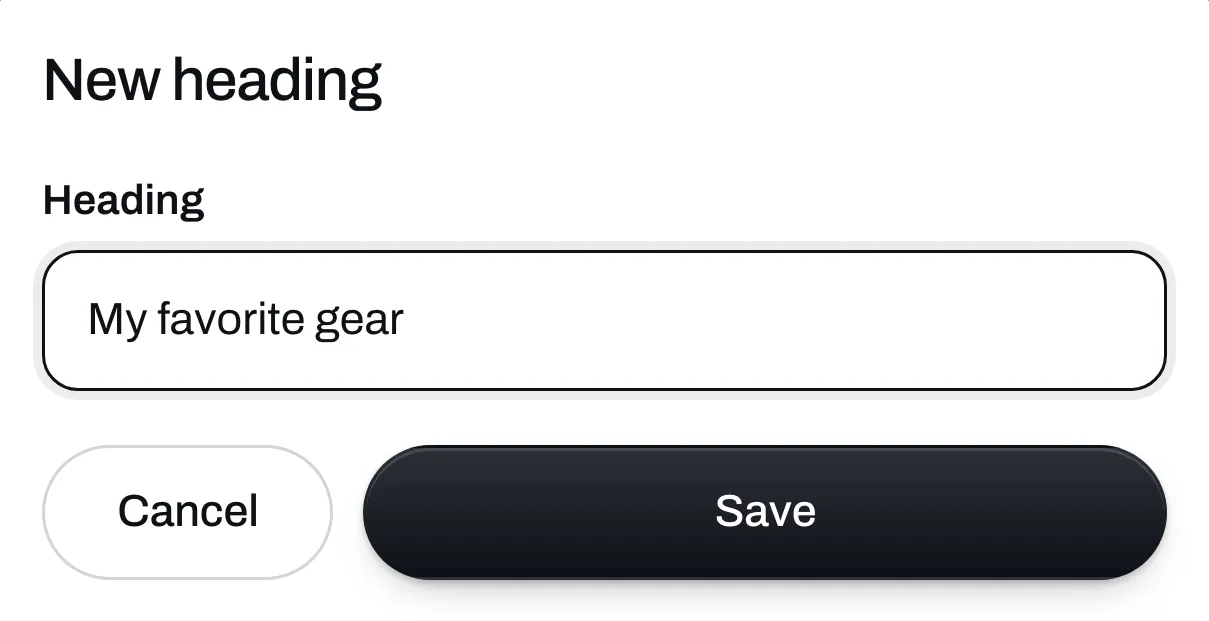
A heading splits your list into sections, like Free stuff or My favorite gear. Click Add, then Heading, type it and click Save. Everything under it, down to your next heading, sits in that section.
Add a video
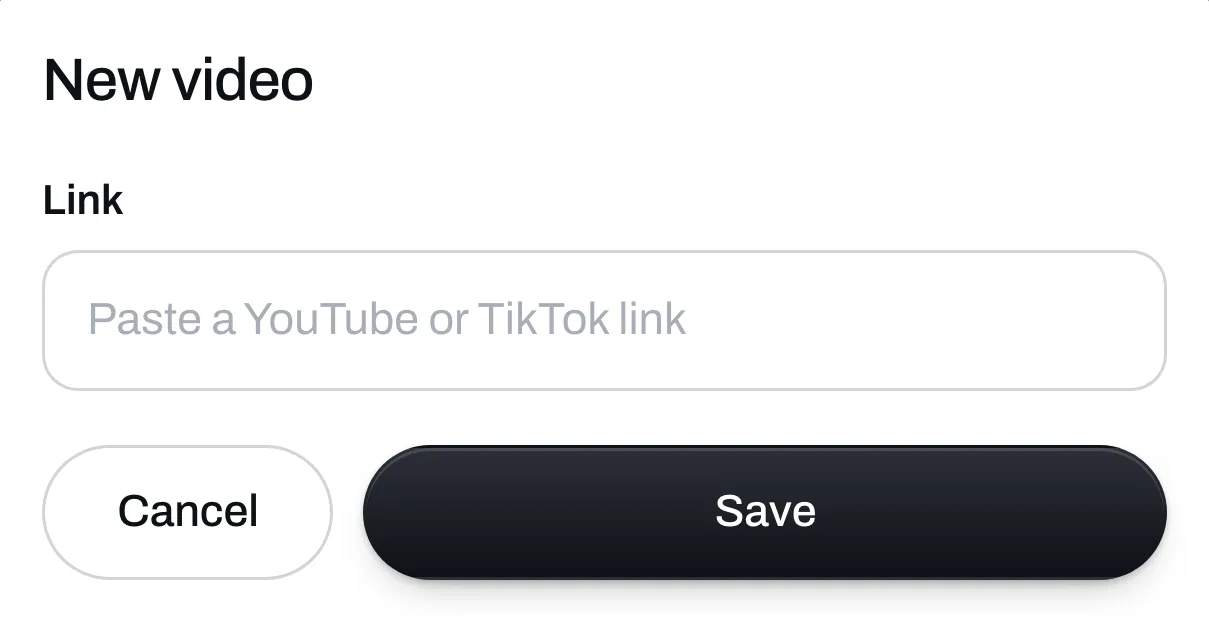
Click Add, then Video. Paste a YouTube or TikTok link and click Save. People watch it right on your page.