
Open your profile
Go to Page and click Edit next to your name.
Add your photo
Click Add a photo and pick one. Drag the photo to frame it.
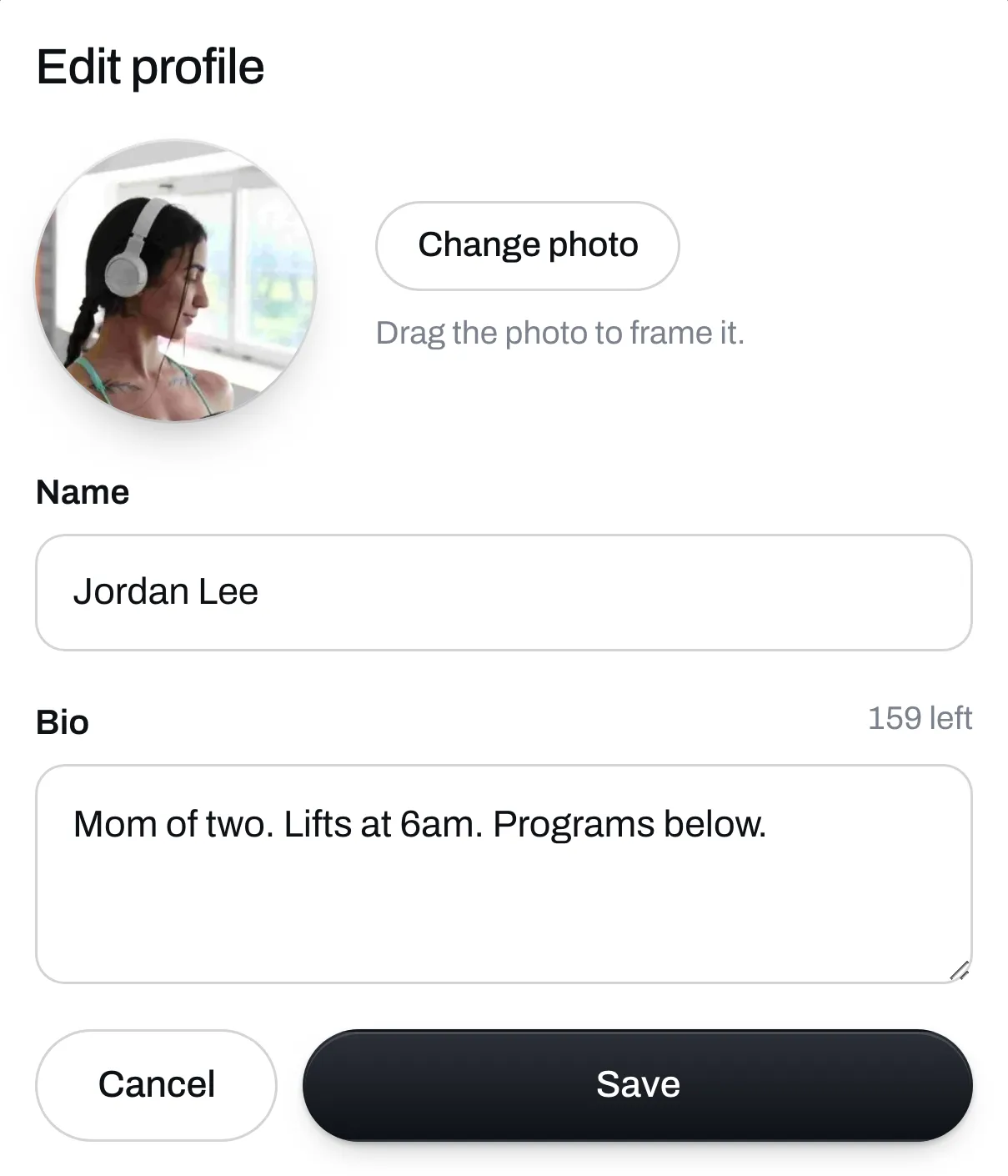
Write your bio
Your name and bio show at the top of your page. A bio can be up to 200 characters. Say who you are and who you help.
Click Save when you’re done.
Add your social icons
Under Social icons, click Add an icon. Pick the site, then type your username or paste a link, and click Save. Click More to see more sites, like Spotify and Strava.
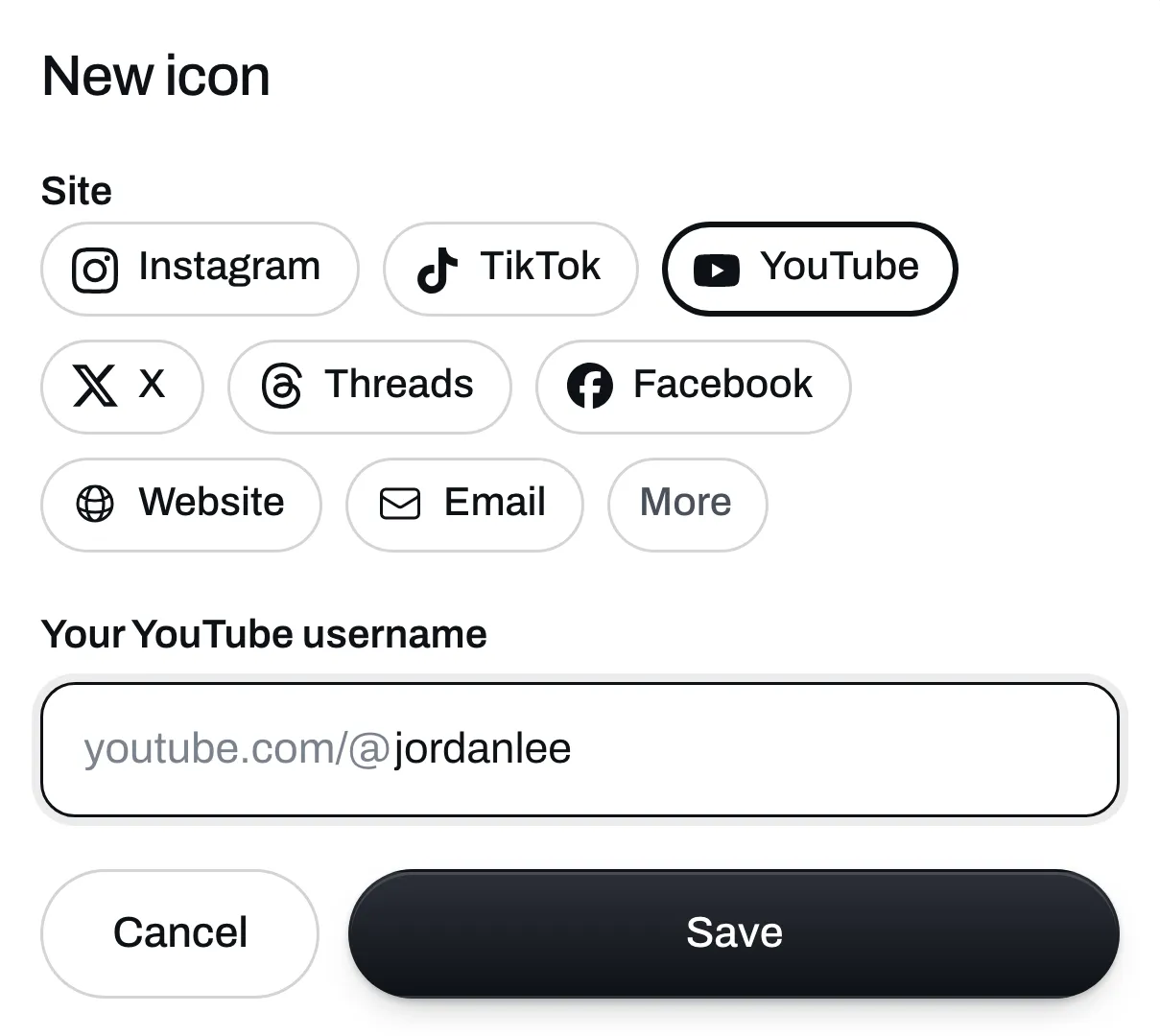
You can add up to 10 icons. They show under your bio.