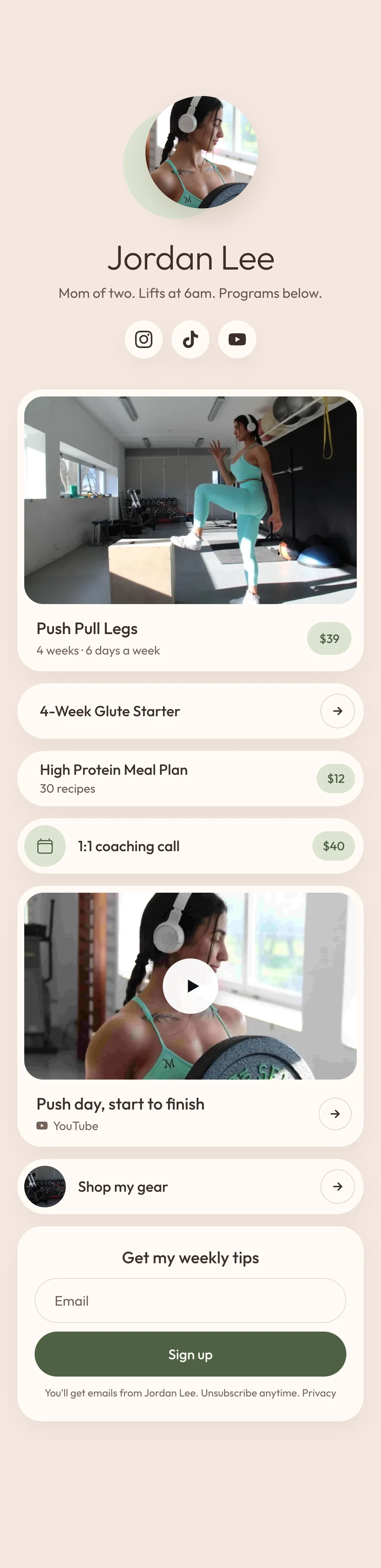
Put a sign-up box on your store
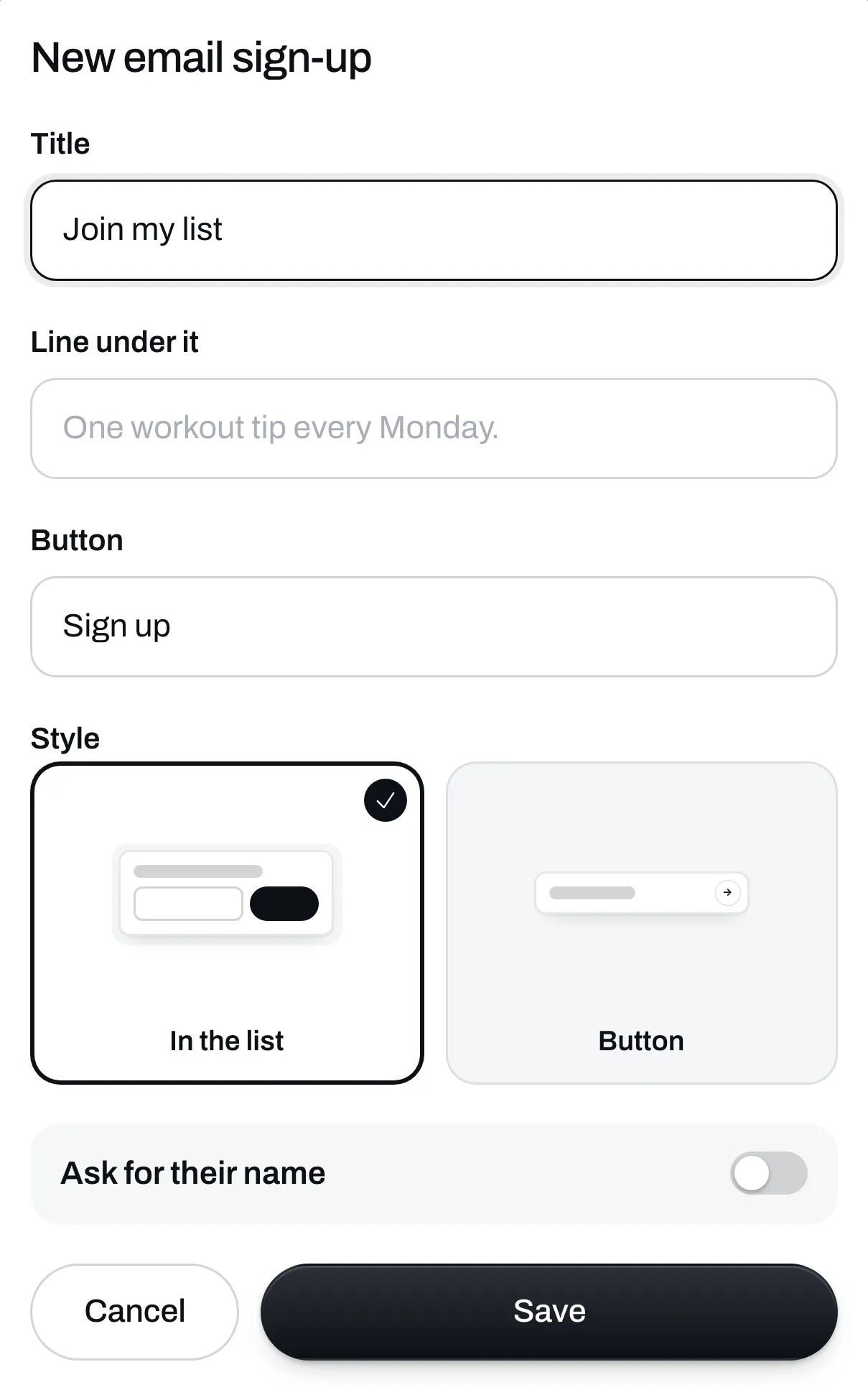
The box has your title, a line under it and a button, and it can go anywhere on your store.
Sell
Workout programs A video for every exercise. Digital products Meal plans, guides, any file. Coaching calls Paid calls in your Google Calendar. AI skills New Your program in ChatGPT, Claude and Gemini.Collect emails for free. On Plus, send emails and follow-ups to everyone who signs up.
Claim your storeYour store is free. No card needed.
You post about your new program and only some of your followers ever see it. An email goes to everyone who signed up. The list is also yours, so you can download it and take it anywhere.
Put an email box on your store, with a line about what people are signing up for.
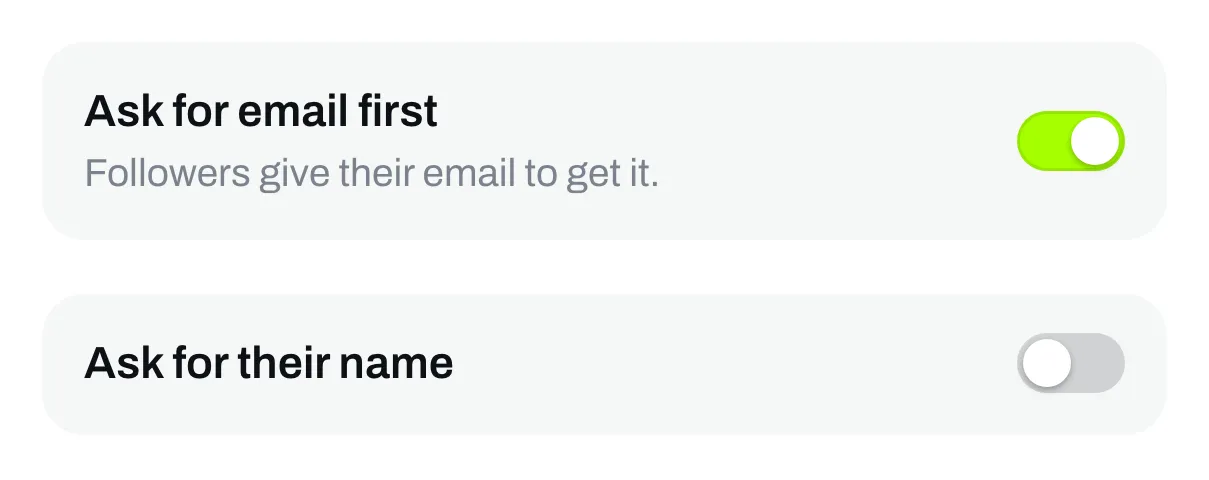
Make a program or a file free, and ask for an email before people get it.
On Plus, write to everyone, or only to the people who bought a certain program or file.
The box has your title, a line under it and a button, and it can go anywhere on your store.
Give away a program or a file to anyone who types their email.
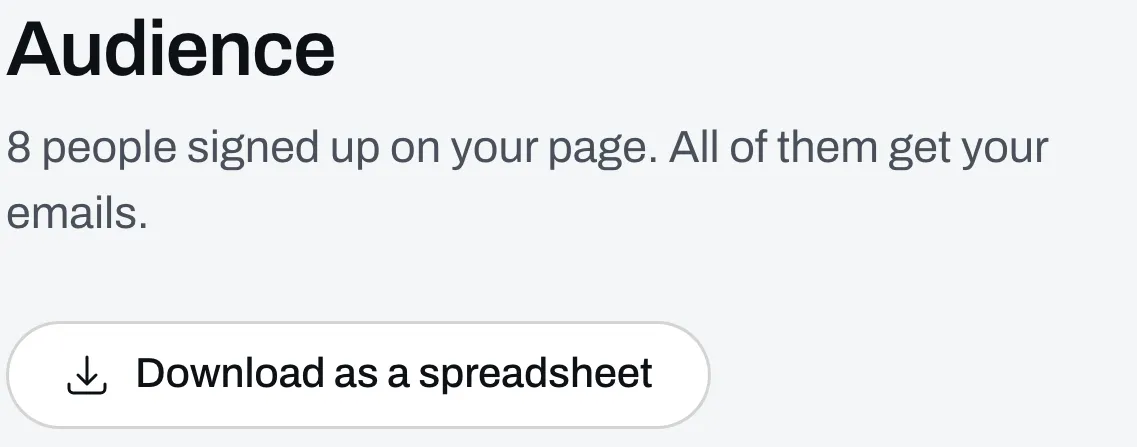
You see everyone on your list and where they signed up. Download the list as a spreadsheet any time.
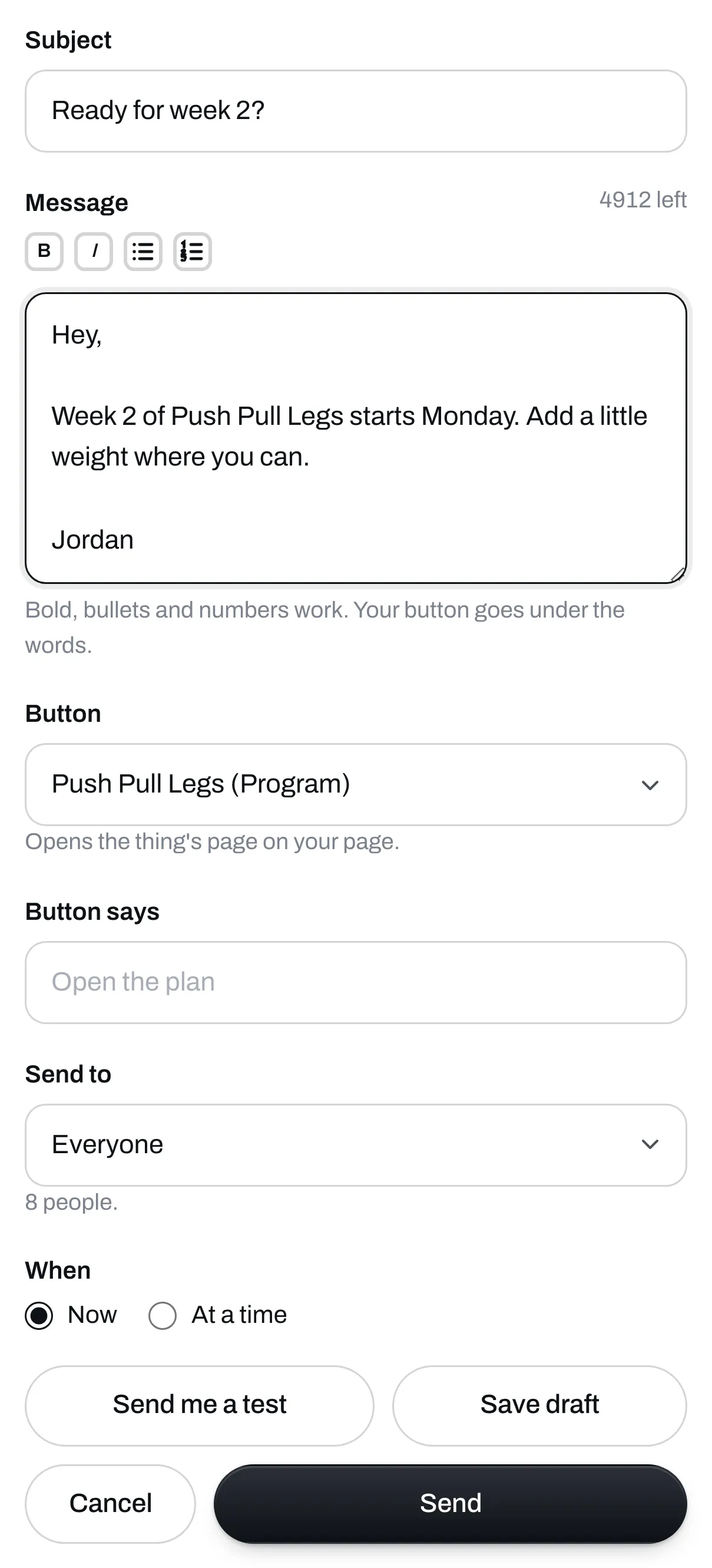
Write to everyone, to the buyers of a certain program or file, or to people who haven't bought it yet.
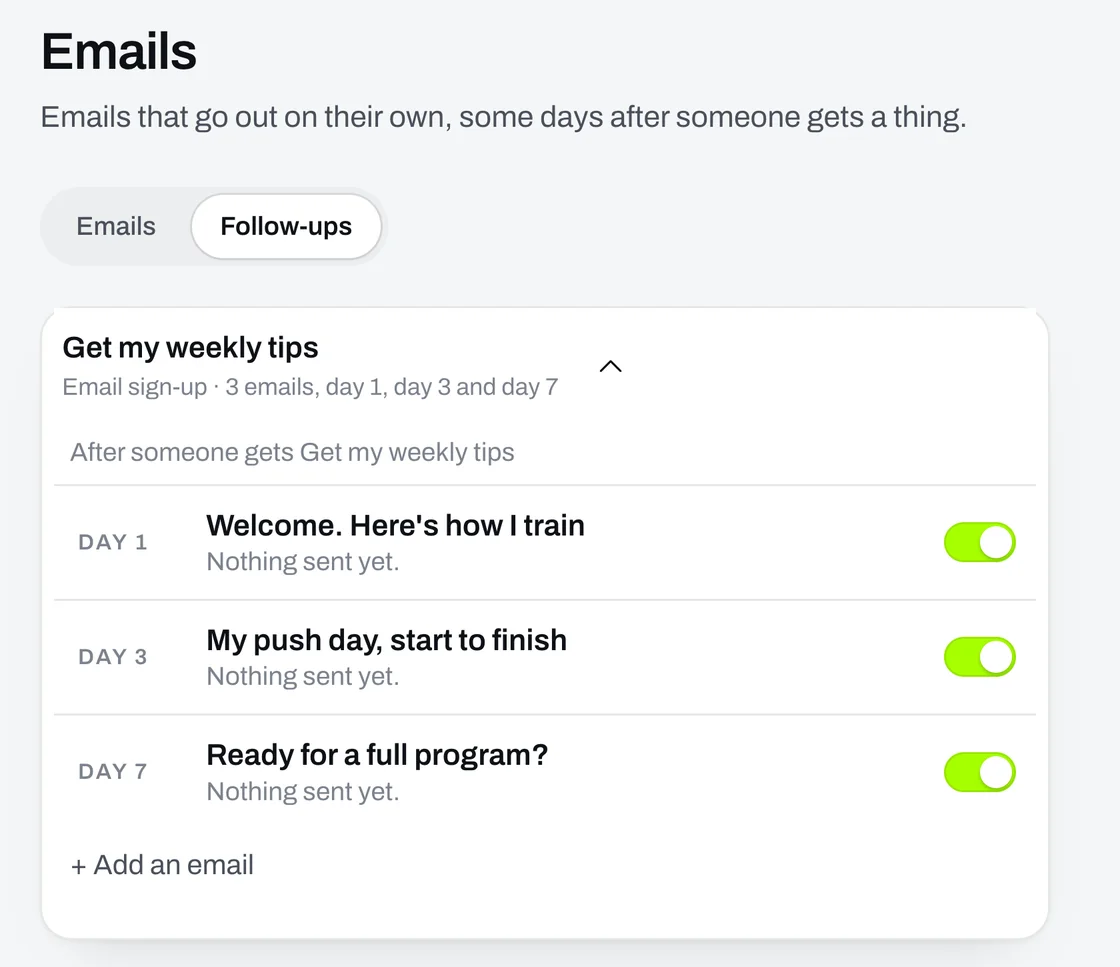
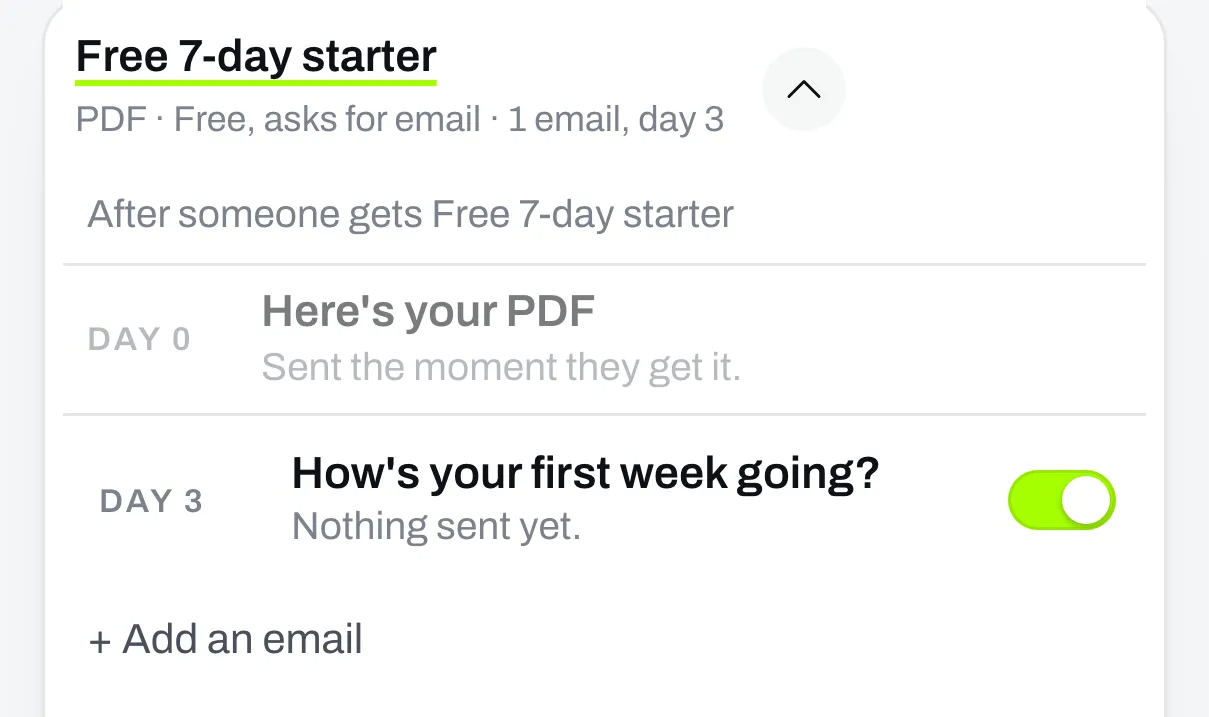
Write an email once, and each person gets it a few days after they sign up.
FAQ
It's free. No card needed.