Make your own template Plus
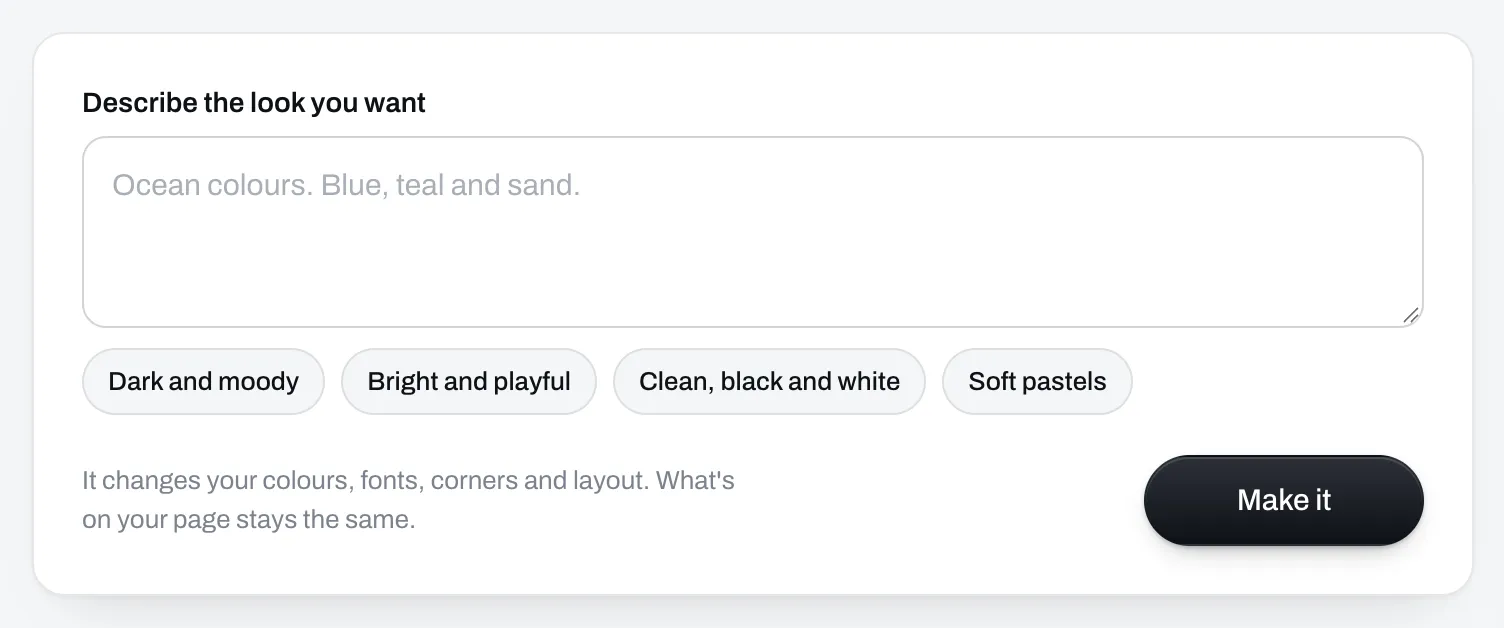
Type the look you want, the way you'd say it to a designer, like "dark with gold buttons".
Sell
Workout programs A video for every exercise. Digital products Meal plans, guides, any file. Coaching calls Paid calls in your Google Calendar. AI skills New Your program in ChatGPT, Claude and Gemini.Pick one of ours, or type the look you want and get a template that's only yours.
Claim your storeYour store is free. No card needed.
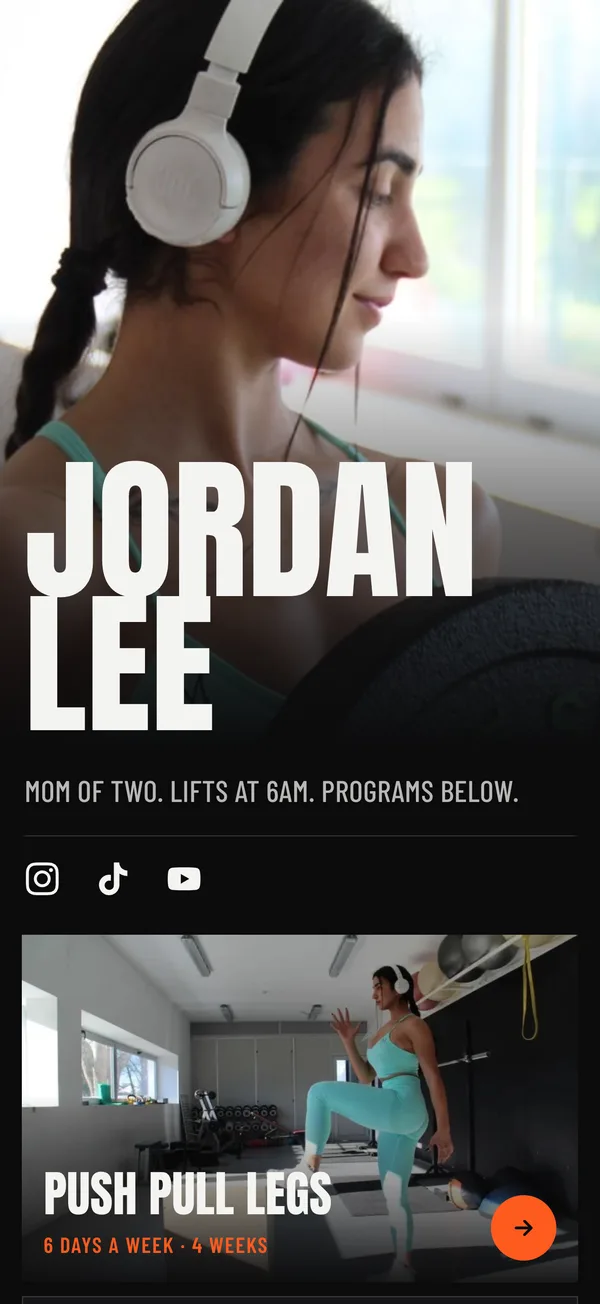
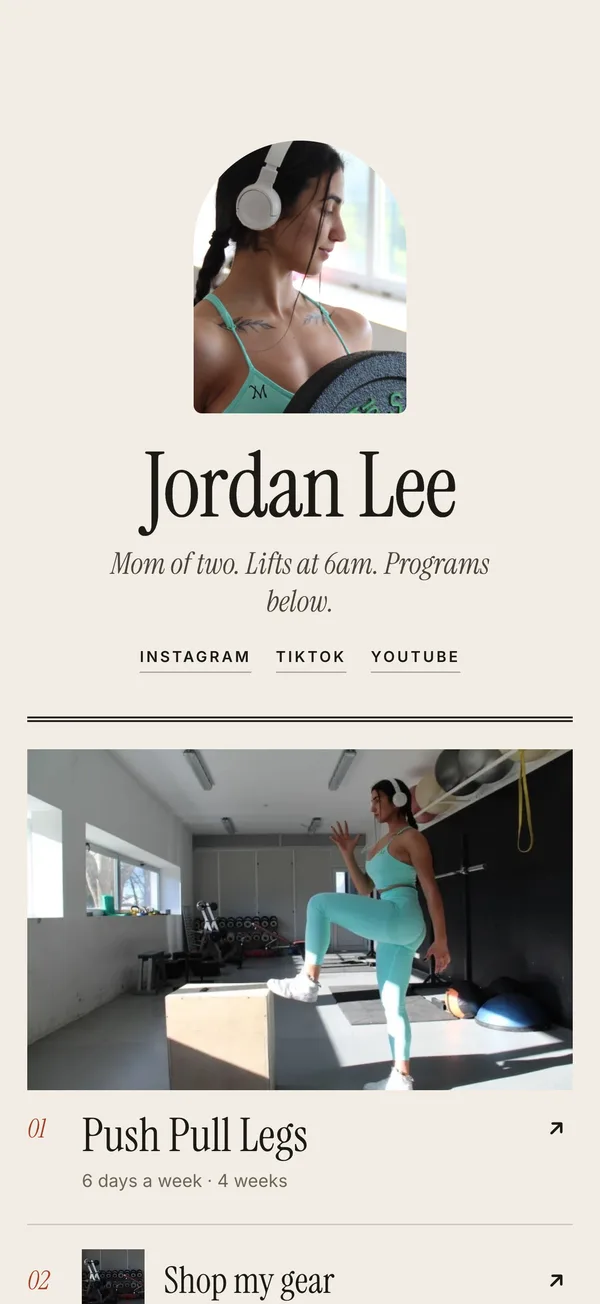
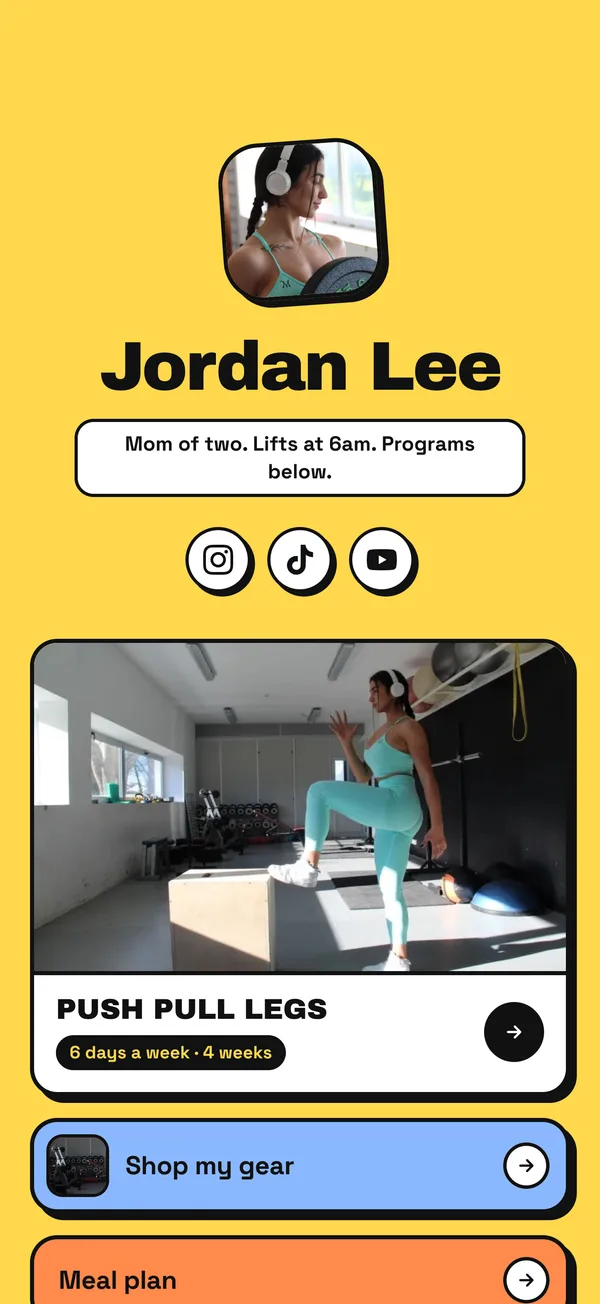
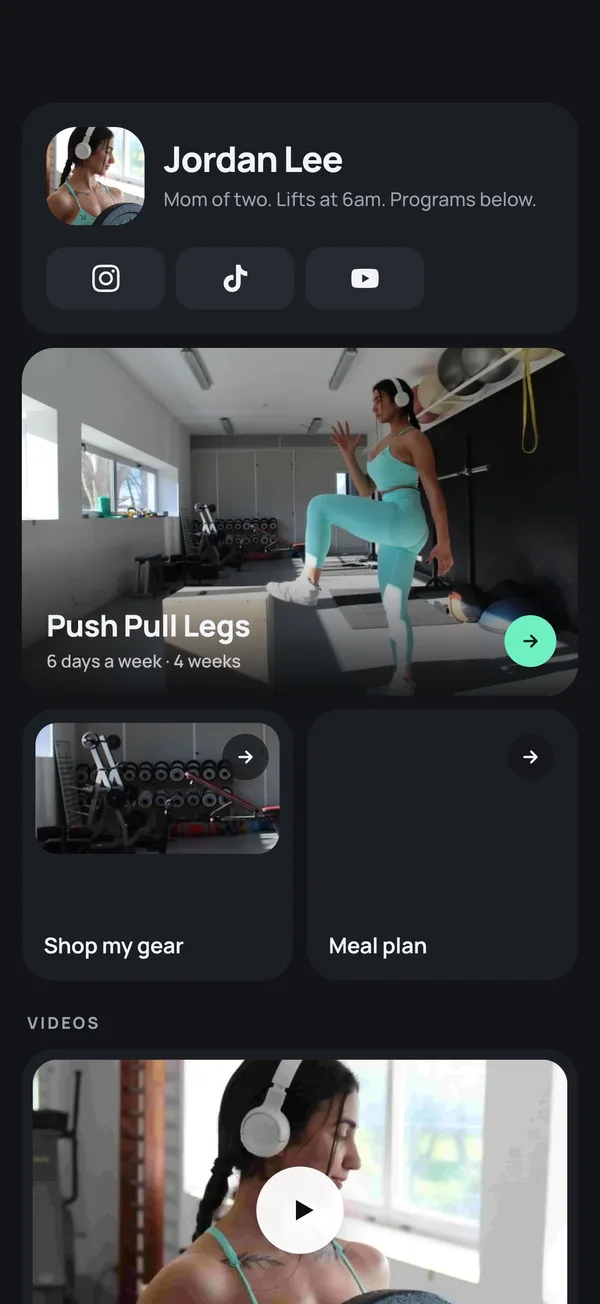
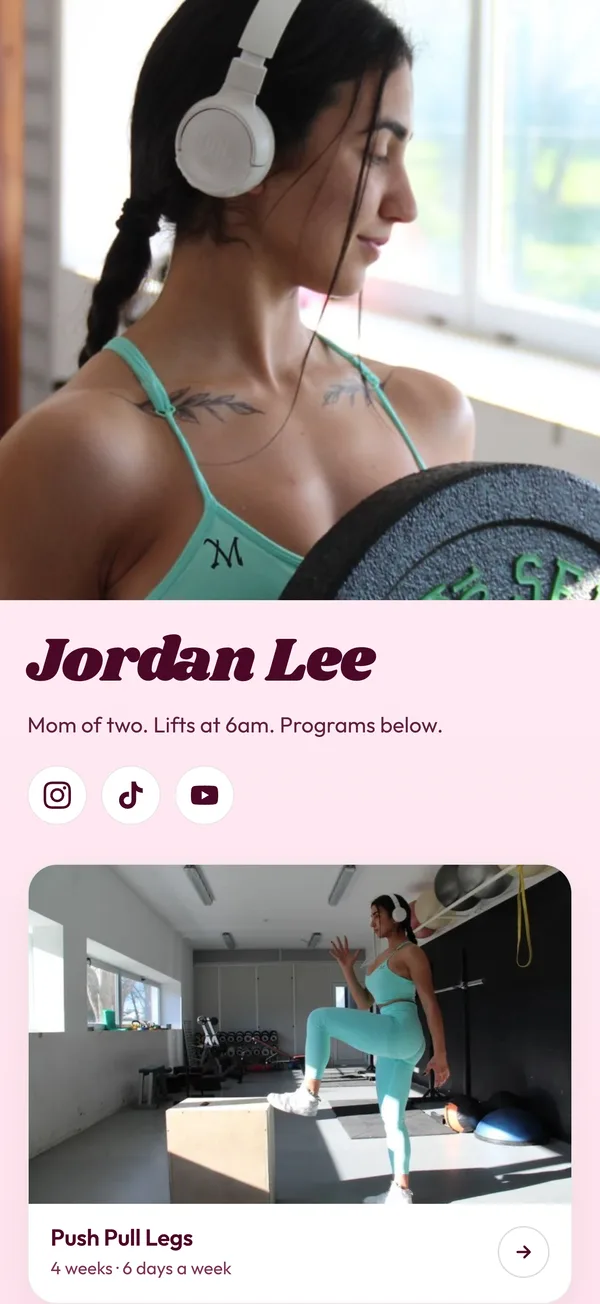
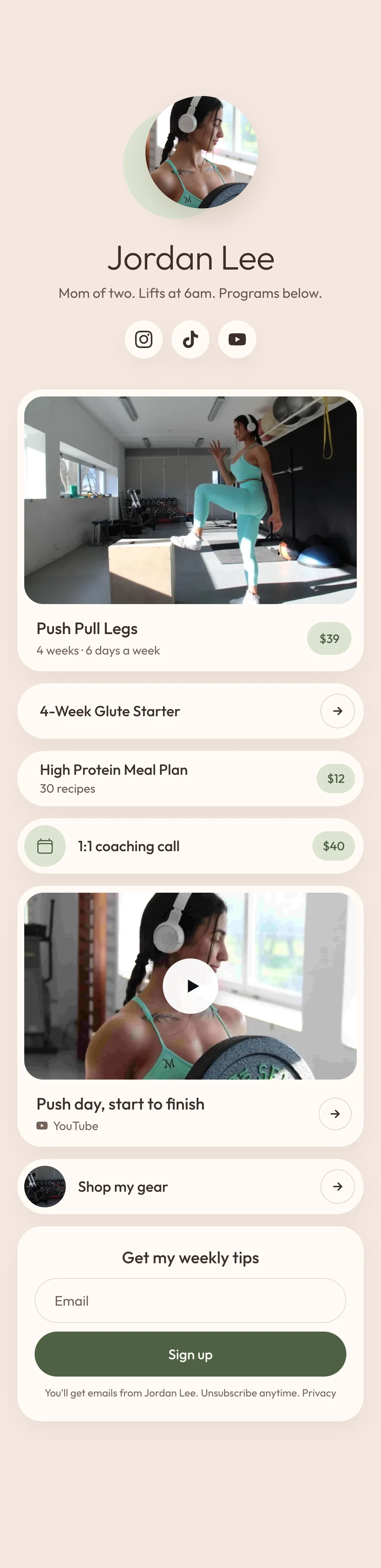
Most are a row of buttons under a small photo, and your followers have seen that page a hundred times. A template changes the whole look of your store, from the colours and fonts to how your name and photo sit at the top.
There are 11. Each one shows the same sample page, so you can compare them.
Your links, words and pictures stay as they are. Only the look changes.
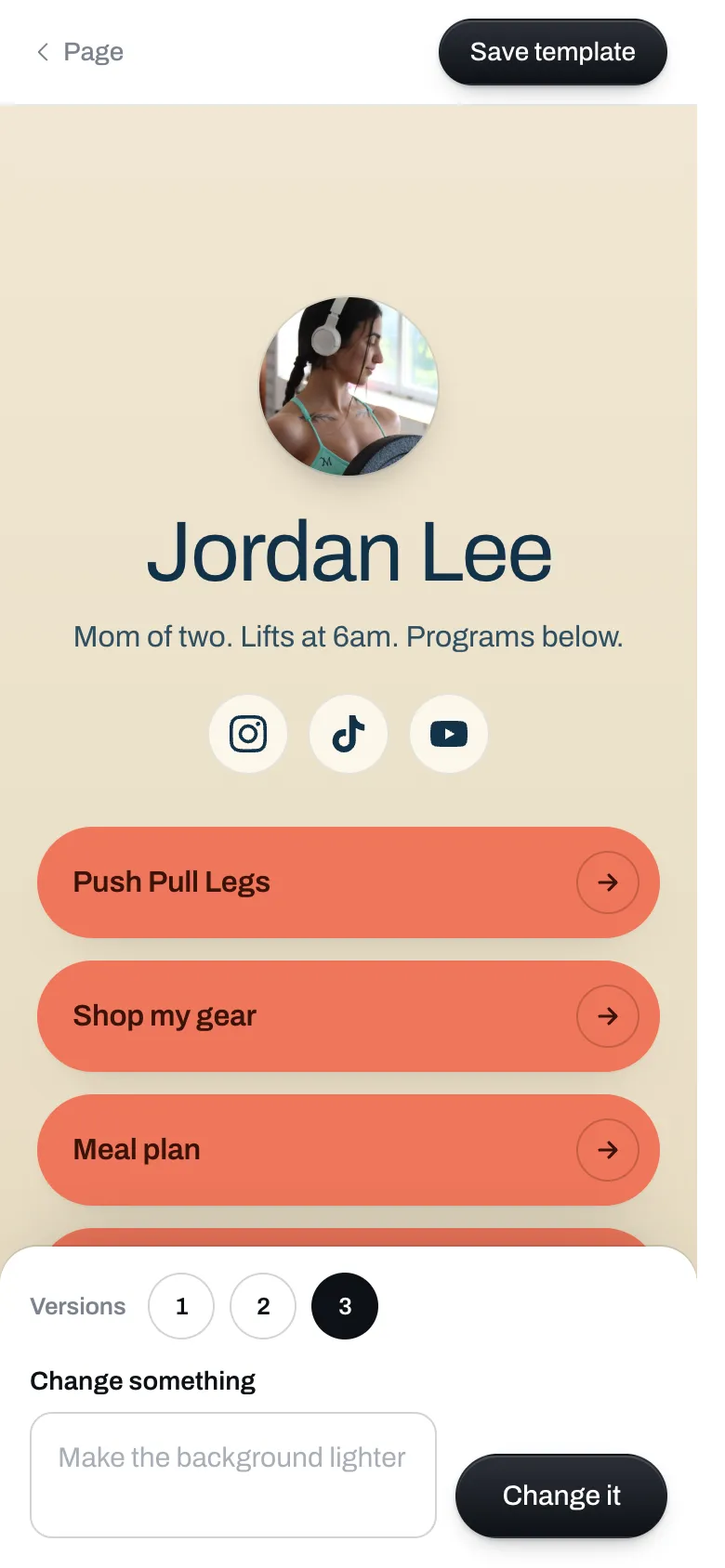
On Plus, type the look you want and get a template that's only yours.
Type the look you want, the way you'd say it to a designer, like "dark with gold buttons".
You see your own page in the new look. Ask for changes until you like it.
They sit at the top of your store, in your template's style.
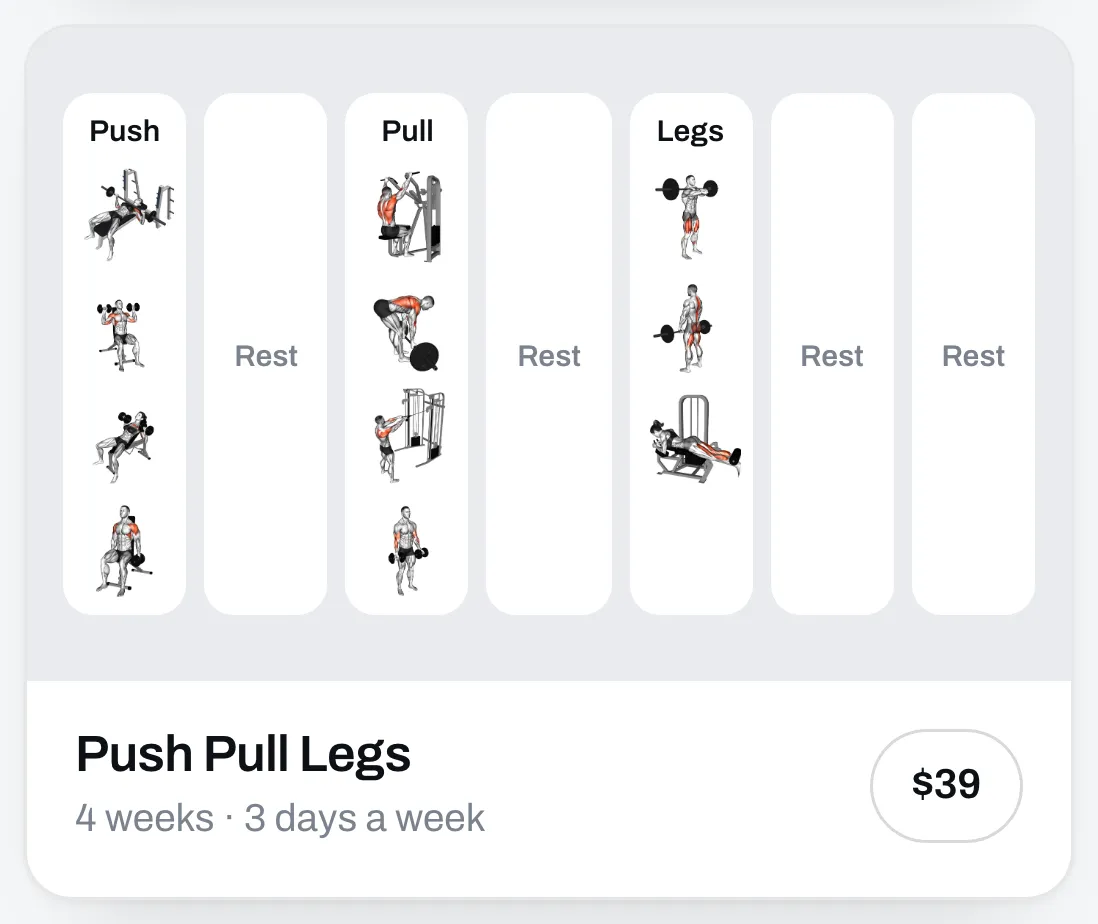
Show a program as its exercises, as the week, or as the muscles it trains.
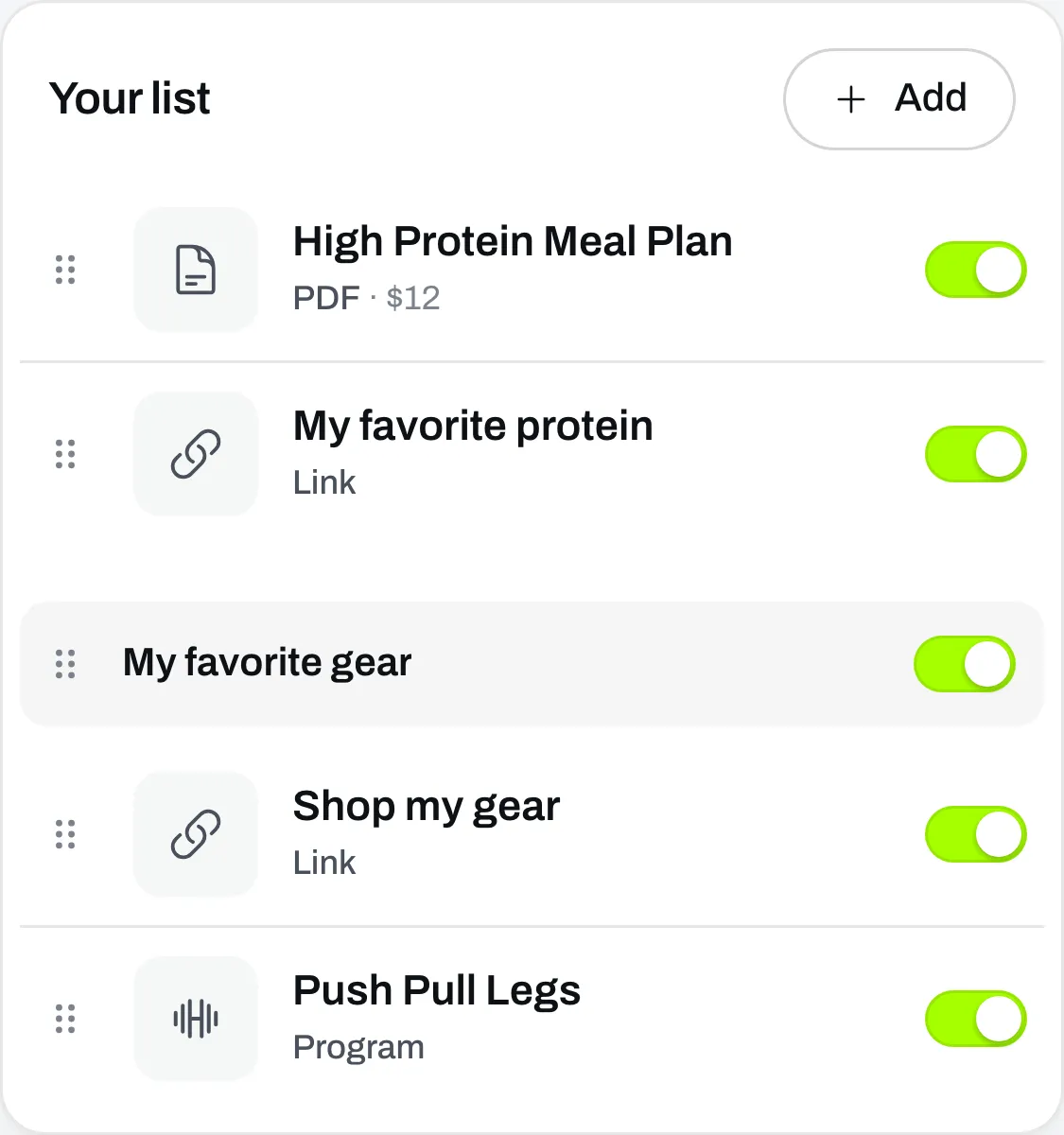
Drag things up and down, or switch one off without deleting it.
FAQ
It's free. No card needed.