
Open the templates
Go to Page and click Change next to Template.
Pick one
Swipe sideways or use the arrows to see them all. Each one shows the same sample page, so you can compare them. Click the one you want.
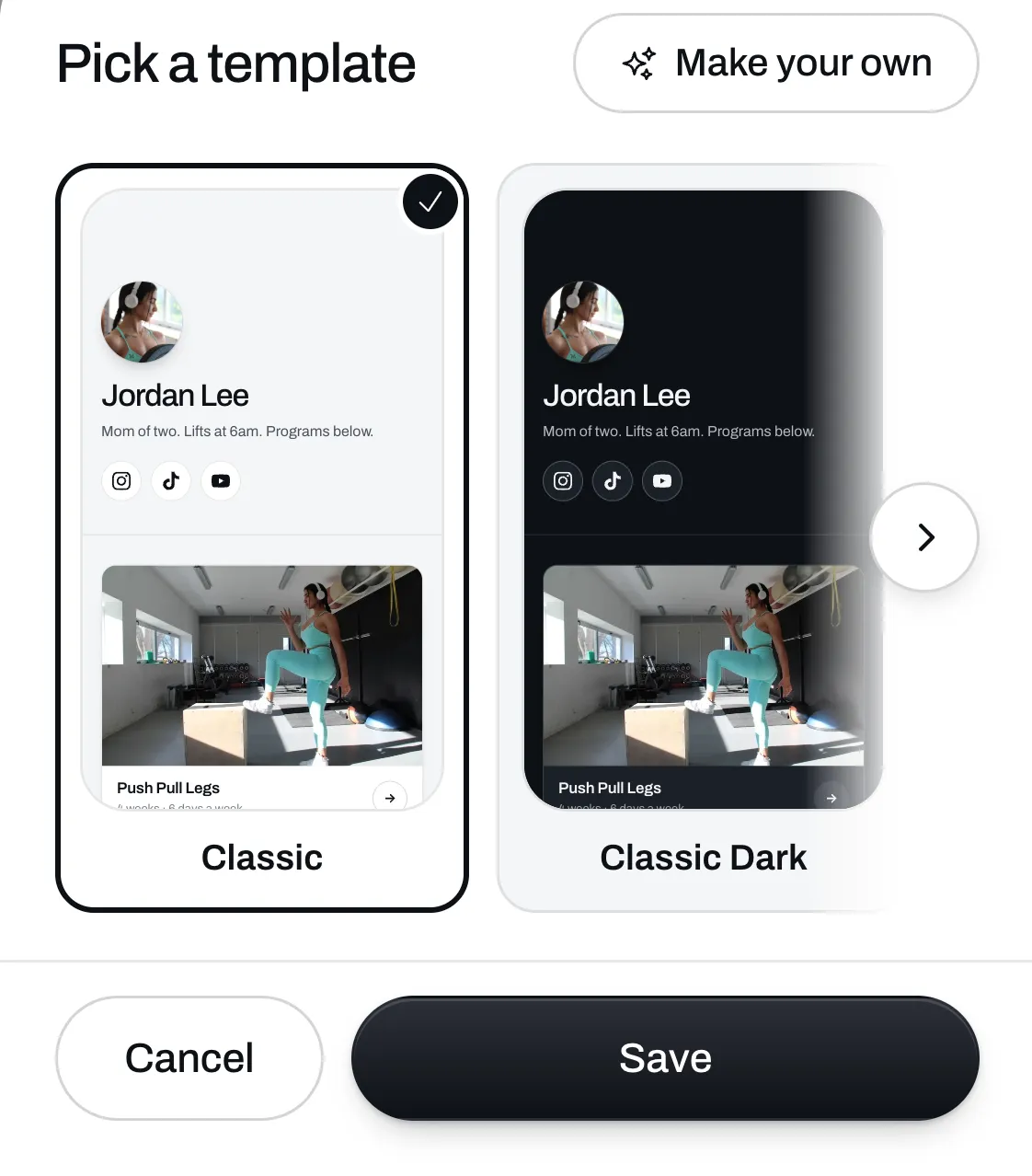
There are 11 templates: Classic, Classic Dark, Poster, Magazine, Bold, Tiles, Studio, Iron, Race, Retro and Varsity. They’re all on the free plan.
Save it
Click Save. The new template shows on your page and on every file, call and program page you have.
Your list, your words and your pictures stay as they are, so you can try another one any time.
Make your own
On Plus you can make a template that’s only yours. Click Make your own, next to Pick a template, and type the look you want.
The templates you make show first in the row. You pick one and save it the same way. Click the pencil on one to change it, rename it or delete it.