
Open it
Go to Page and click it in Your list.
Pick a style
A file or a link can be a Button or a Big picture. A Big picture needs a picture, so add one under Picture.
A program has more styles, and most draw themselves from your program. Swipe sideways or use the arrows to see them.
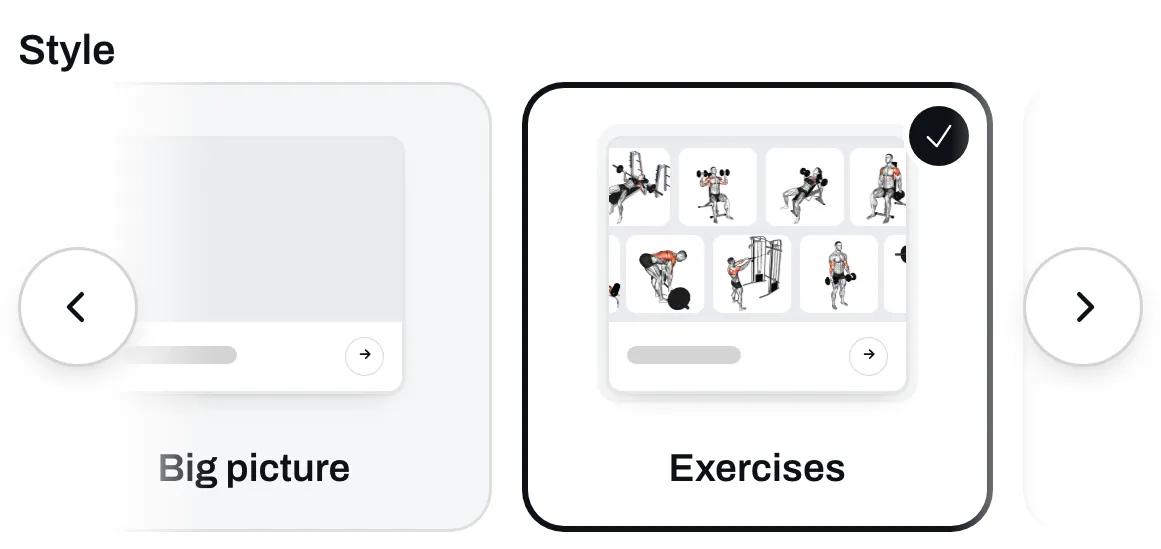
- Button is a single row with the program’s name.
- Big picture shows a picture you add.
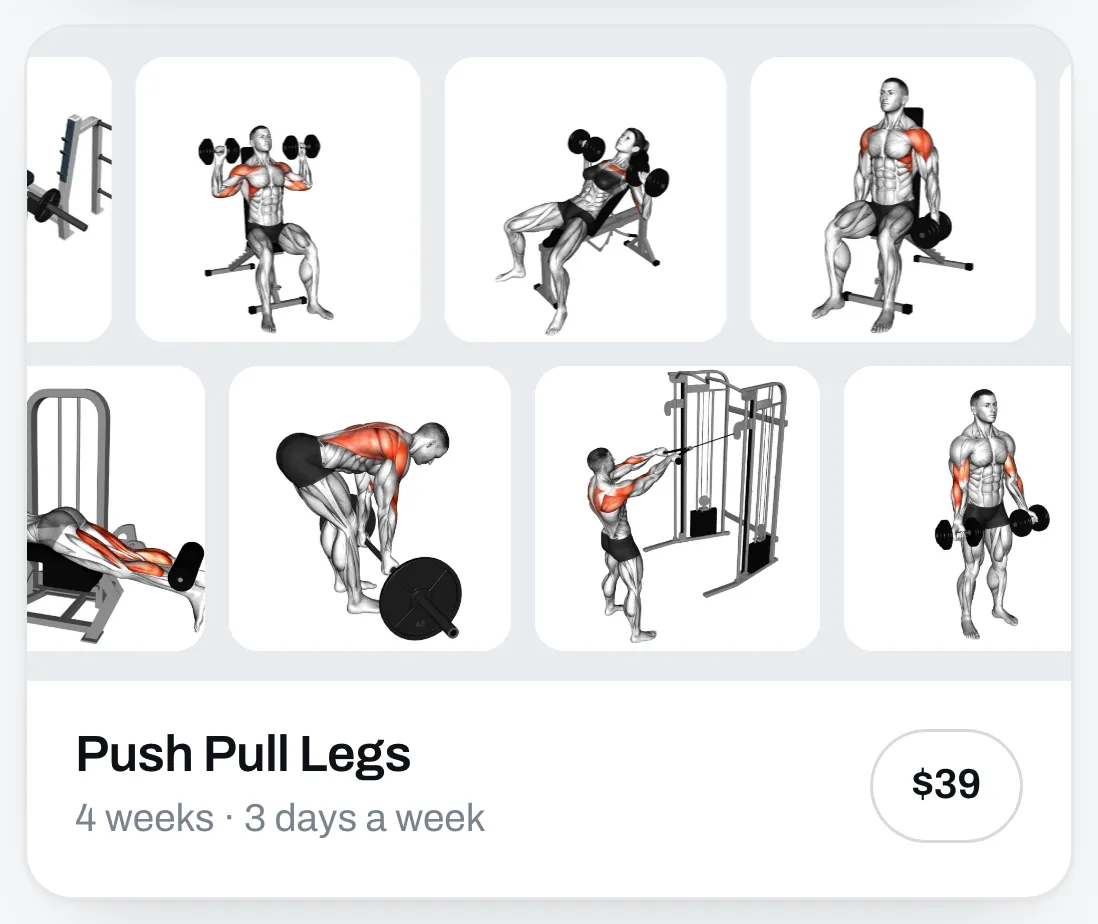
- Exercises shows your exercises in two rows that slide across the card. A new program starts with this one.
- Grid shows six of your exercises, still.
- One by one shows the same six exercises, one at a time.
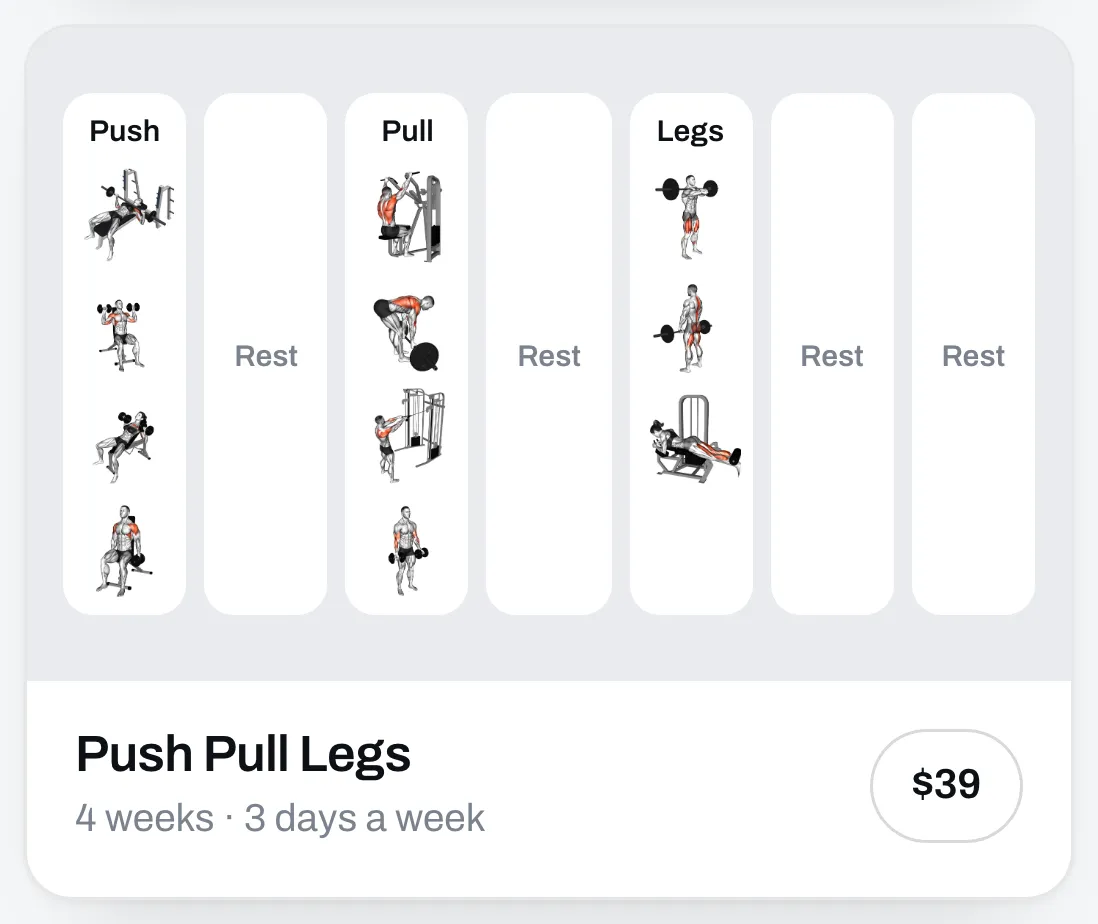
- Week shows your first week, day by day, with Rest on your rest days.
- Muscles shows a body with the muscles your program trains lit up. You pick a male or a female body.
Save it
Click Save, then open your page to see it.
When you change your program and publish it, the styles drawn from your program change with it.