
Pick a tool
Go to Page, click Add under Your list, then click Tool. There are three:
- Protein works out how much protein someone should eat a day from their bodyweight and their goal, and shows it as a day of food.
- Push-up test takes how many push-ups they did in one minute and shows how they compare with other people their age.
- Strength takes a lift, the weight and the reps, and shows their level, from Beginner to Elite.
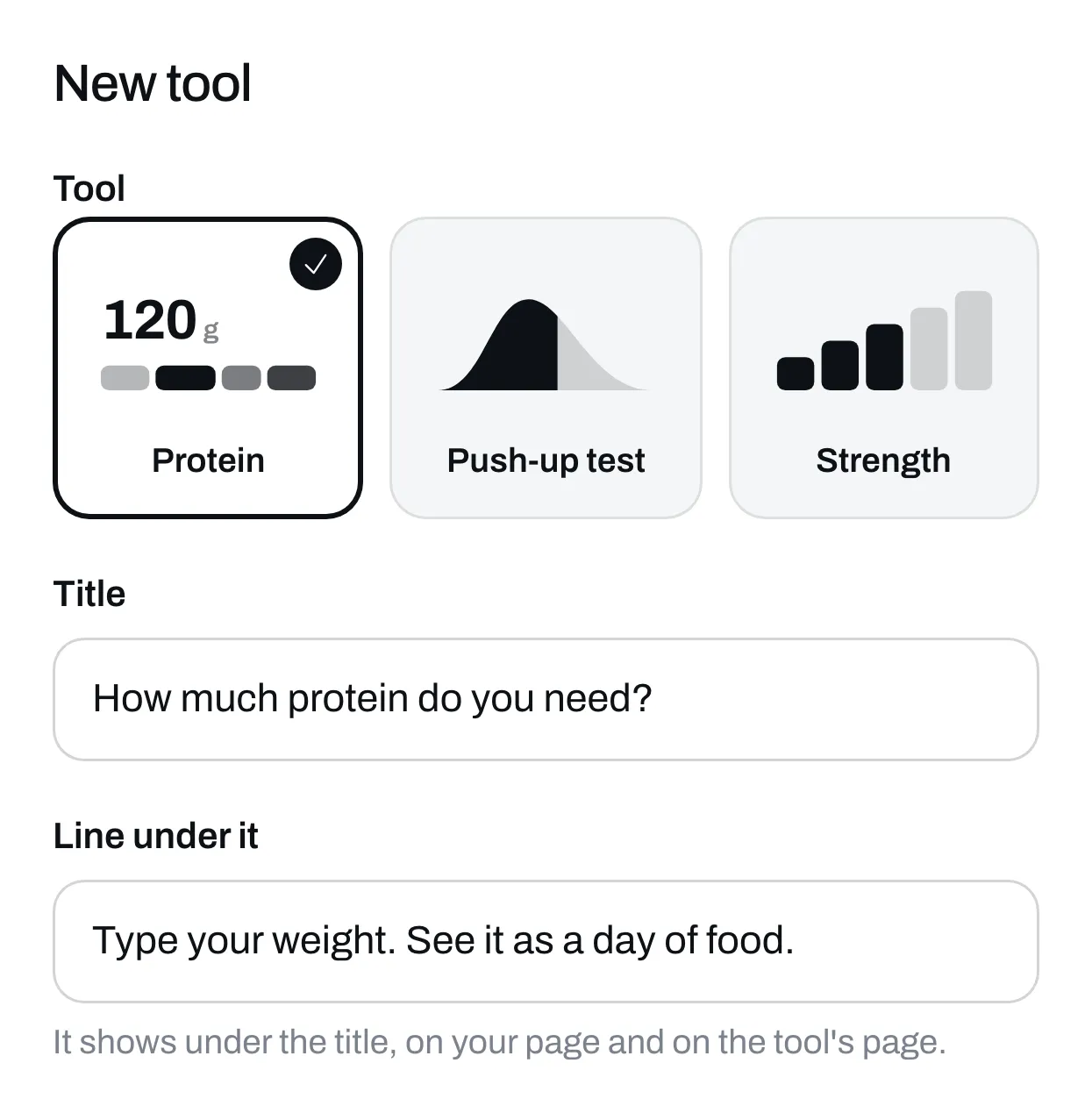
A tool stays the one you picked. To use a different one, add a new tool.
Change the title
Each tool comes with a title and a line under it. Change them if you like. Both show on your page and at the top of the tool.
Set your protein numbers
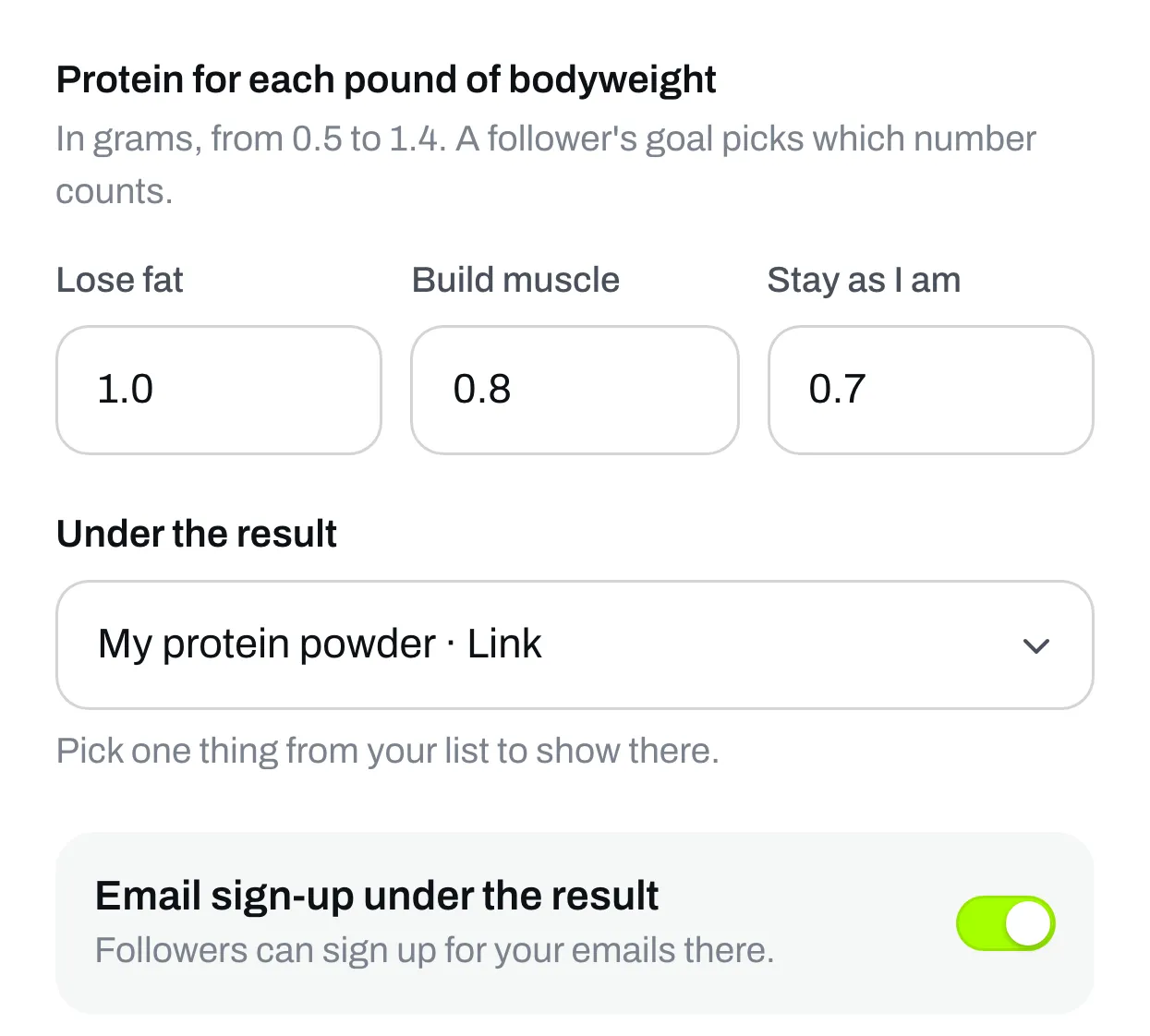
This is only on Protein. Under Protein for each pound of bodyweight there’s a number for each goal: Lose fat, Build muscle and Stay as I am. They start at 1.0, 0.8 and 0.7 grams. Type the numbers you’d give your own clients, anywhere from 0.5 to 1.4.
Bodyweight counts up to 220 lb (100 kg). Someone heavier gets the same number as someone at 220 lb, because the extra weight is mostly not muscle.
The push-up test and Strength have nothing to set.
Put something under the result
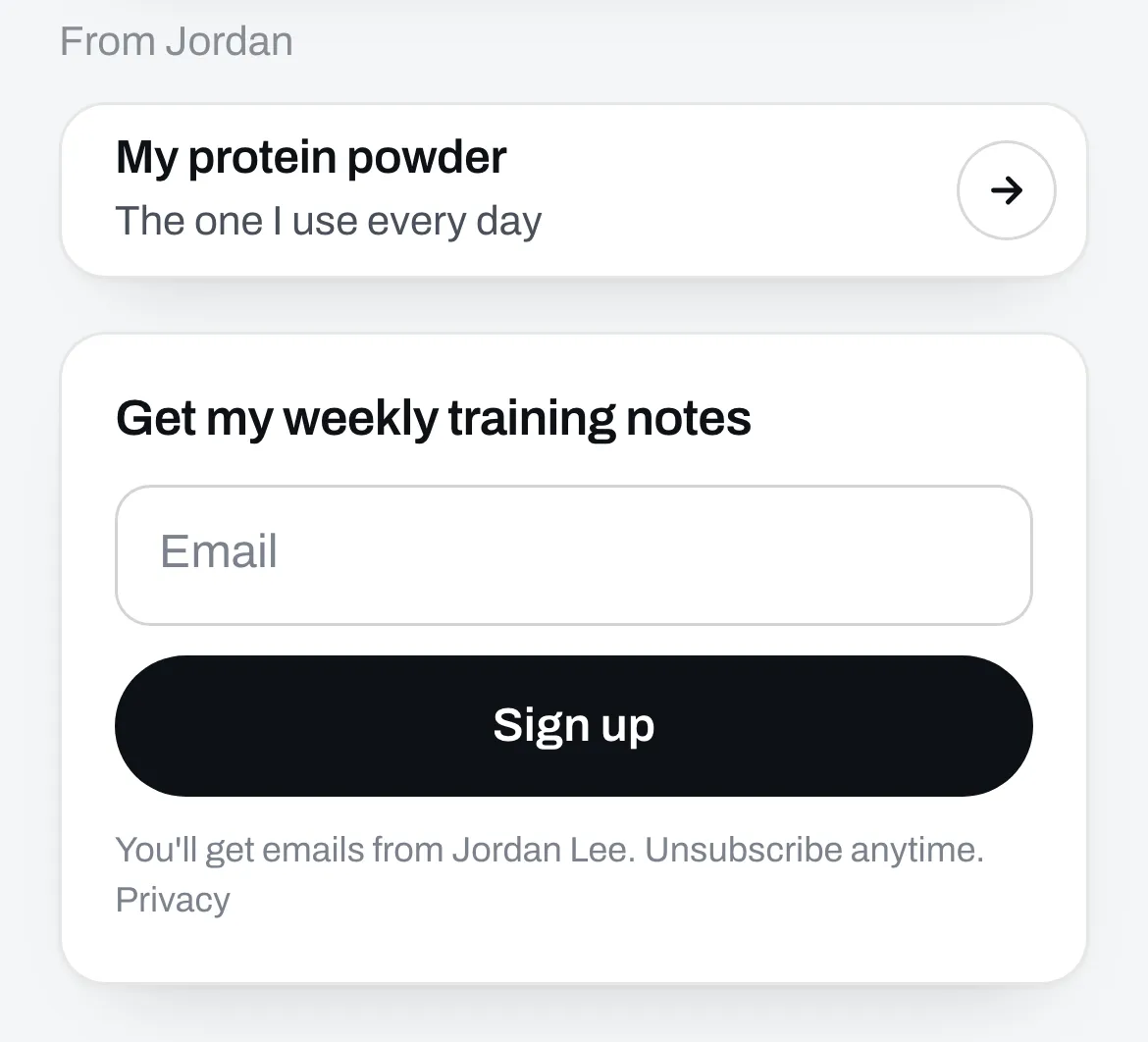
Under the result, pick one thing from your list, like a program or a link. People see it right after they get their result. If you switch that thing off or unpublish it, it stops showing under the result until it’s back.
You can also turn on Email sign-up under the result, so people can join your list there.
Save it
Click Save. The tool joins Your list and shows on your page.
When someone taps it, the tool opens. They type their numbers and the result changes as they type. On Protein they can switch between pounds and kilos, and say what they eat, so the day of food fits them.
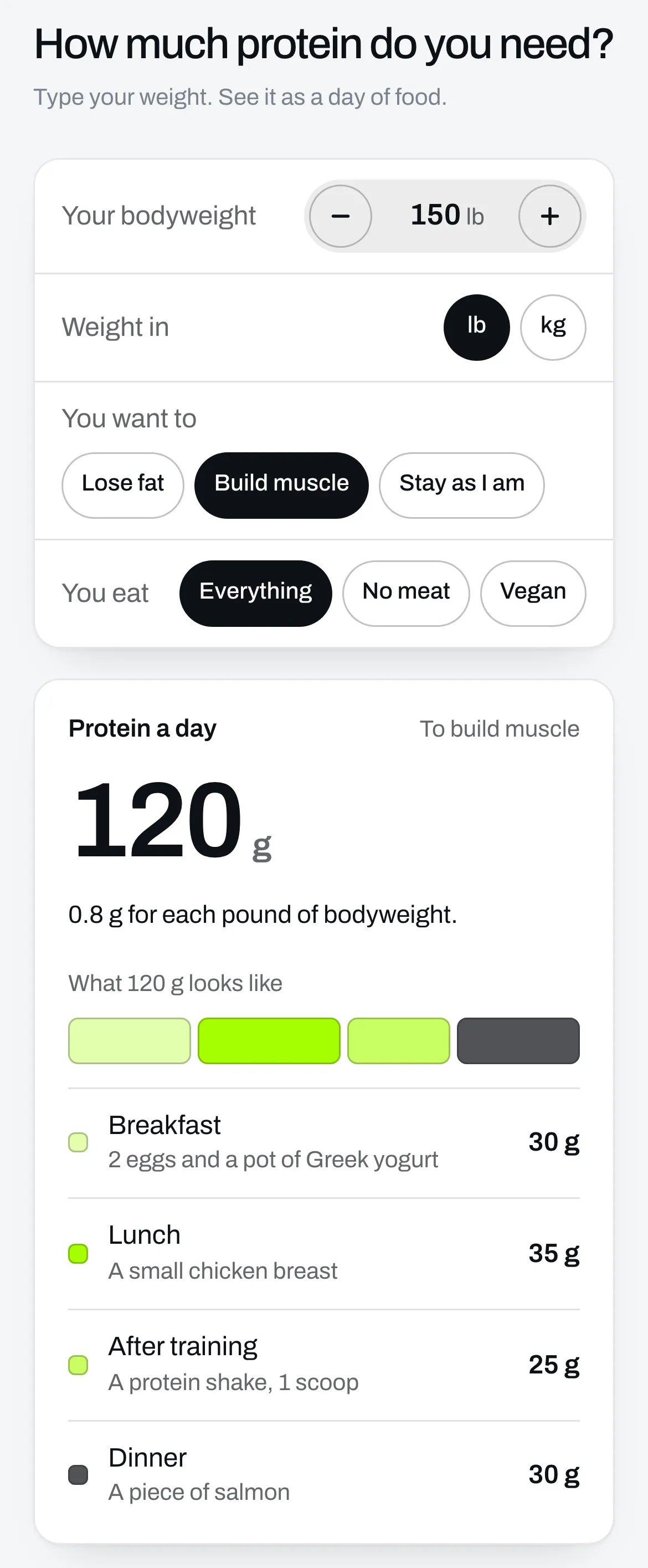
What you picked shows under their result, then the email sign-up. Everyone who signs up there shows up in Audience.
Stats shows how many times your tool was opened, how many people used it and how many clicked what’s under the result. See See how your page is doing.