
Go to Audience. Everyone who gave their email on your page is here, including your buyers.
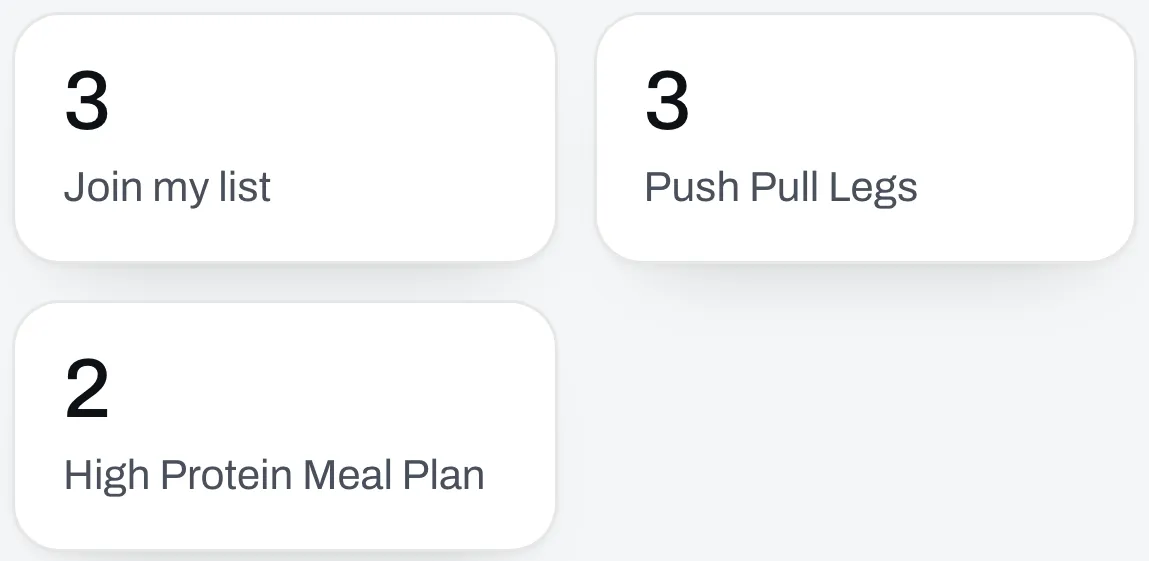
Where they signed up
The boxes at the top count how many people came from each place.
Your list
The table shows each person’s email, their name if you asked for it, where they signed up, what they bought and when. Slide it sideways to see all of it on a phone.
A Bounced tag means emails to that address aren’t getting through.
What they answered on a quiz or form
Someone who took a quiz has the result they got under Result. Click Answers on their row to read what they answered, and Hide answers to close it. A question they didn’t answer says Skipped.
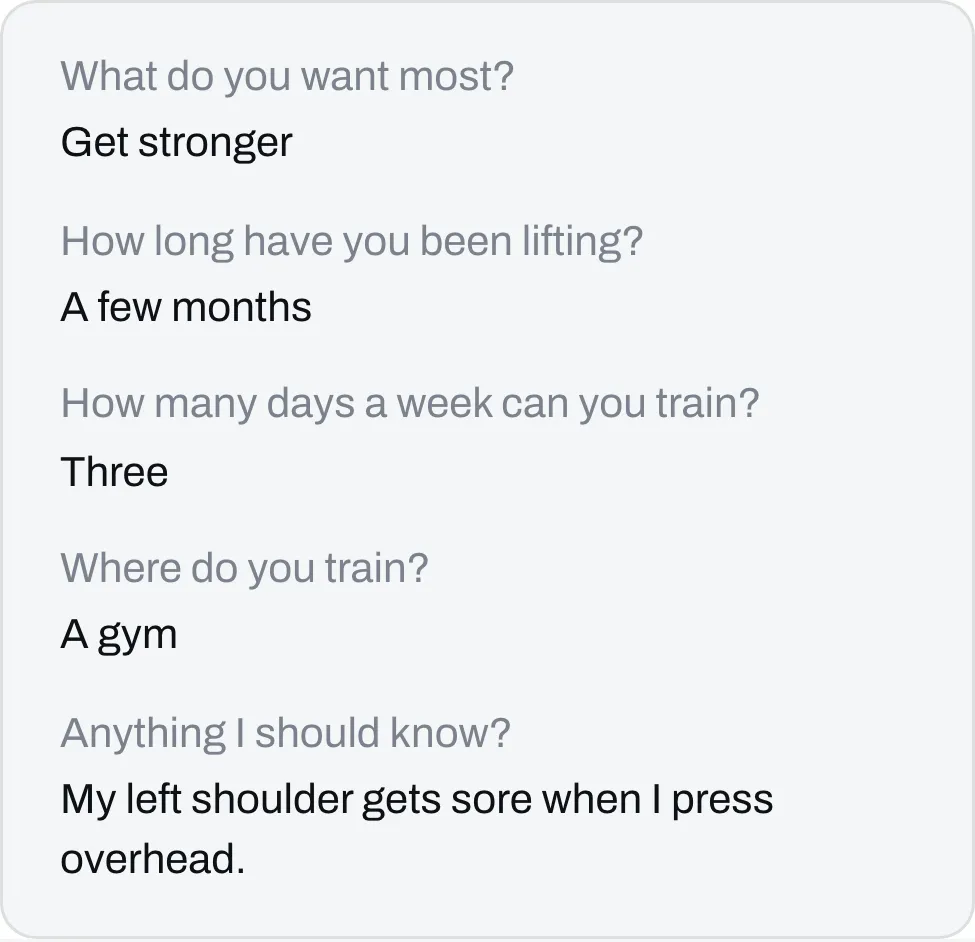
If they take it again with the same email, you see their newest result and answers.
Download it
Click Download as a spreadsheet. The list is yours, and you can take it anywhere. It has each person’s result and a column for every question.
Remove someone
Click Remove on their row. We’ll ask you to confirm first. Their answers go too.