
This is for something you’ve already got somewhere else. To set a price, you need your payouts set up first.
Things people sell this way:
- A Google Sheet that makes each buyer their own copy
- A Notion page
- A Canva template
- An unlisted video, or a video course
- An invite to a private group
Add it
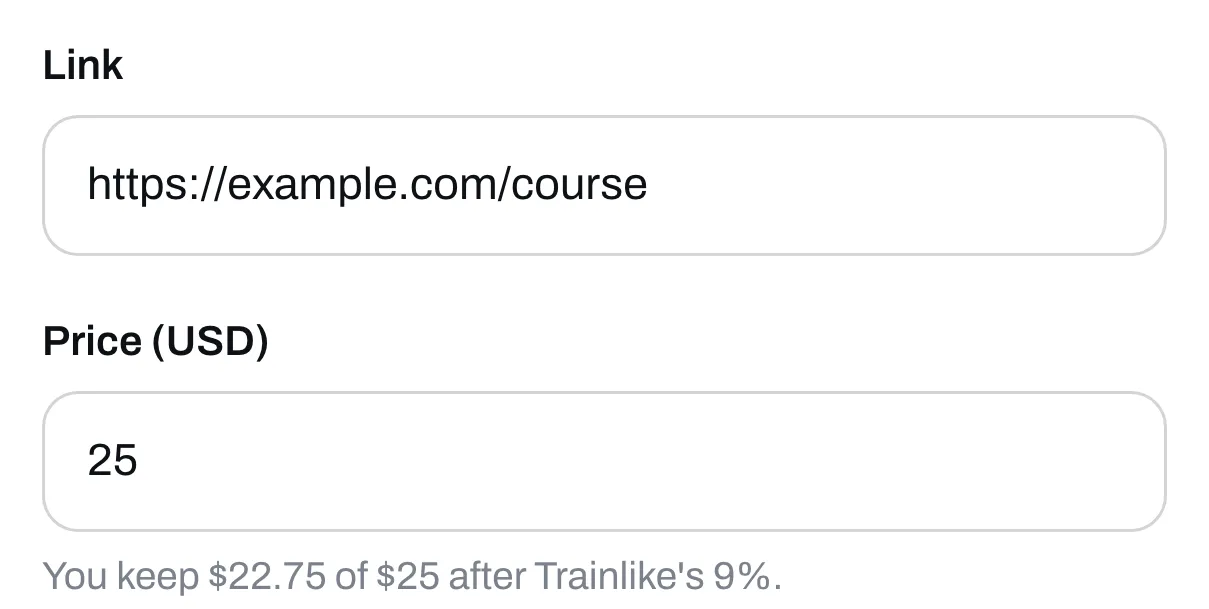
Go to Page, click Add under Your list, then click Link. Give it a title and paste the link.
Set your price
Type it in the Price box. The lowest price in US dollars is $5. Your link now gets its own page, where people read about it and buy it.
Say what they’re buying
Click Edit the page to add words and reviews. People can’t see where the link goes before they pay, so tell them what they’re getting. See Add words, pictures and reviews to an item’s page.
Save it
Click Save. Someone pays, the link opens, and we email it to them.
We only hand the link over after someone pays, but we can’t lock the place it goes to. If a buyer passes the address on, anyone can open it. For something private, use a link that asks people to sign in or join.