
To set a price, you need your payouts set up first.
Selling a workout program? You can also build it and sell it with your files. See What you can sell for the difference.
Add it
Go to Page, click Add under Your list, then click File.
Fill it in
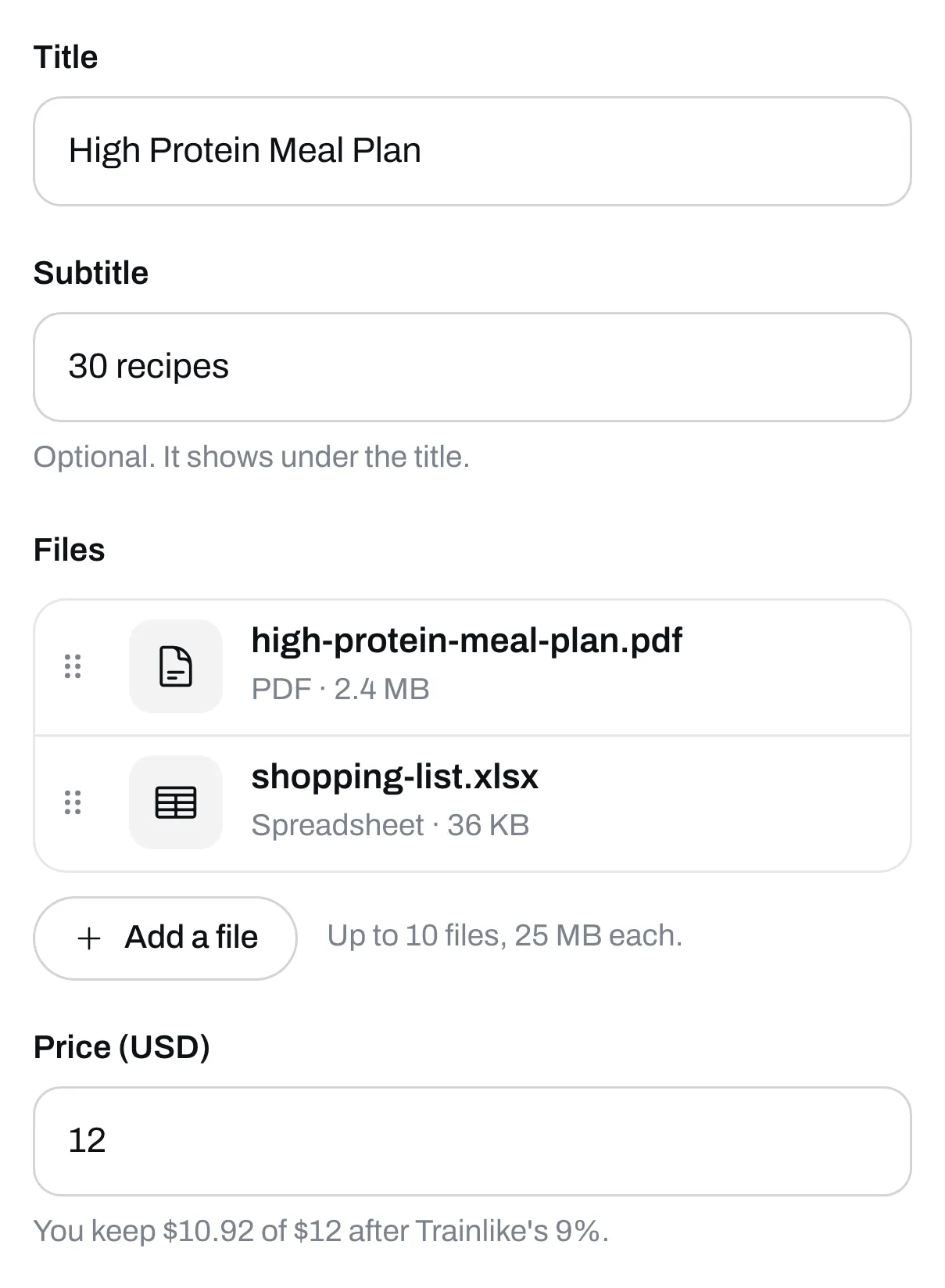
Give it a title and, if you like, a subtitle.
Add your files
Under Files, click Add a file and pick one or more files from your phone or computer. You can sell up to 10 files together. Each can be up to 25 MB.
These are the files we take:
| Ends in | On your buyer’s phone | |
|---|---|---|
| Opens | ||
| Spreadsheet | .xlsx, .xls, .csv, .numbers | Downloads |
| Document | .docx, .doc, .pages | Downloads |
| Text file | .txt | Downloads |
| Ebook | .epub | Downloads |
| Picture | .jpg, .jpeg, .png | Opens |
| Audio | .mp3, .m4a, .wav | Plays |
| Zip file | .zip | Downloads |
Click a file to change its name. That’s the name your buyer sees. If you have more than one, drag them into the order you want.
We don’t take video files. To sell a video, sell it as a link.
Set your price
Type it in the Price box. The lowest price in US dollars is $5. Leave it empty to give it away for free.
Save it
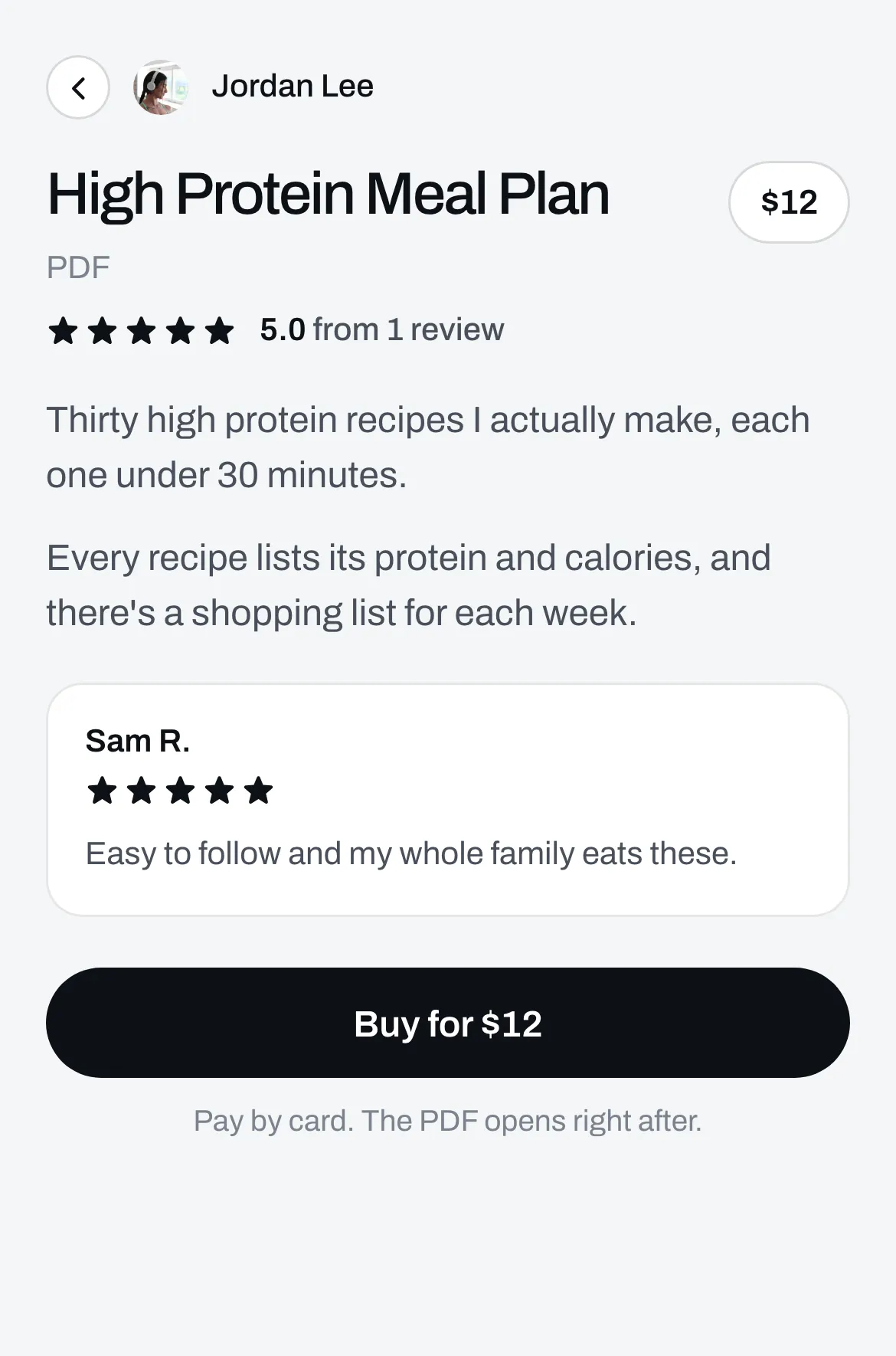
Click Save. It’s now on your page. When someone taps it, it opens its own page with a Buy button.
Say what’s in it
Click it again, then click the Page tab to add words and reviews. See Add words, pictures and reviews to an item’s page.
New buyers always get the files that are there when they buy. If you remove a file or add a new one, people who already bought keep what they got. If you put a price on a file that was free, people who already got it by email keep the files that were free. A file you add after you set the price is for buyers only.