
We use Stripe to take payments and send you your money. You fill in Stripe’s form once, right in your dashboard. What you enter goes to Stripe, not to us.
Open Sales
Go to Sales in your dashboard.
Pick your country
Pick your country under Where are you based?, then click Set up payouts.
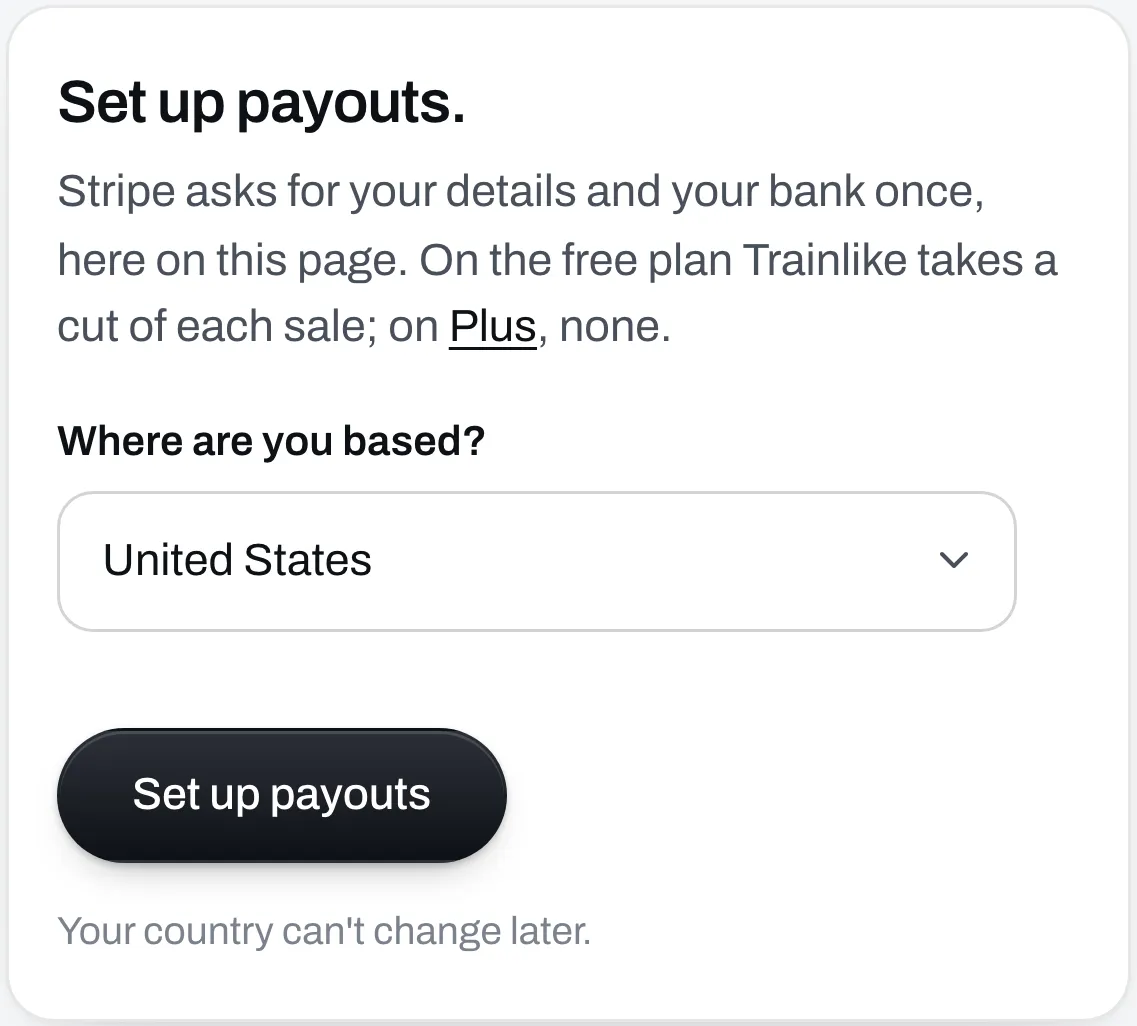
Pick carefully, because your country can’t change later. It also decides what currency your prices are in.
If your country isn’t on the list, you can’t take payments yet. Free files, programs and links still work.
Fill in Stripe’s form
Click Add information. Stripe opens a small window and sends a code to your phone to check it’s you.
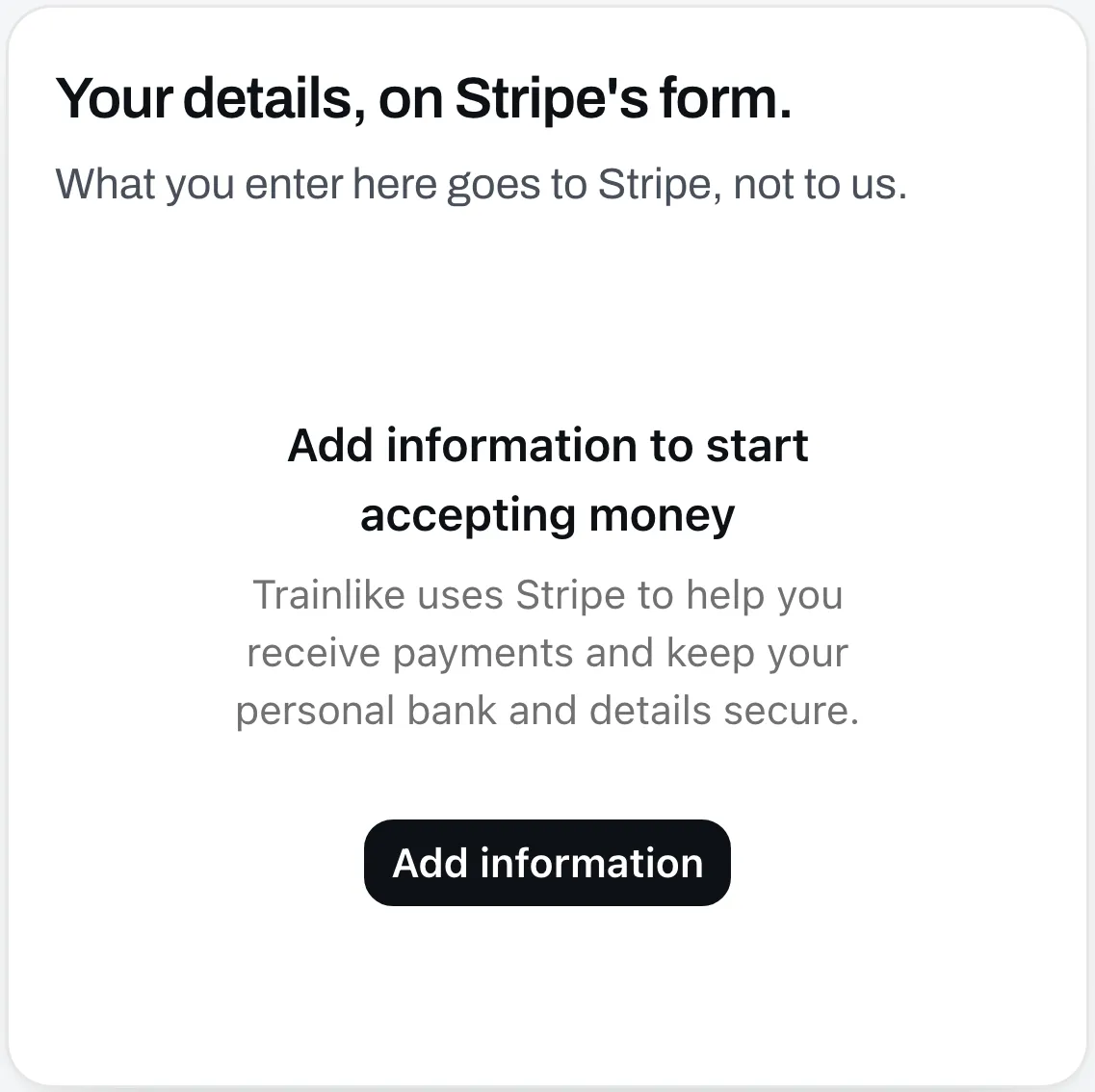
Then Stripe asks for:
- your name, date of birth and home address
- the last 4 digits of your Social Security number, if you’re in the US
- what you sell and your website
- the bank account your money goes to
It asks for different things in different countries. If it asks for a website, use your page’s address.
Wait for Stripe to check
When you finish, Sales says “Stripe is checking your details.” It usually takes a few minutes.
Then it says “You can take payments.” If it says “Stripe needs something from you” instead, answer what it asks right there on Sales.
Set your first price
A Price box now shows when you add or edit a file, a program, a call or a link on Page. The lowest price in US dollars is $5.
See Sell a program or Sell a file.
Your first payout usually takes 7 to 14 days. After that, Stripe pays into your bank on its regular schedule. You can see your balance and your next payout on Sales.