
Everything here is on Sales.
Your totals
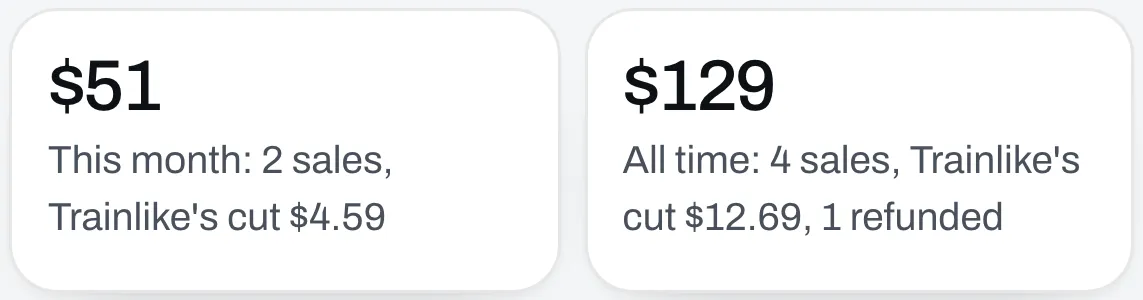
The top shows what you’ve sold this month and all time, with how many sales, Trainlike’s cut and any refunds.
What sold
This lists everything with a price, with how many you’ve sold and for how much.
Orders
This lists each sale, newest first, with the date, the item, the buyer’s email, the amount and its status. Slide the table sideways to see all of it on a phone.
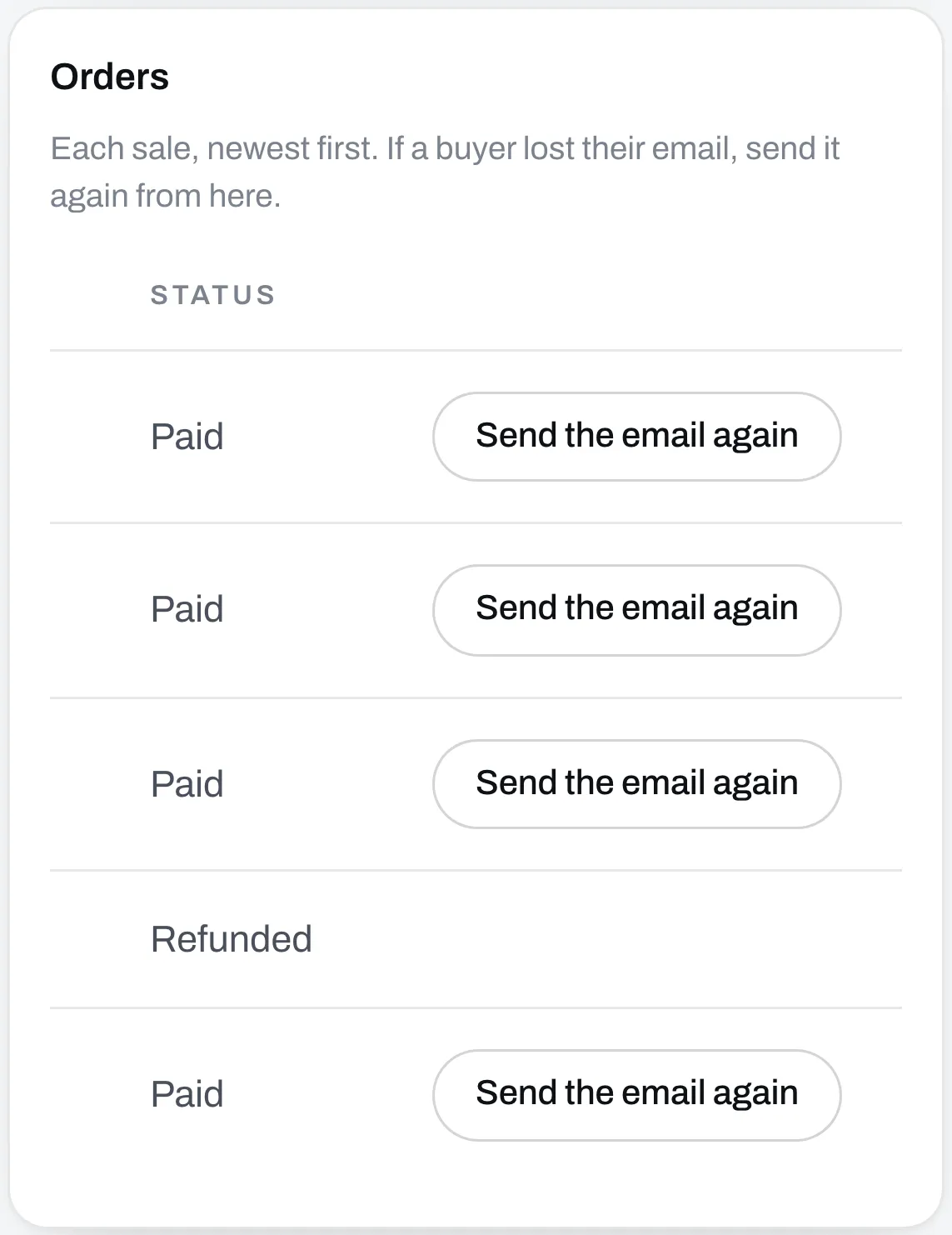
The status tells you where a sale stands:
- Paid means it went through. If you refunded part of it, it says how much.
- Refunded means your buyer got all their money back.
- Disputed means your buyer asked their bank to reverse the payment. Answer it under Your payments, on Stripe.
- Dispute lost means the bank sided with your buyer.
Resend a buyer’s email
If a buyer lost their email, click Send the email again on their sale. It goes to the email address they used when they paid.
Your payments and payouts
Further down, Your payments, on Stripe lists every payment. That’s where you refund a buyer and answer disputes.
Under that you’ll see your balance and your next payout. Payouts go to your bank on Stripe’s schedule. If Stripe needs something from you, it shows at the top of the page.