
A skill is your plan, written for an AI assistant. Your customer adds it to Claude, ChatGPT or Gemini, and their assistant helps them follow your plan. If you haven’t made one yet, start with Make a skill.
To set a price, you need your payouts set up first.
Get it ready
A skill can go on your page once it’s ready. It’s ready when you’ve answered or skipped every question under What your plan doesn’t say and clicked Save. Its screen then says Ready to sell.
Add it
Go to Page, click Add under Your list, then click Skill.
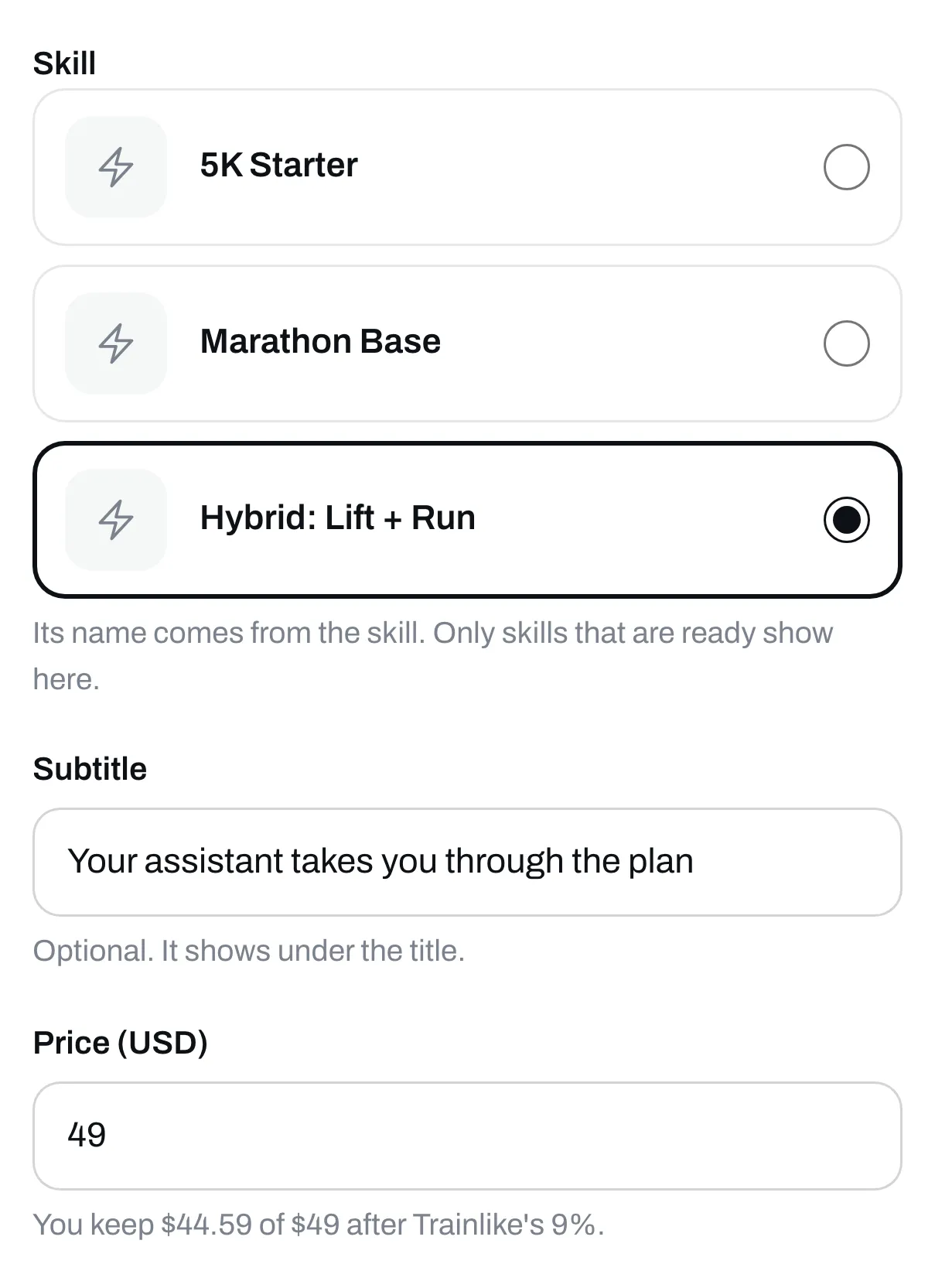
Click the skill you want to sell. Only skills that are ready show here. If it says No skill is ready yet, go to Skills and finish one.
Fill it in
Add a subtitle if you like. You don’t type a title. Its name comes from the skill. To change it, change the name on the skill’s own screen and save.
Set your price
Type it in the Price box. The lowest price in US dollars is $5. Leave it empty to give it away for free.
Save it
Click Save. We check every skill before buyers get it. While we do, its row says Checking, about a minute. When it passes, it goes on your page by itself.
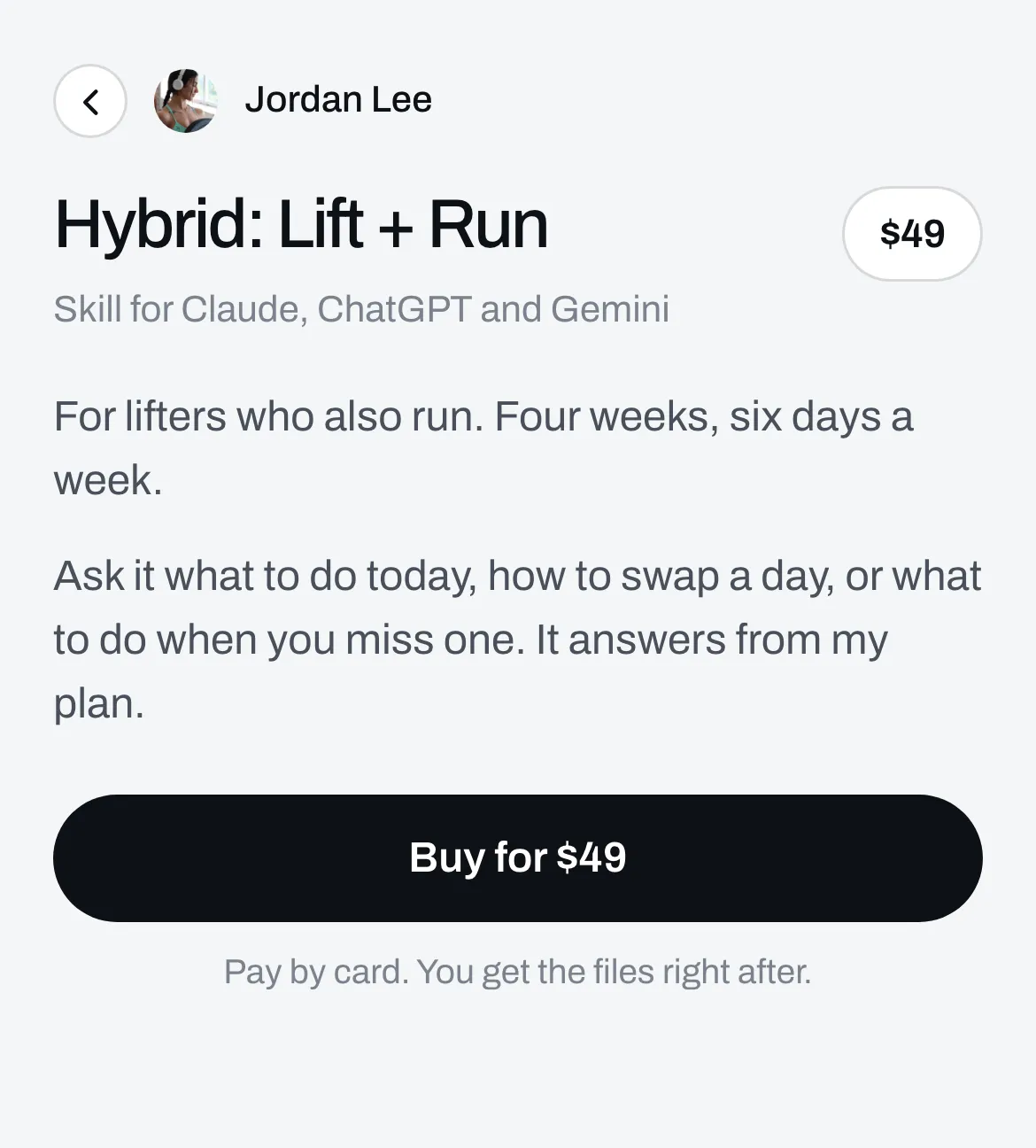
When someone taps it, it opens its own page with a Buy button. Under its name the page says Skill for Claude, ChatGPT and Gemini.
Say what’s in it
Click it again, then click the Page tab to add words and reviews. See Add words, pictures and reviews to an item’s page.
What your buyer gets
They get three files. Start here is a PDF that shows how to add the skill to Claude, ChatGPT or Gemini. The zip file is the skill for Claude and Gemini. The text file is the skill for ChatGPT. See What your buyer gets after they pay.
If you change the skill later
Open it from Skills, or click Open the skill on its row on Page.
When you save a skill that’s on your page and no question is waiting, we check your changes. About a minute after you click Save, new buyers get the new one. Until then they get the skill as it was. People who already bought keep the files they got.
If a question is waiting, buyers keep getting the skill as it was the last time it was ready. Answer or skip the question and save, and they get the new one.
Only saving changes what buyers get. Test again and Update the skill save what you’ve changed first.
After Update the skill, buyers keep getting the skill from before until you’ve looked at what came back and clicked Save. The skill’s screen says Save to put this one on your page.
Each skill has its own About you. If you change it on one skill’s screen and save, only that skill changes.