
You need two things first: your payouts set up and your program published.
Open the program
Go to Page and click the program in Your list.
Set your price
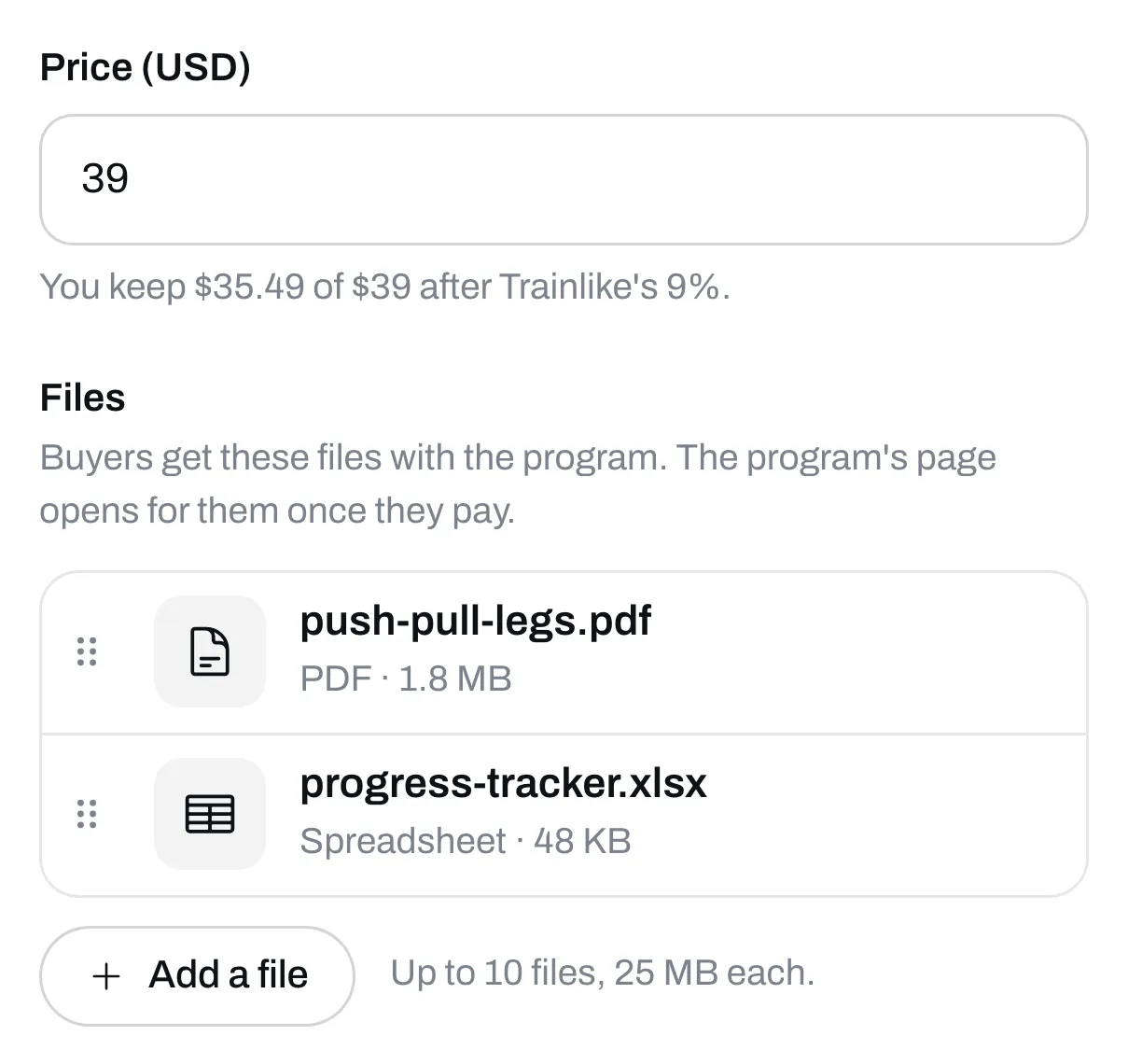
Type it in the Price box. The lowest price in US dollars is $5. The line under the box shows what’s left after Trainlike’s cut, and Stripe’s fee comes out of that too.
Attach your files
Under Files, click Add a file and pick your PDF. You can add other files too, like a spreadsheet to track progress, up to 10 in all. Each can be up to 25 MB. A program with a price has to have at least one file, and buyers get them along with the program.
Save it
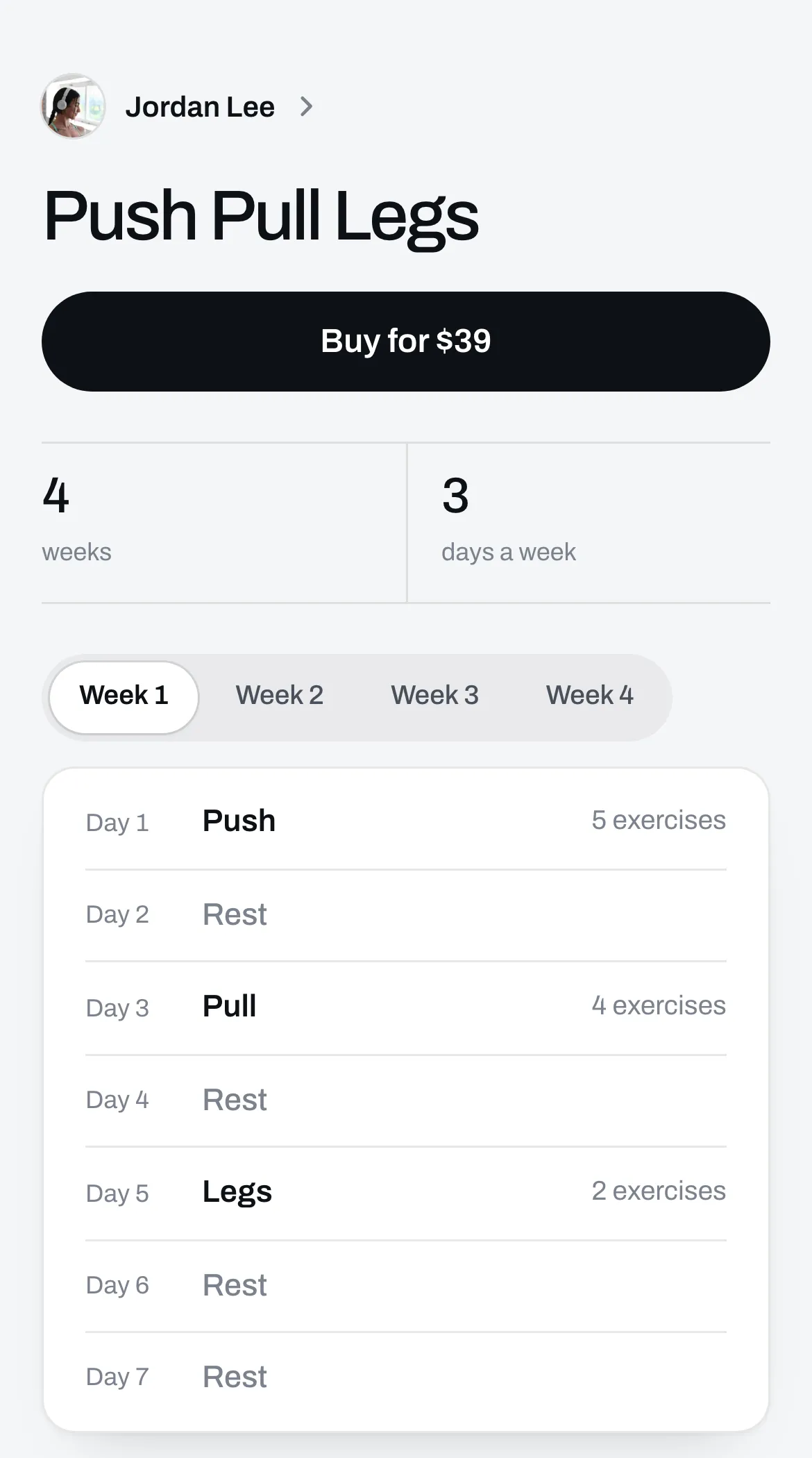
Click Save. Your program’s page now has a Buy button. Before they pay, people can see your weeks and days. After they pay, each day opens.
Say what’s in it
Add words and reviews on the Page tab of the same box, so people know what they’re buying. See Add words, pictures and reviews to an item’s page.
To see what happens after someone pays, see What your buyer gets after they pay.