
To set a price, you need your payouts set up first. A free call doesn’t need them.
Add it
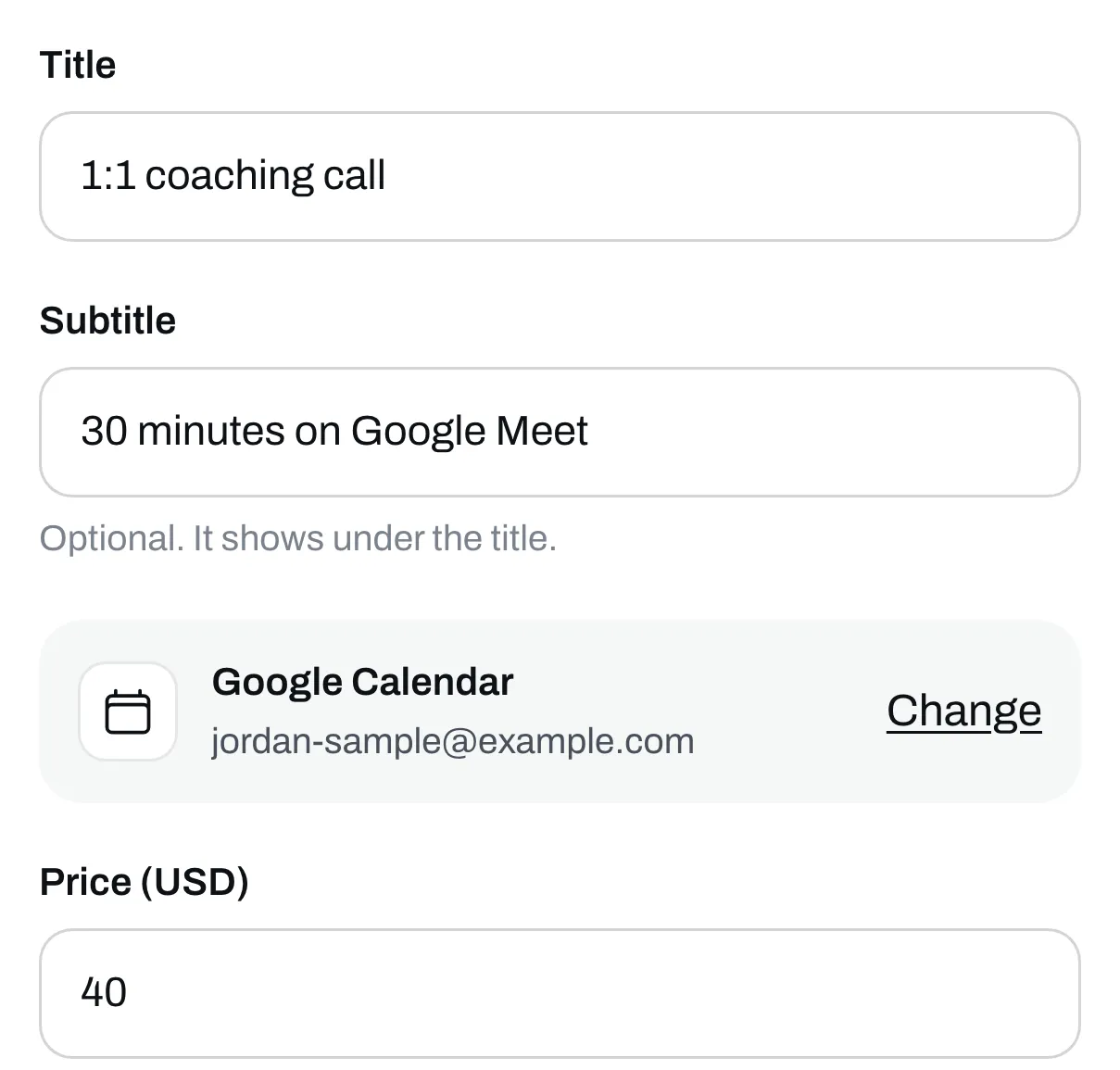
Go to Page, click Add under Your list, then click Call.
Connect your Google Calendar
Click Connect Google Calendar, pick your account on Google’s screen and come back. You only do this once. People only see times you’re free, and each call gets a Google Meet link.
Name it and set your price
Give it a title and, if you like, a subtitle. Type your price, or leave it empty for a free call.
Pick when you take calls
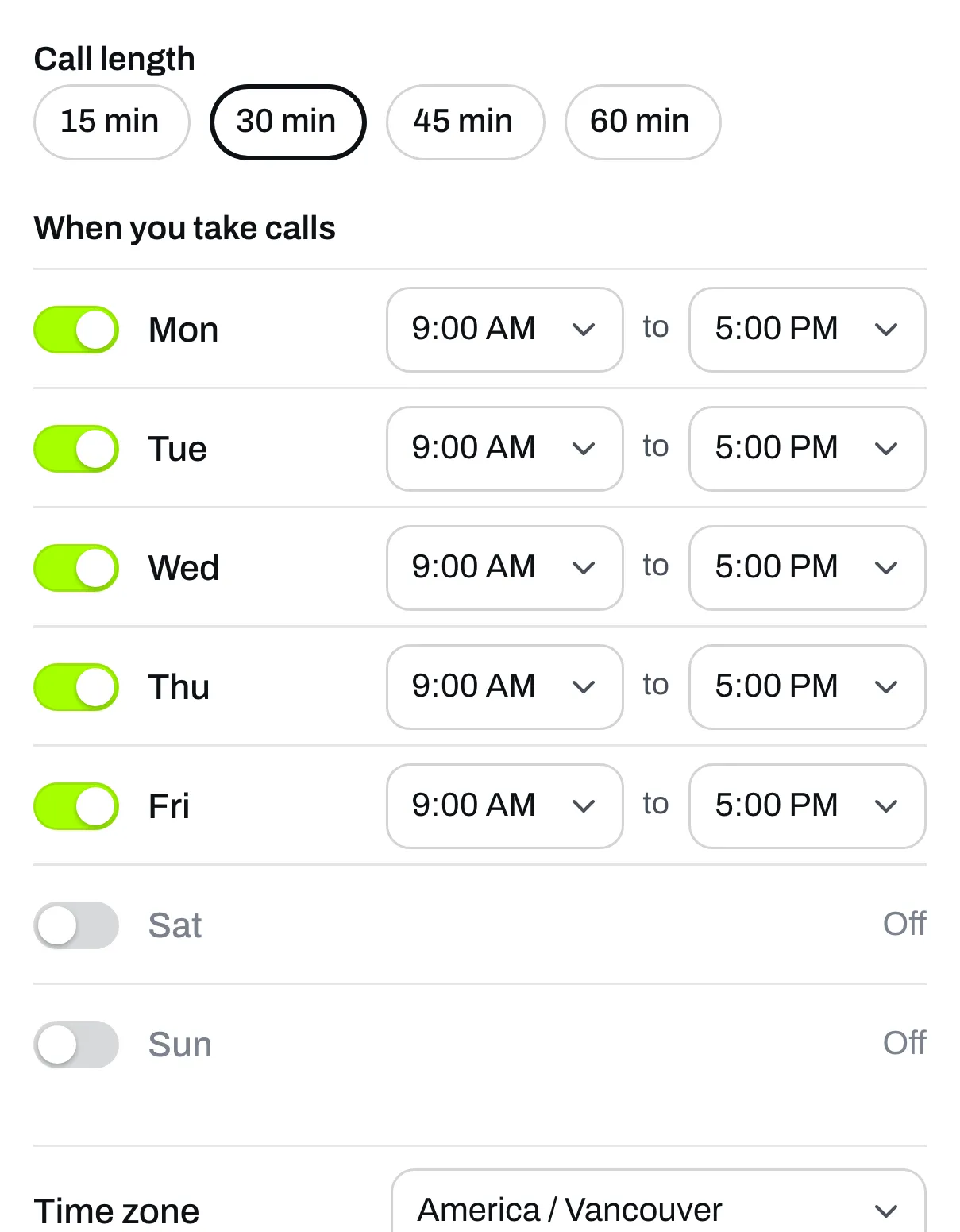
Pick how long a call is: 15, 30, 45 or 60 minutes. Then tick the days you take calls and set your hours for each one.
Check these three as well:
- Time between calls gives you a break between one call and the next.
- How far ahead is how far into the future people can book.
- Shortest notice stops people booking a call that’s about to start.
Save it
Click Save. The call is now on your page, and its button says Pick a time.
What happens when someone books
They pick a day and a time and pay. We hold that time for them while they pay. They get an email with the details, and Google sends them an invite with the Meet link. You get an email saying who booked, and the call goes on a Trainlike bookings calendar in your Google Calendar.
If Google ever disconnects your calendar, Overview and the call’s box tell you. Until you connect it again, the call doesn’t show on your page.