
Start a new program
Go to Programs, click New program, then click Start from scratch.
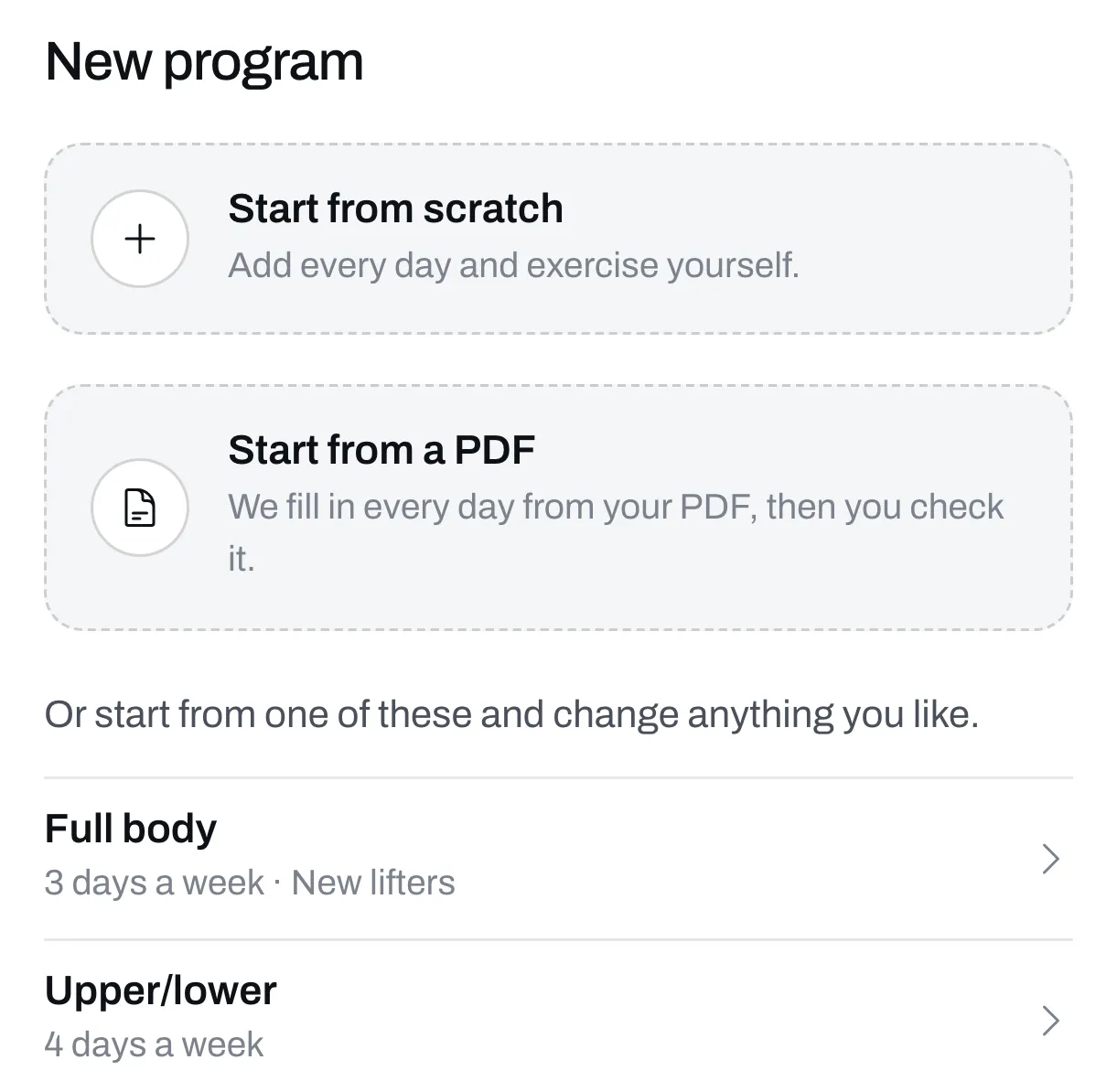
If your program is already in a PDF, Start from a PDF fills in the days for you. You can also start from a ready-made program and change it.
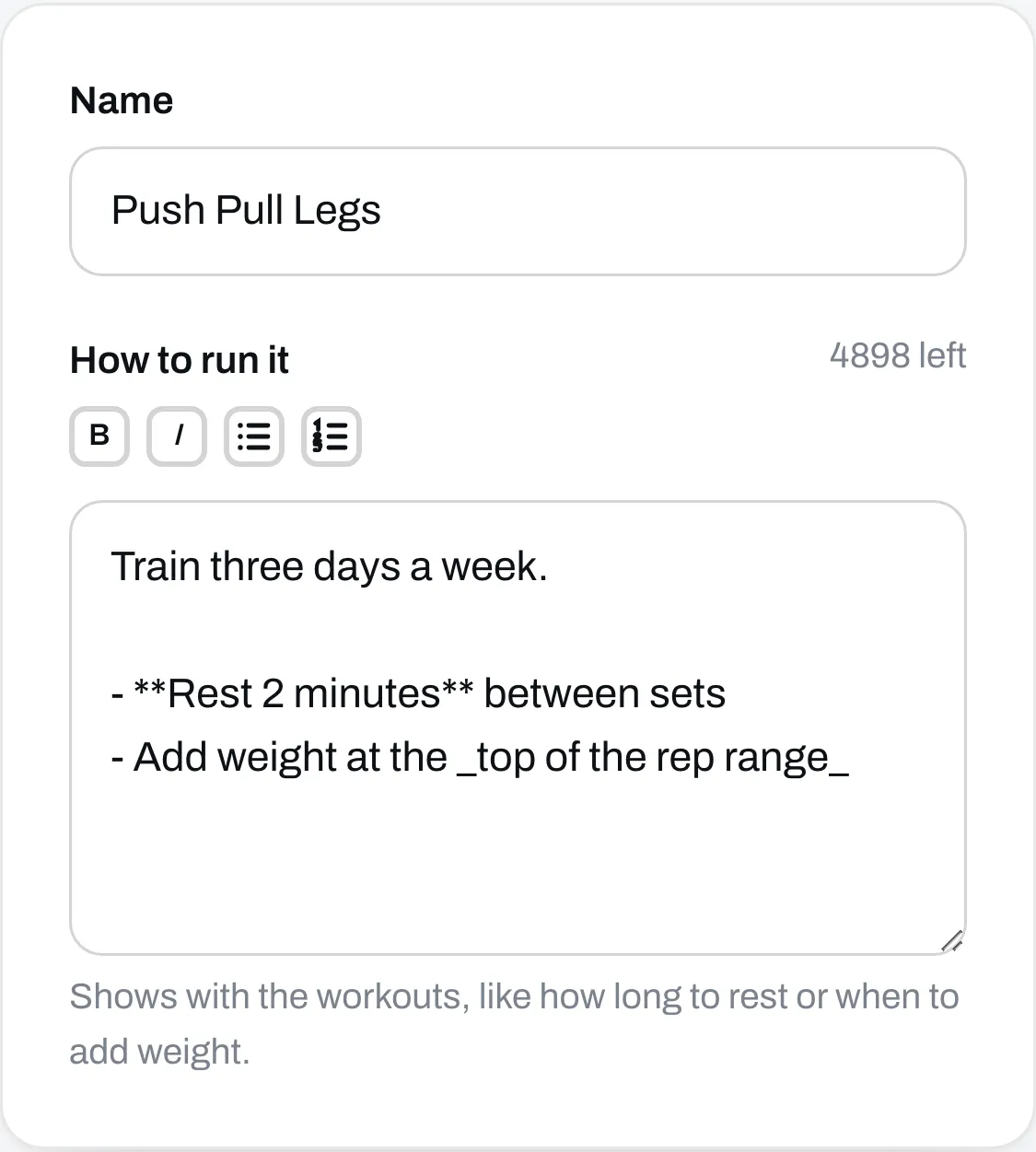
Name it
On the Details tab, type your program’s name. Under How to run it, tell people how to run it, like how long to rest or when to add weight.
Everything saves by itself as you go, and nobody can see it until you publish.
Add your routines
A routine is one workout, like Push or Legs. Your program starts with one called Routine 1. Click its tab and type a new name over it.
Click Add routine for the next one. On a phone, that’s the + button.
Add exercises
In a routine, type in the Add an exercise box and click the exercise you want.
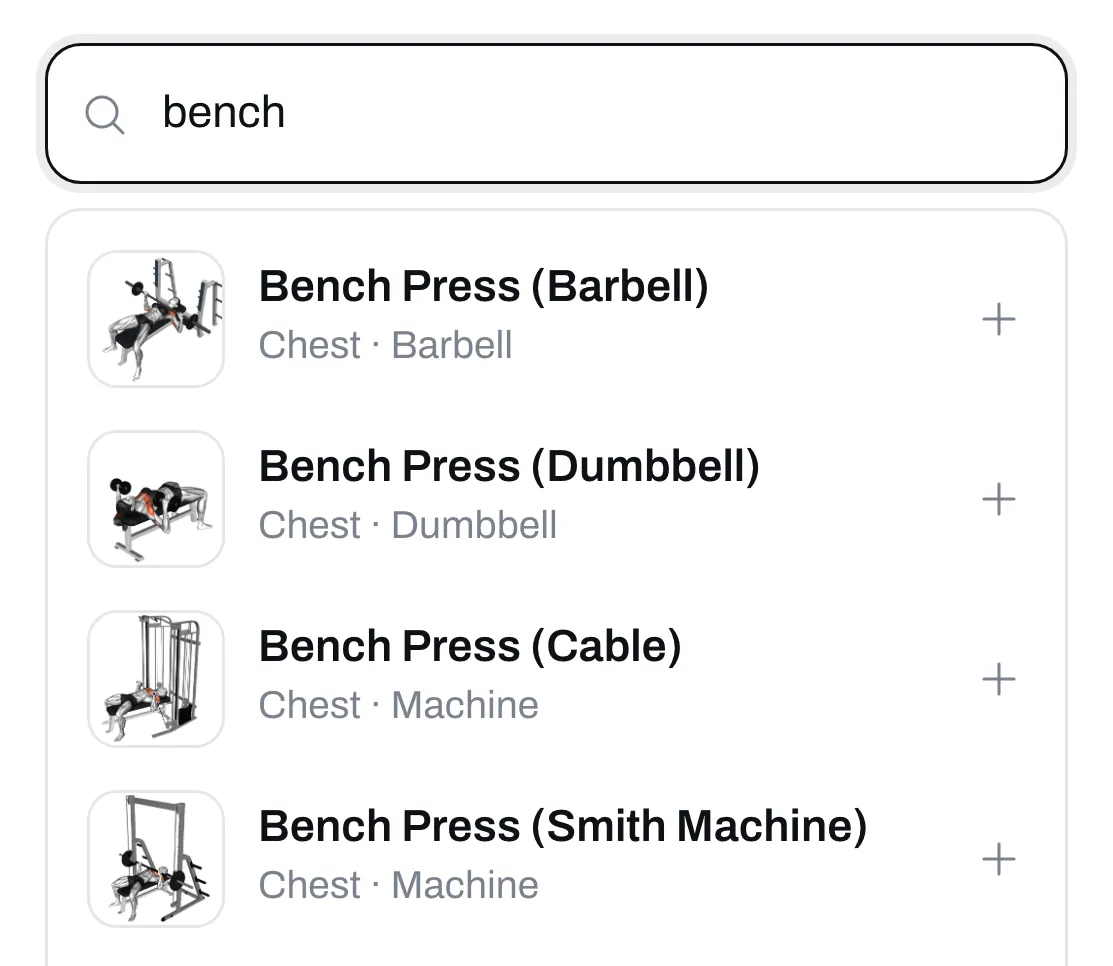
If it’s not on our list, click Create at the bottom of the list to add your own.
Set the sets and reps
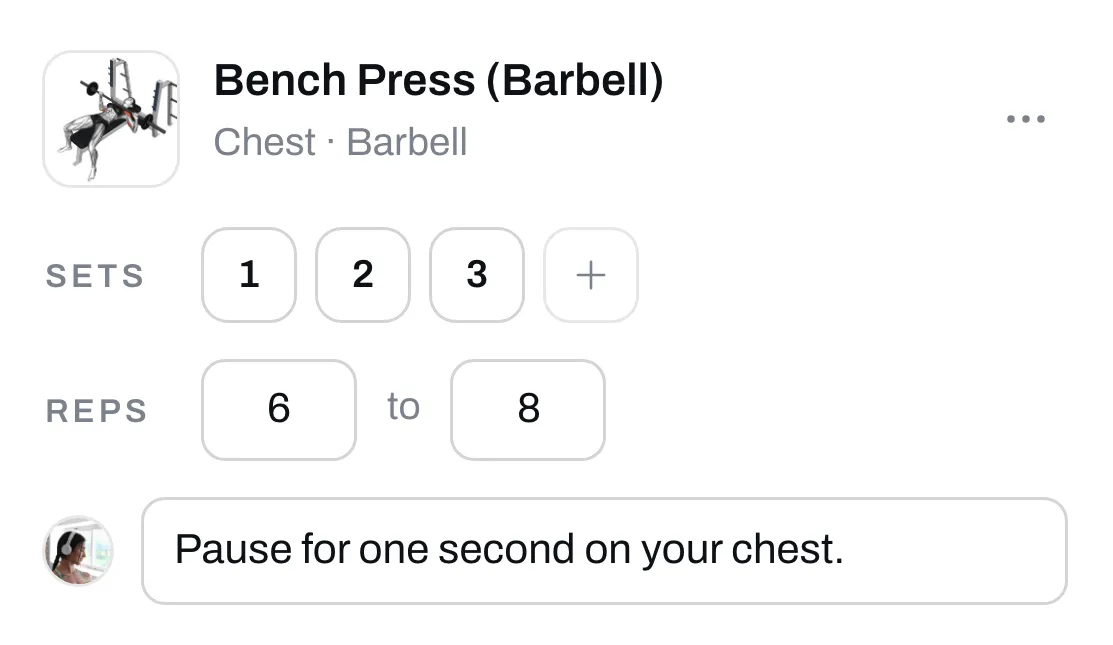
Each exercise starts with 3 sets. Click + to add a set. Click a set’s number to make it a warm-up, an AMRAP set or a drop set. Type the reps, like 6 to 8.
Click Add a note to tell people something about that exercise. It shows under the exercise on your program’s page.
For supersets and the rest, see Add exercises, sets, reps and supersets.
Put your routines on a schedule
Click Schedule, then Add week. Pick a routine for each day. A day with none is a rest day. Click Copy to repeat a week.
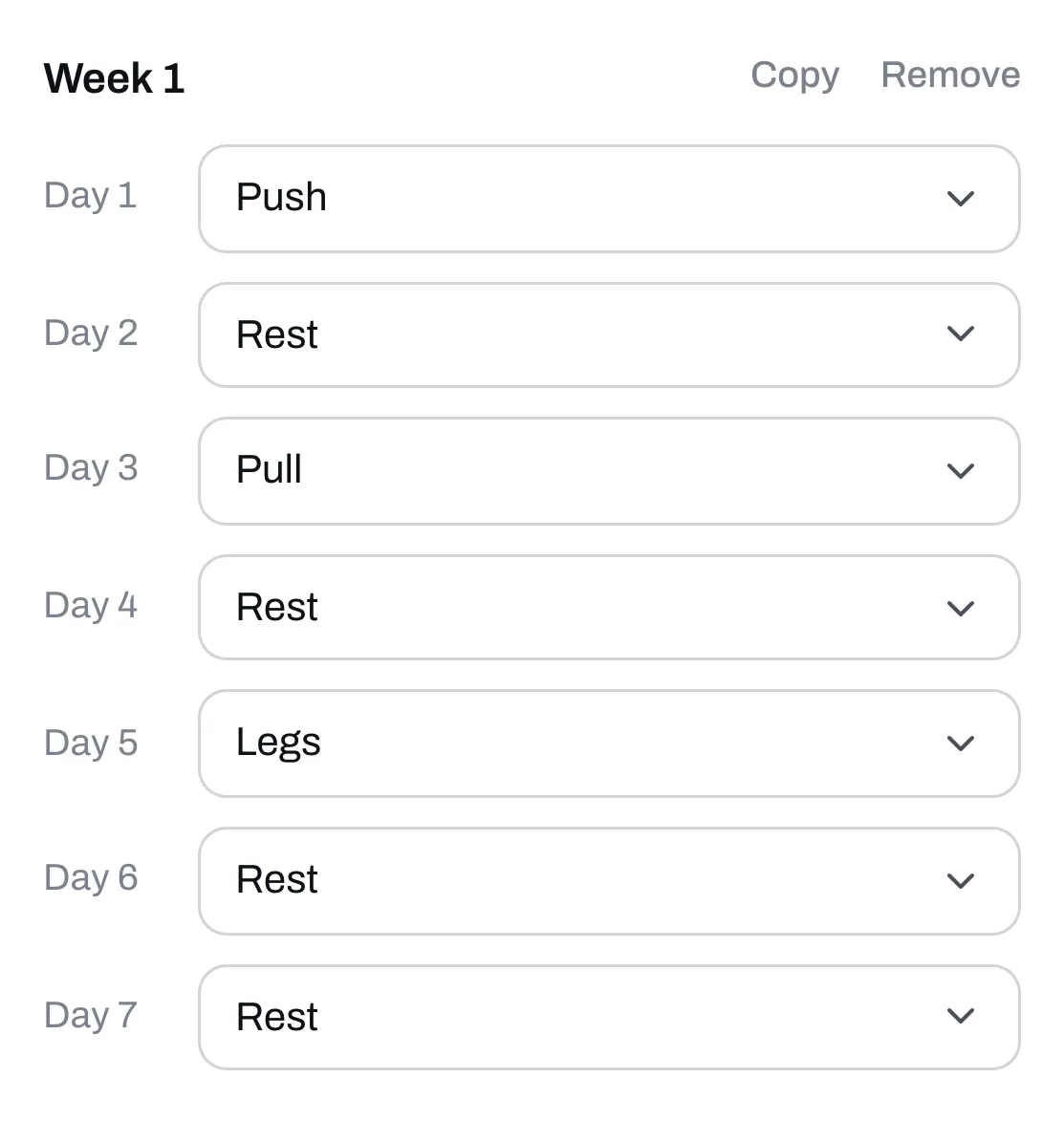
You can skip the schedule, and people will see your routines as a plain list. If you do use it, every routine has to be on a day before you can publish.
Check it and publish
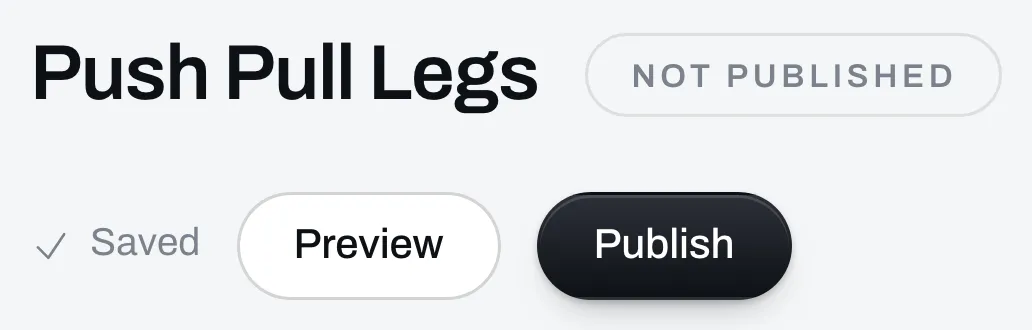
Click Preview to see your program the way people will. It opens in a new tab.
When it looks right, click Publish. If something’s missing, like a routine with no exercises, we’ll tell you what to fix.
Find it on your page
Your program now shows in Your list on Page. If your page is still hidden, make it live so people can see it.
It’s free until you set a price. To charge for it, set a price and attach your files.
Changed something after you published? Your changes save, but people don’t see them until you click Publish changes.