
Find the switch
Go to Page. The switch under your address says Hidden.
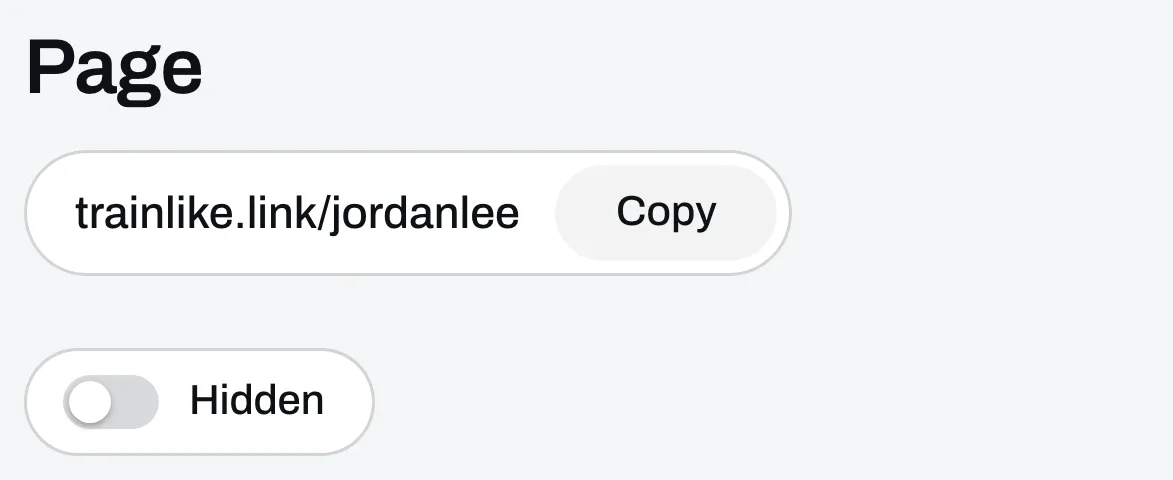
Click it
The switch now says Live, and anyone with your address can open your page.
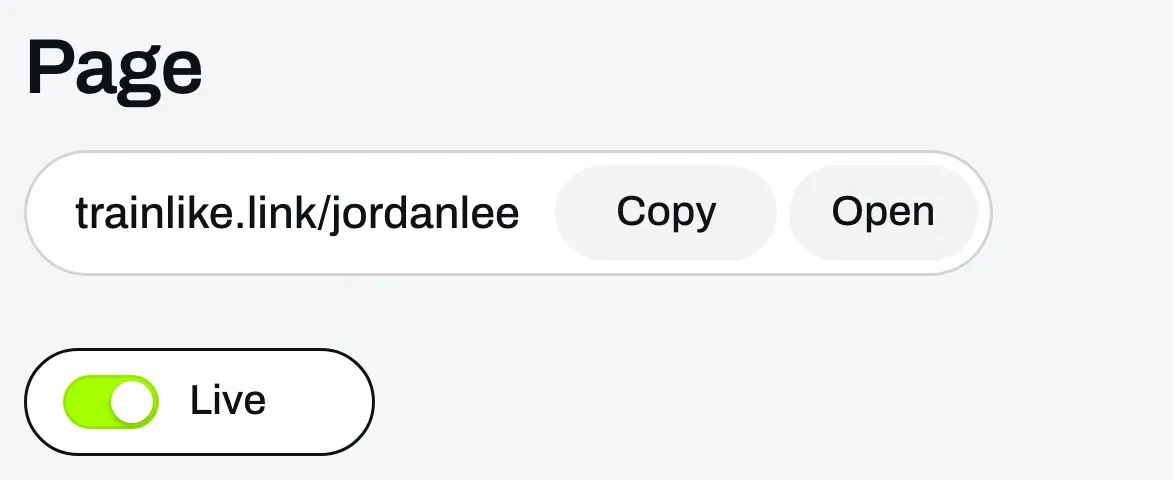
Click Open to see your page the way everyone else does.
Hide it again if you need to
Click the switch again. We’ll ask you to confirm first.
While your page is hidden, anyone who goes to your address gets a page not found message. Your files, calls and links are hidden with it. The links to your programs keep working, so anyone you’ve already sent one to can still open it. People who already bought from you can still open their order page and what they bought.