
Sign up
Go to the sign-up page, type your email and click Send me a code. We email you a code and a link. Type the code or tap the link. Both work for 15 minutes.
Pick your name and address
Type your name, then the address you want. Your page will be at trainlike.link/ followed by that address. It can use lowercase letters, numbers and single hyphens, and it has to be 2 to 30 characters long.
Who sent you? is optional, so skip it if nobody did. Tick the box to agree to the terms, then click Make my page.
Your page stays hidden until you make it live, so take your time.
Follow the steps on your page
Your Page now shows you what’s left to do. Click a step to go to it.
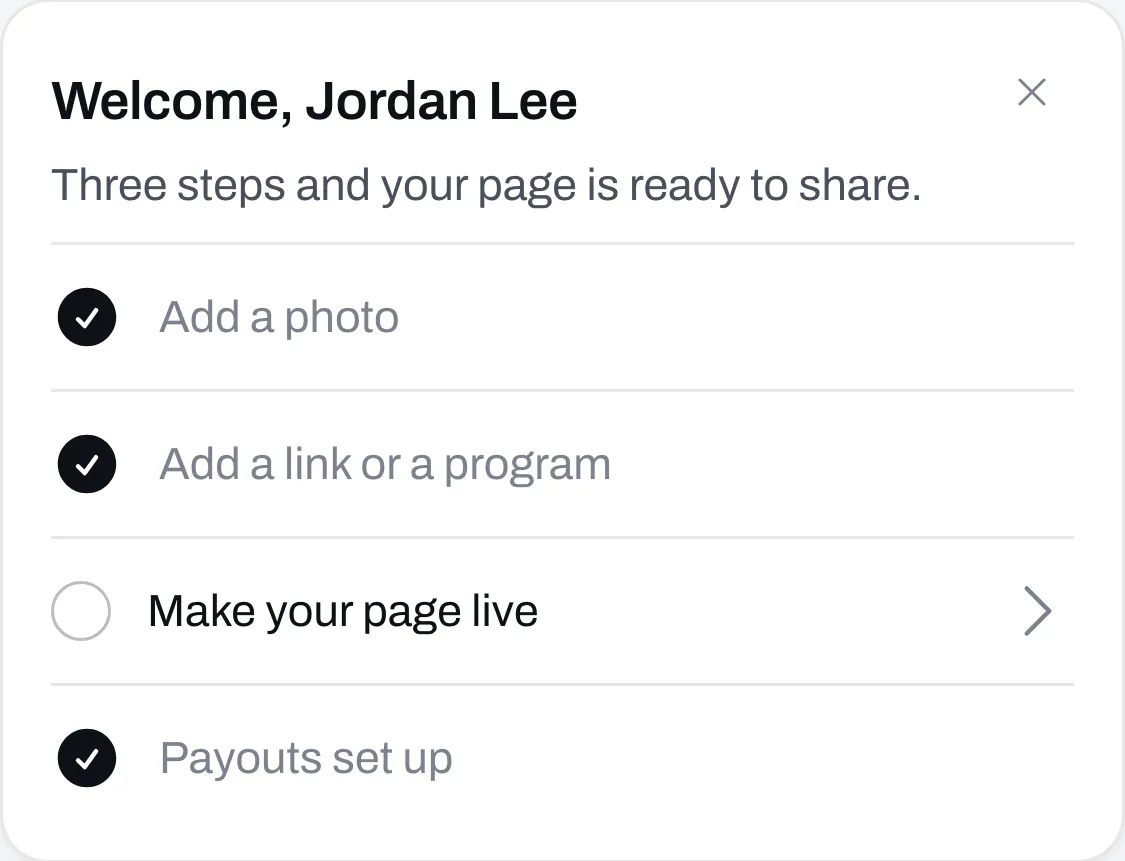
If you want to sell something, you also need to set up your payouts. Not sure what to sell? See What you can sell.
Share it
Once your page is live, put your link in your bio.