
The schedule is what turns your routines into weeks. It’s optional. Without one, people see your routines as a plain list.
Add a week
Open your program, click the Schedule tab, then click Add week.
Pick a routine for each day
Each day has a box. Pick a routine, or leave it on Rest. The same routine can go on as many days as you like.
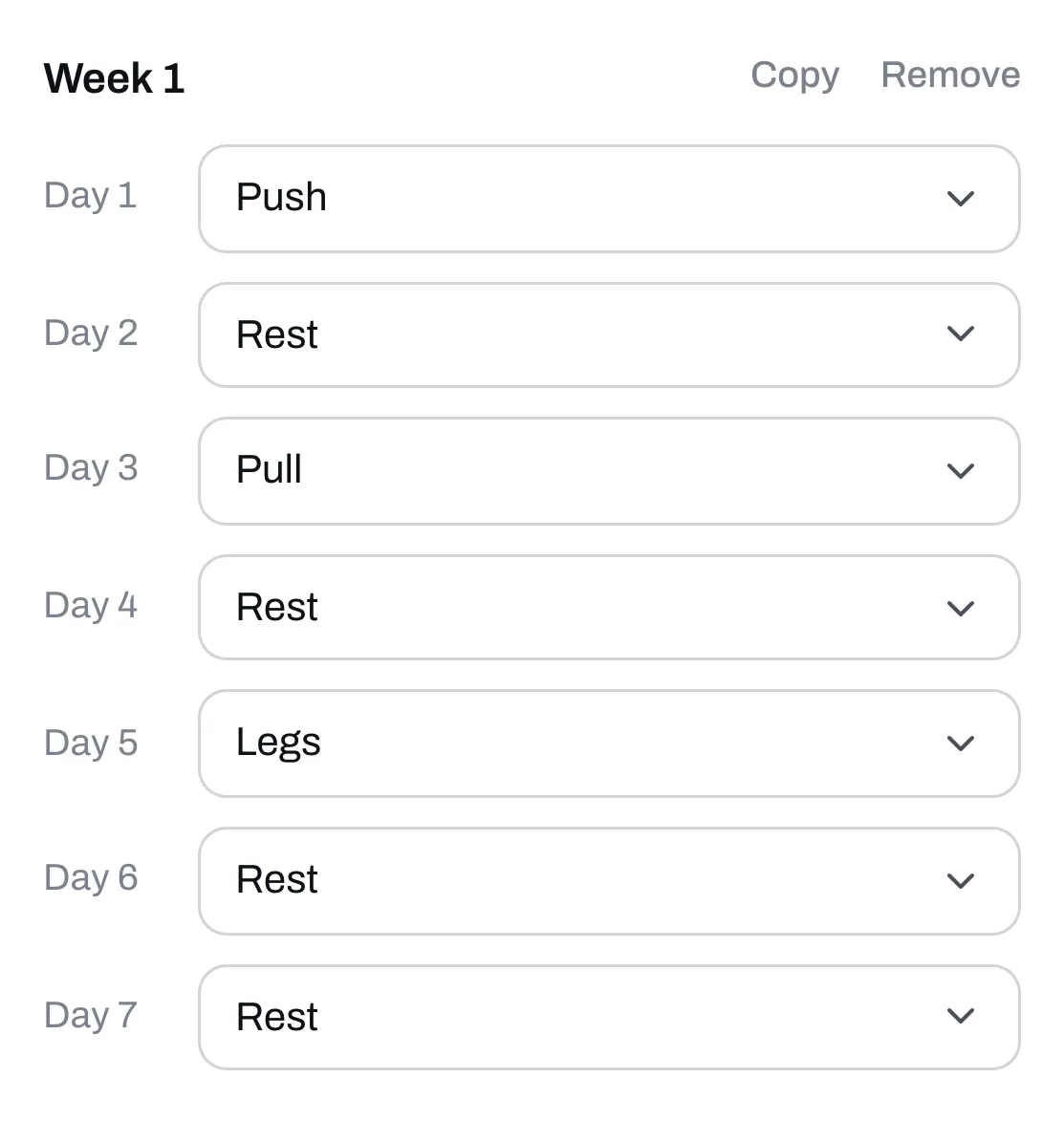
Copy the week
Click Copy on a week to add another one just like it, then change what’s different. Click Remove to take a week off. A program can have up to 52 weeks.
Check it before you publish
Once you use the schedule, two things stop you from publishing, and we’ll tell you if you hit one:
- Every routine has to be on a day, or be deleted.
- Every week has to have at least one routine in it.
If your program is already published, click Publish changes when you’re done. People then see a tab for each week on your program’s page.