
Make your changes
Open your program in Programs and change whatever you like. It saves by itself, and the tag at the top changes to Changes not published.
People keep seeing the old version until you publish, so you can take your time. Click Preview to see how the new version looks.
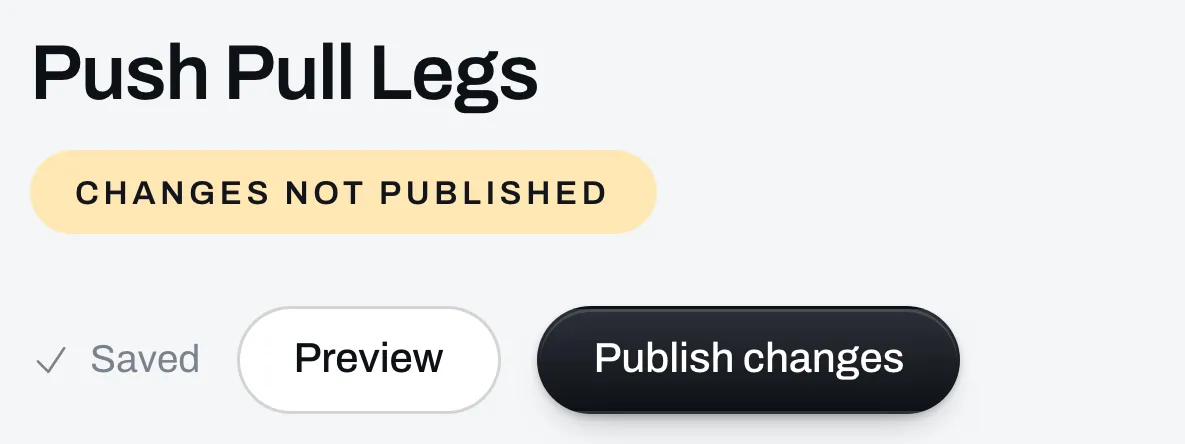
Click Publish changes
Your changes go live right away.
- Your program’s link stays the same, so links you’ve already shared keep working.
- People who bought it see the new version the next time they open it.
- People who saved it to the Trainlike app keep the copy they have. It doesn’t change on their phone.
Changing the price or the files
These aren’t in the builder. Go to Page, click the program in Your list, make the change and click Save. They don’t need Publish changes.
To swap a file, click it under Files and click Remove, then click Add a file and pick the new one. New buyers get the new file. People who already bought it keep the one they got. A new price only applies to new buyers.
People keep what they already have. If you make a paid program free, or ask for an email instead, everyone who bought it can still open it. If you put a price on a free program, everyone who gave you their email for it can still open it from the link in their email, with the files it came with while it was free. A file you add after you set the price is for buyers only.