
If your program is already a PDF, you don’t have to type it all in. Upload it and we fill in the builder for you to check.
This is on Plus, with up to 10 PDFs a month. Each PDF can be up to 30 pages and 10 MB.
Choose your PDF
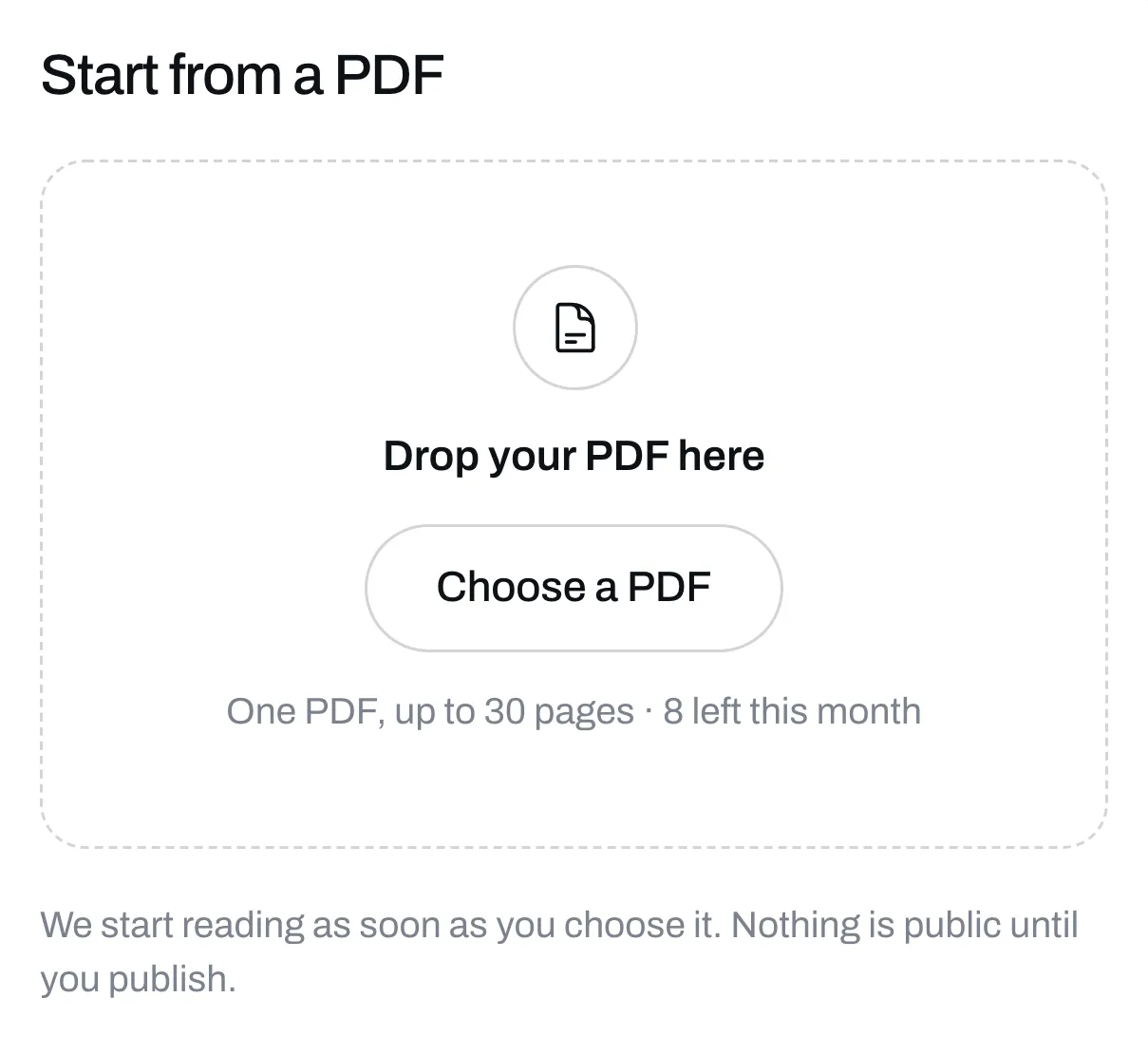
Go to Programs, click New program, then click Start from a PDF. Drop your PDF in the box or click Choose a PDF. We start reading as soon as you choose it.
Wait while we read it
This takes a couple of minutes. You can close the box and keep working. When it’s done, it waits for you on Programs with a To check tag. Click it to carry on.
Check what we found
You’ll see the weeks and days we found. Weeks that repeat say which week they’re the same as. Anything we couldn’t fit is listed under Didn’t fit, and words that aren’t sets or reps go into that exercise’s note.
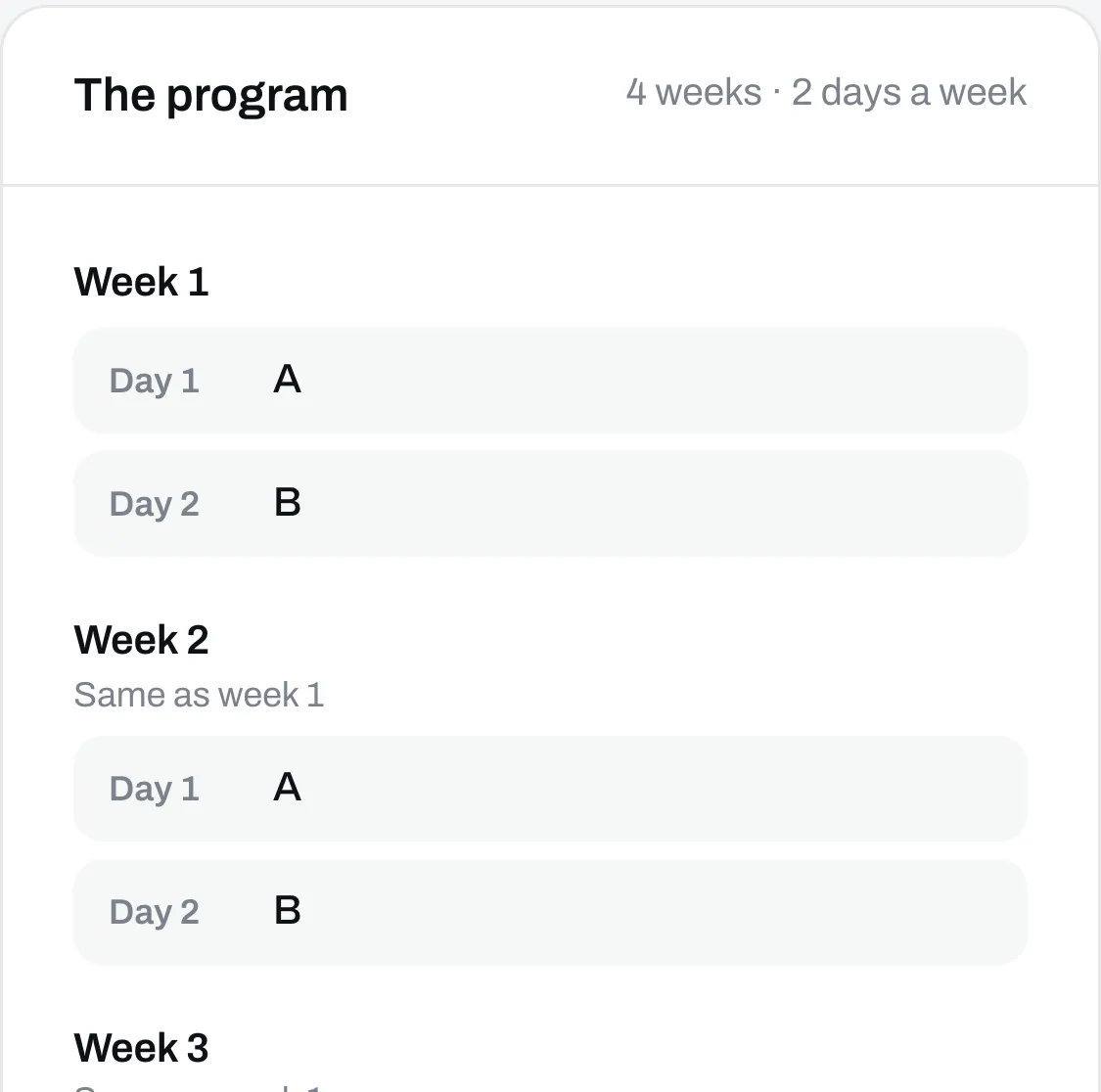
If it looks wrong, click Start over. If it looks right, click Next: exercises.
Pick your exercises
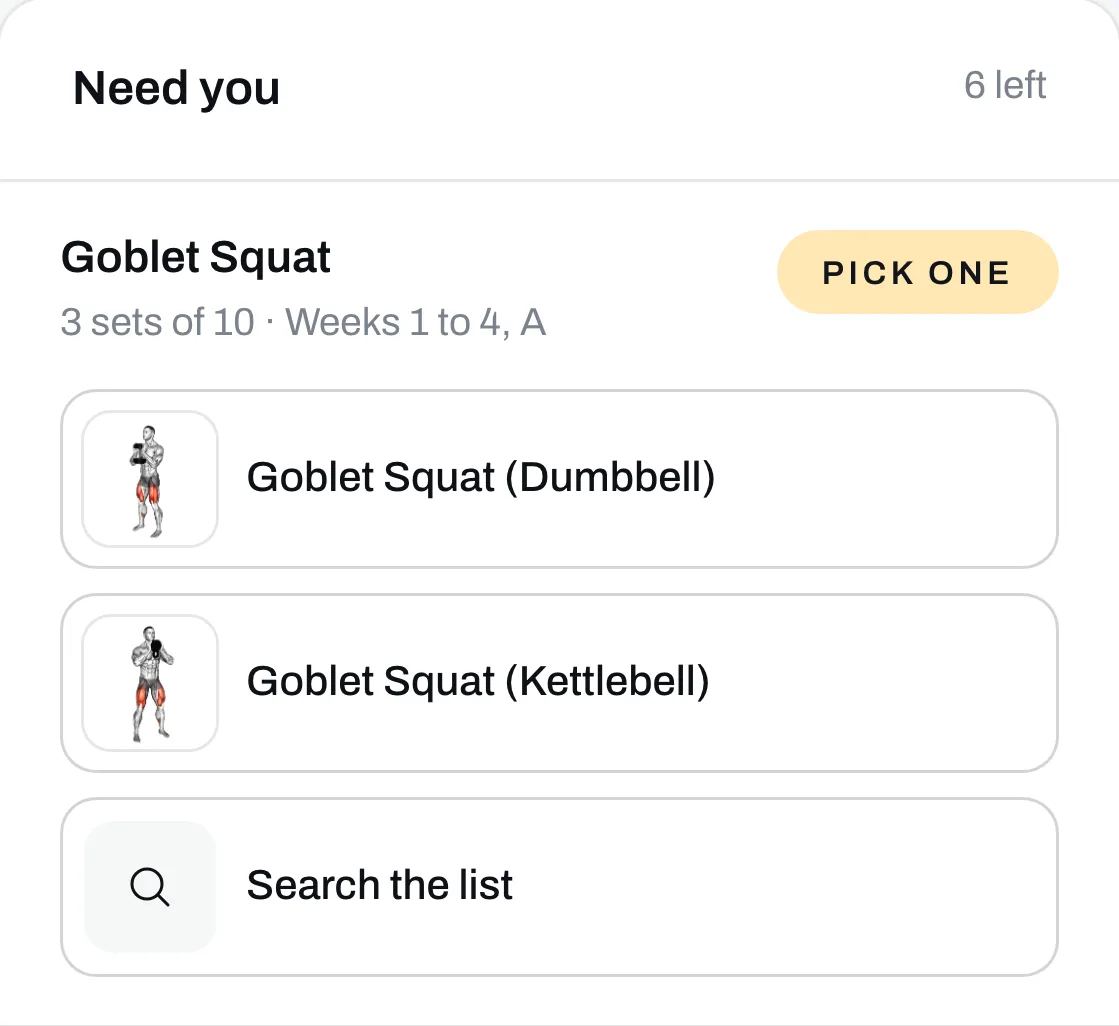
Your PDF names exercises in its own words, so we match each one to our list. You only see each name once, even if it’s on lots of days. If you’ve made exercises of your own before, we check those too, so you don’t have to make them again. The ones that need you say why:
- Pick one means a few of ours fit, like the dumbbell and kettlebell versions.
- Close, not the same means we found something near it, but it isn’t the same exercise.
- No match means nothing on our list fits.
Click the one you want. Click Search the list to find a different one, make your own, or leave it out. Exercises we matched on our own are under Matched, and you can change those too.
Make the draft
When every exercise has a choice, click Make the draft. Your program opens in the builder. Check each day, because you’re the one who knows how it should read.
Nothing is public until you click Publish.
Attach your PDF to sell it
We read your PDF but don’t attach it for you. To sell the program with your PDF, see Sell a program.
A PDF counts toward your 10 once we’ve read it, even if you start over. One we couldn’t read doesn’t count.