
| Who can still open it | Can you undo it? | |
|---|---|---|
| Switch it off | Anyone with its link | Yes |
| Unpublish | Only people who bought it | Yes |
| Delete | Nobody | No |
Switch it off
This takes it off your page and nothing else. Its own link keeps working, and people can still buy it from there. It’s useful for a program you only want to send to certain people.
Go to Page and click the switch on its row in Your list.
Unpublish
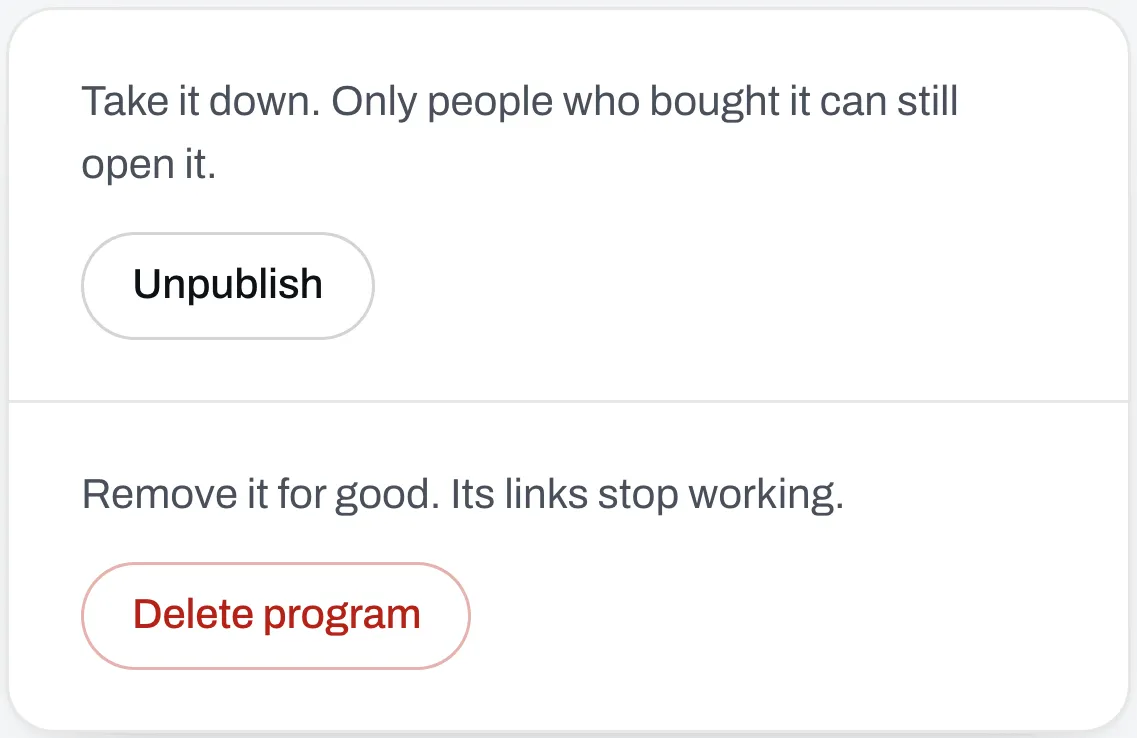
This takes your program off the internet. Its link stops working for everyone except people who bought it. People who gave you their email for a free program lose it too.
Open your program in Programs, go to the Details tab and click Unpublish.
Everything you set stays, like its price, its files and its page. To bring it back, click Publish.
Delete
This removes it for good, and you can’t get it back. Every link to it stops working.
Open your program, go to the Details tab and click Delete program.
People who bought it can’t open the program any more, but they keep the files that came with it. People who saved it to the Trainlike app keep their copy. If anyone bought it, you’d usually want to unpublish instead.