
How to run it
These are your directions for the whole program, like how long to rest or when to add weight.
Open your program in Programs and type them under How to run it on the Details tab. You can use bold, italics, bullets and numbers. They save by themselves. If your program is already published, click Publish changes.
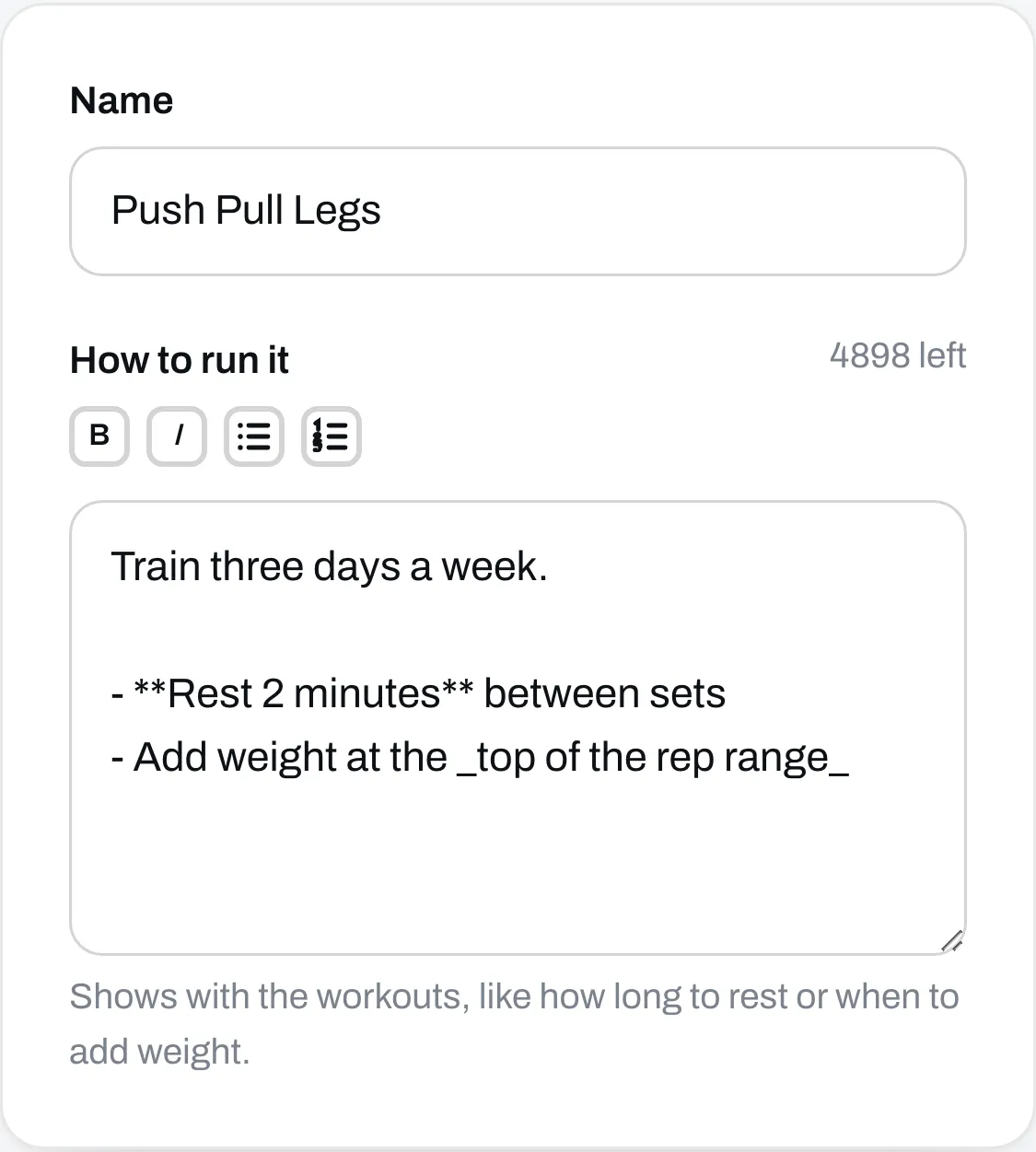
People who buy your program see these with the workouts. On a program with a price, nobody sees them before they pay.
A photo
A program joins your page when you publish it, and that’s where its photo goes. Go to Page, click the program in Your list, then click Add a picture.
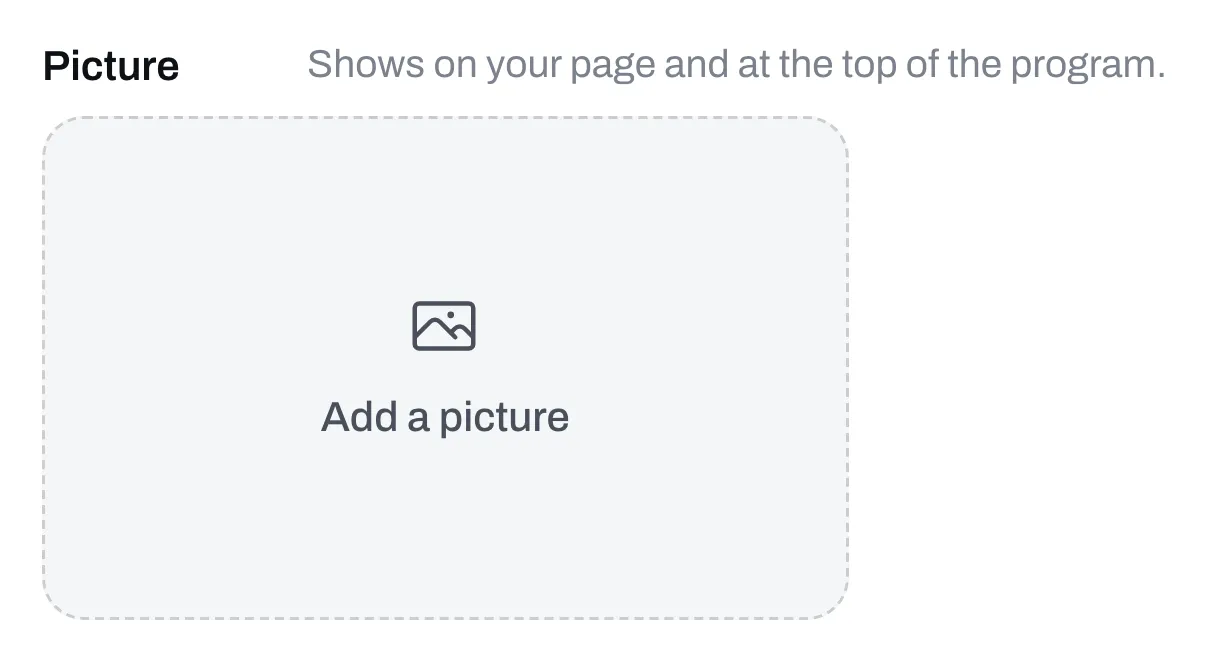
The photo shows on your page and at the top of your program’s page. You don’t need one. A new program draws its own card from your exercises. See Change how a program or file looks on your page.
Words to sell it
To say what’s in your program before someone buys it, add words and reviews on the Page tab of the same box. See Add words, pictures and reviews to an item’s page.