
What you get on Plus
- No cut on your sales. On the free plan, Trainlike’s cut is 9% of each sale. Stripe’s fee still applies.
- Emails. Write to your audience and set up follow-ups, with 5,000 sends a month.
- Start from a PDF. Fill in the builder from your PDF, up to 10 PDFs a month.
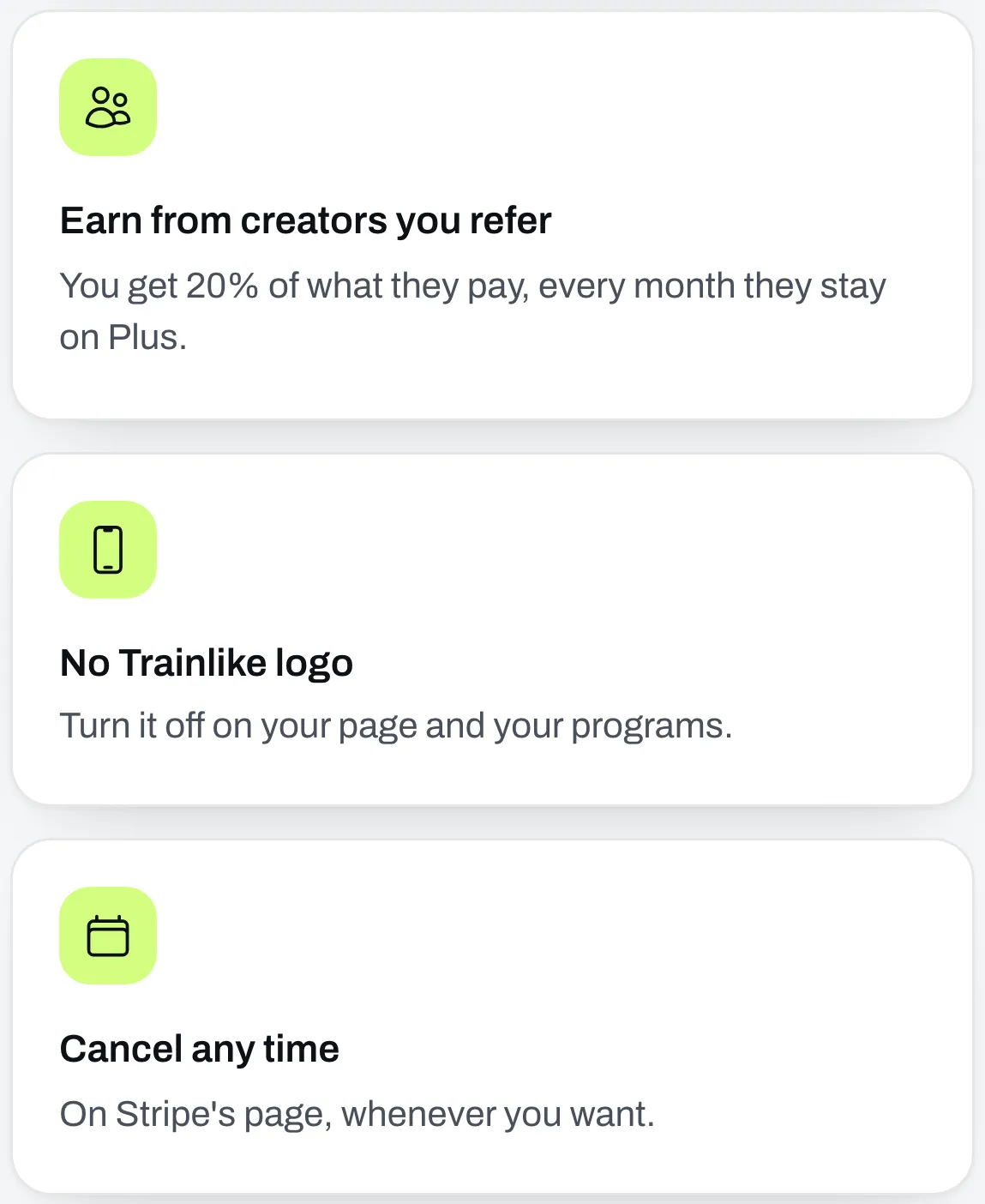
- The Affiliate program. Earn 20% of what the creators you bring in pay.
- No Trainlike logo. Turn off Trainlike branding on your page and your programs.
You can see the price on our pricing section. The Plan tab in Settings also shows what you’d pay on each plan, based on your own sales.
Upgrade
Go to the Plan tab in Settings and click Upgrade to Plus. You pay on Stripe’s page, then come back here and you’re on Plus. It renews every month until you cancel.
Change your card or see your invoices
On the Plan tab, click Manage plan. It opens Stripe’s page.
Cancel
On the Plan tab, click Manage plan, then cancel on Stripe’s page. You can do it whenever you want.
You stay on Plus until the end of what you’ve paid for, and the Plan tab shows the date. Everything goes back to the free plan after that, so Trainlike’s cut applies to your sales again and your emails stop.
If you’re in the Affiliate program, leaving Plus ends it for good. Anything not paid out is gone, and the creators you brought in stop earning you anything, even if you come back.
If a payment doesn’t go through
The Plan tab says “Your last payment didn’t go through.” Stripe tries your card again. Click Manage plan to update it and keep your plan.