
Type your new email
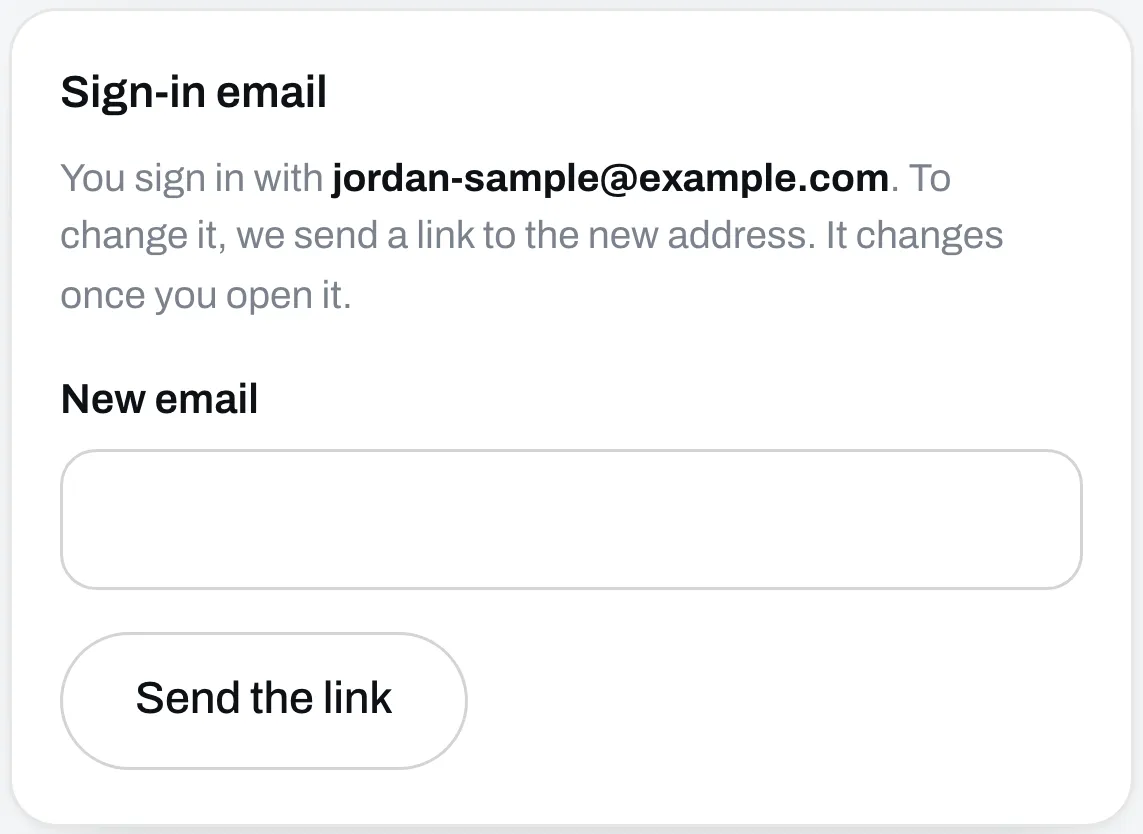
Go to Settings. Under Sign-in email, type your new address in New email and click Send the link.
Open the link
We send a link to the new address. Your email changes once you open it, and until then you keep signing in with the old one.
Check your other emails
This only changes the email you sign in with. Replies to the emails you send to your audience go wherever you set under Replies go to, further down Settings. Change that too if you need to.
Can’t get into your old email to sign in at all? See Can’t sign in.