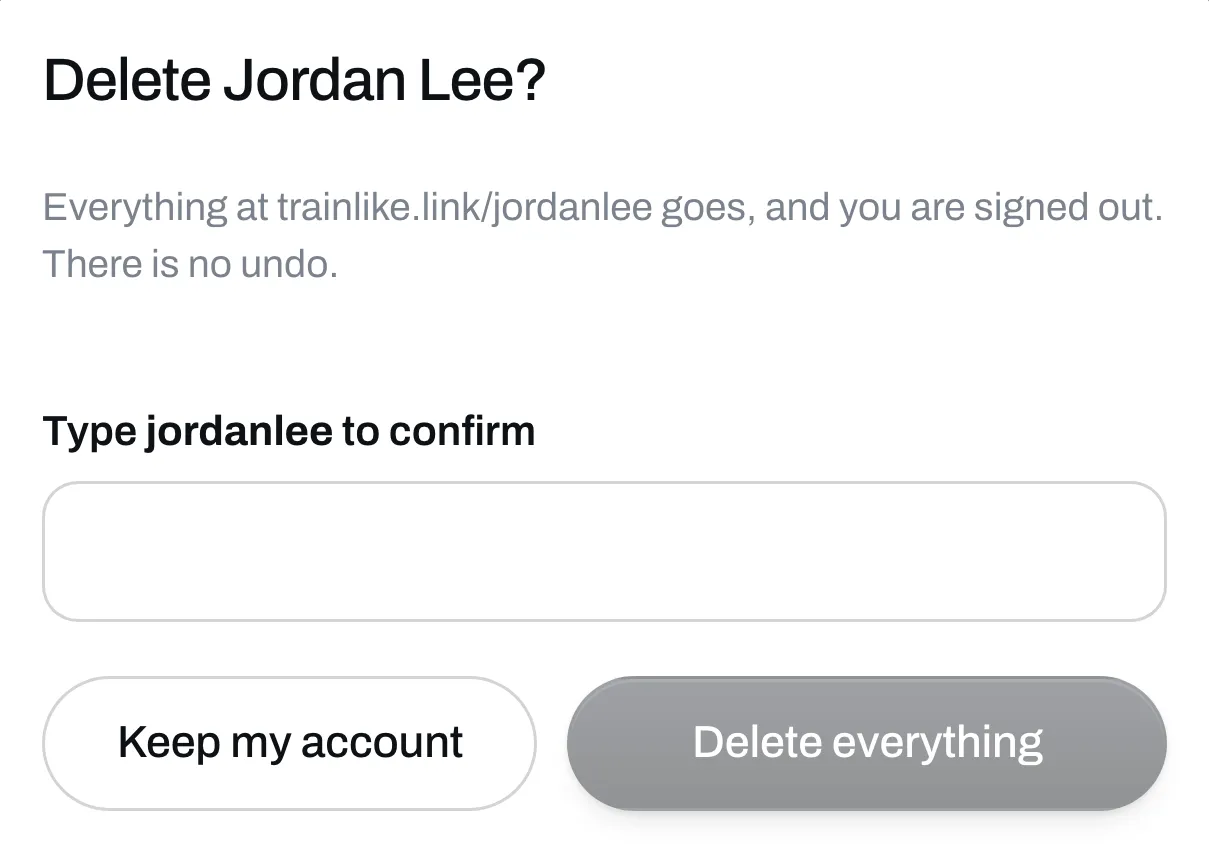
There’s no undo, so read this first. If you only want to take your page down for a while, you can hide it instead.
What goes
- Your page, your programs and their links
- Your photos and your audience
- Your sign-in
- The programs your buyers bought, so those stop opening
If you’ve sold things, think about your buyers before you do this. Download your audience first if you want to keep it.
What stays
People who added one of your programs to the Trainlike app keep their copy.
A file or a link someone paid for still opens from the email they got.
What happens with money
If you’re on Plus, your plan is canceled. Your Stripe account closes if Stripe allows it. If it doesn’t, the account stays open on Stripe and still pays out as usual.
Delete it
Go to Settings, scroll to the bottom and click Delete my account. Type your page address to confirm, then click Delete everything. You’re signed out right away.