
Type your new address
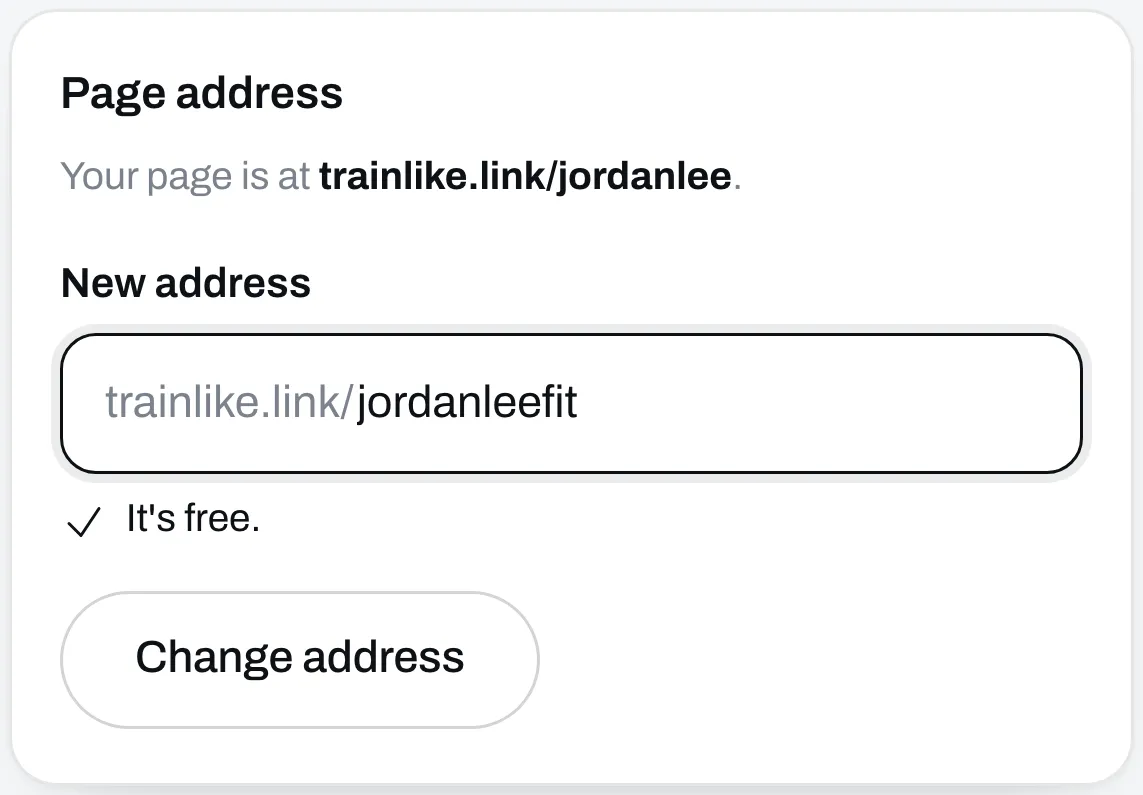
Go to Settings. Under Page address, type the new one in New address. We check it as you type and tell you if it’s free. It can use lowercase letters, numbers and single hyphens, and it has to be 2 to 30 characters long.
Read what changes
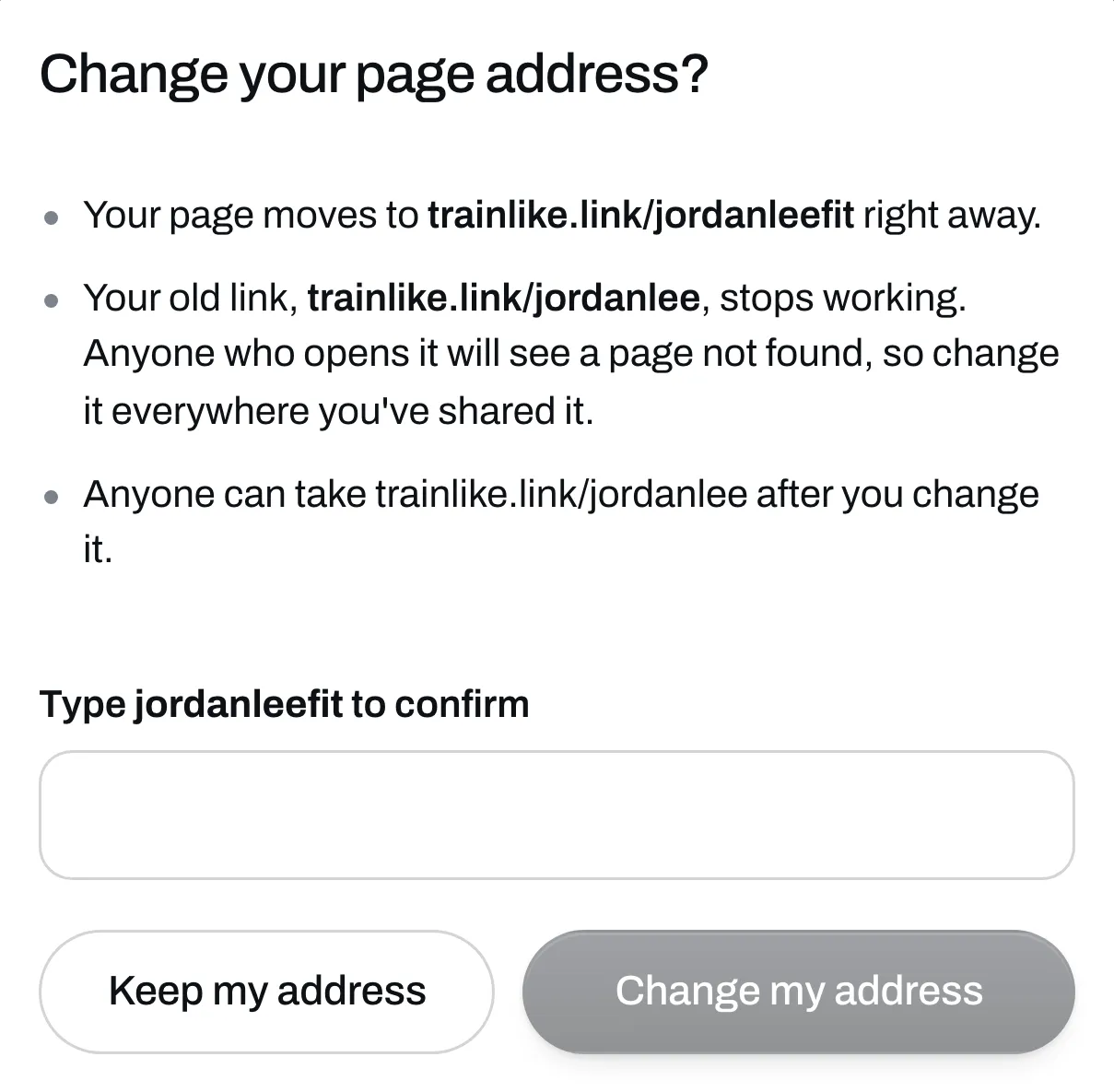
Click Change address. A box tells you what’s about to happen:
- Your page moves to the new address right away.
- Your old link stops working. Anyone who opens it gets a page not found message.
- Anyone can take your old address after you change it.
Confirm it
Type the new address in the box and click Change my address. If you’ve changed your mind, click Keep my address.
Update your links
Change the link everywhere you’ve shared it, starting with your bio. See Put your link in your bio. Links you’ve shared to your programs, files and calls use your address too, so update those as well.
The links in your buyers’ emails keep working and take them to your new address.