
| Who can still get it | Can you undo it? | |
|---|---|---|
| Switch it off | Anyone with its link | Yes |
| Delete it from your list | Nobody new | Yes, add it again |
| Delete the skill | Nobody new | No |
People who already bought it keep their files, whichever one you pick.
Switch it off
This takes it off your page and nothing else. Its own link keeps working, and people can still buy it from there.
Go to Page and click the switch on its row in Your list.
Delete it from your list
You stop selling it. The skill itself stays in Skills, with everything you answered.
Go to Page, click its row in Your list, then click Delete.
Its price, its picture and what you put on its page go with the row. To sell the skill again, click Add, then Skill, and pick it. See Sell a skill.
Delete the skill
This removes the skill for good, and you can’t get it back. If it’s on your page, it comes off your page and its link stops working.
Open the skill from Skills, click Details, then click Delete skill.
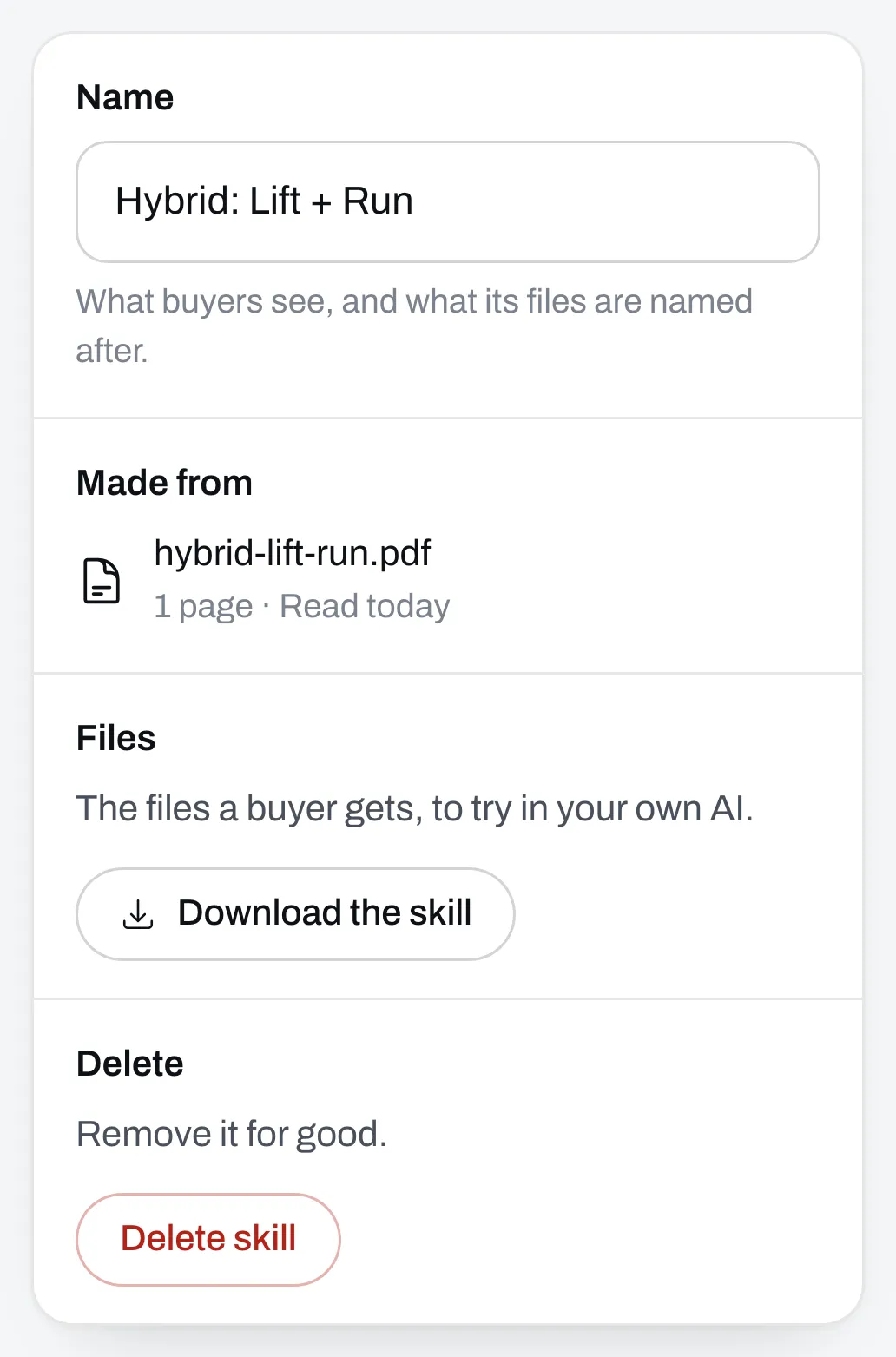
The document you uploaded to make it is deleted too. If you made it from a file or a program you have, that file or program stays.