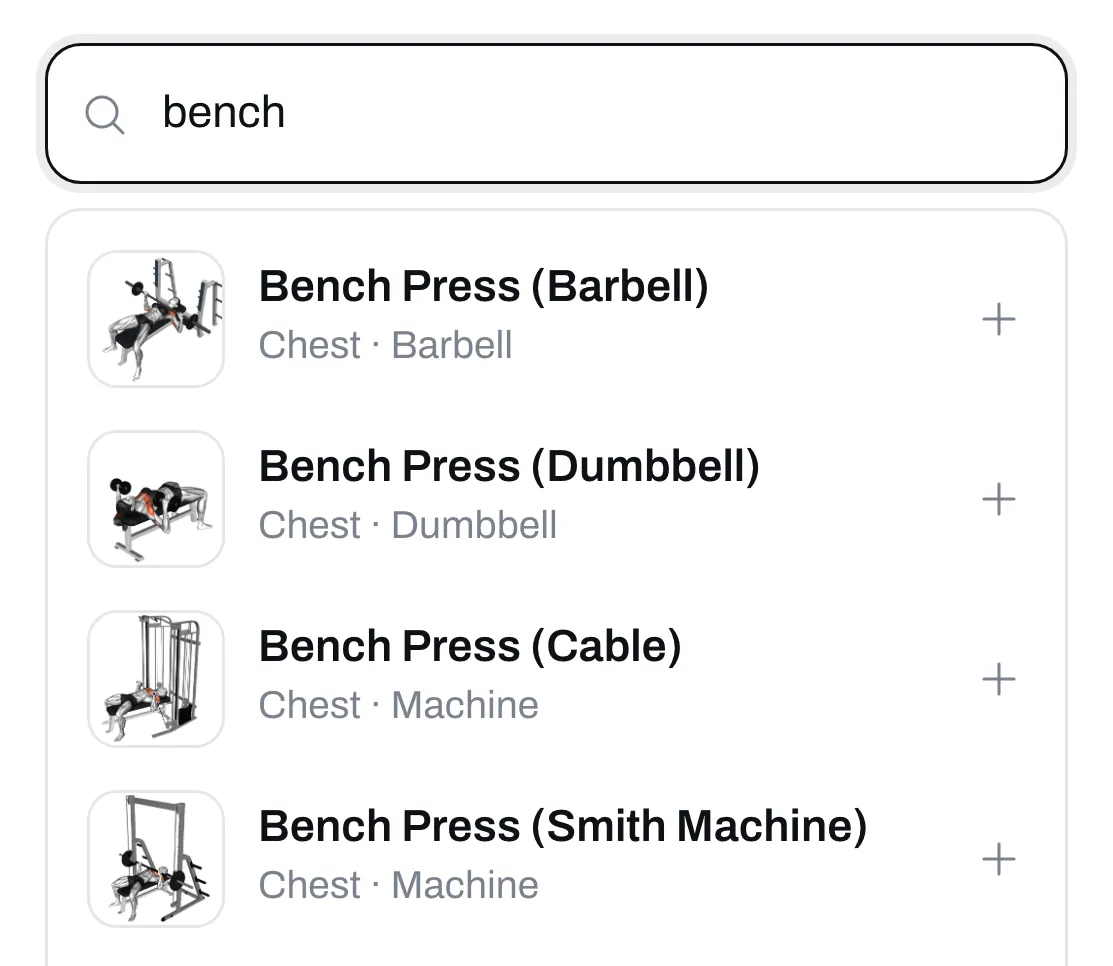
Every exercise has its video
It picks from our exercise list, so your followers can watch how each one is done.
Sell
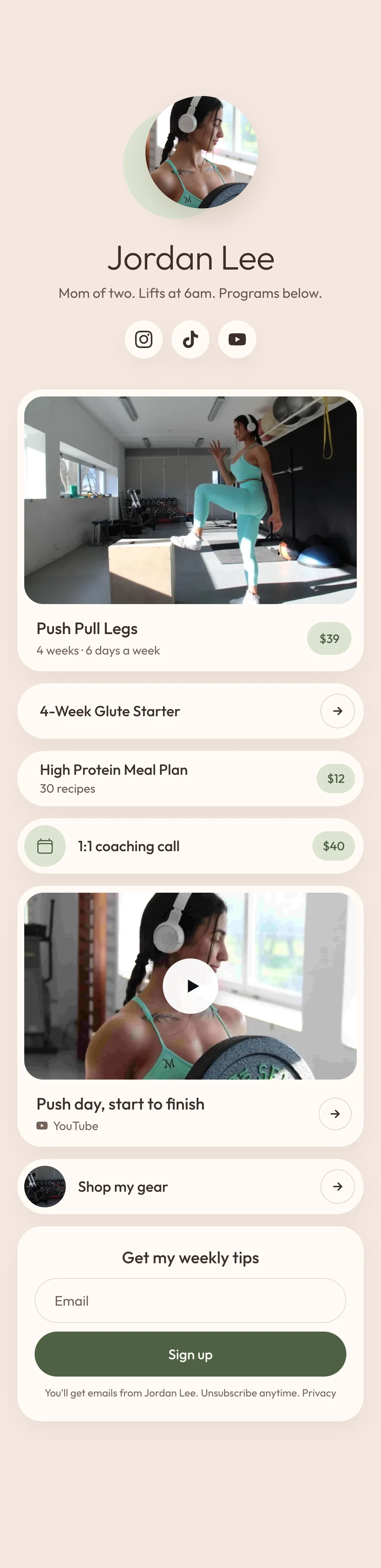
Workout programs A video for every exercise. Digital products Meal plans, guides, any file. Coaching calls Paid calls in your Google Calendar. AI skills New Your program in ChatGPT, Claude and Gemini.Tell it what you want, and your program shows up in your store with the exercises, sets and reps filled in.
Claim your storeYour store is free. No card needed.
Build me a 4 week push pull legs program in Trainlike, 6 days a week.
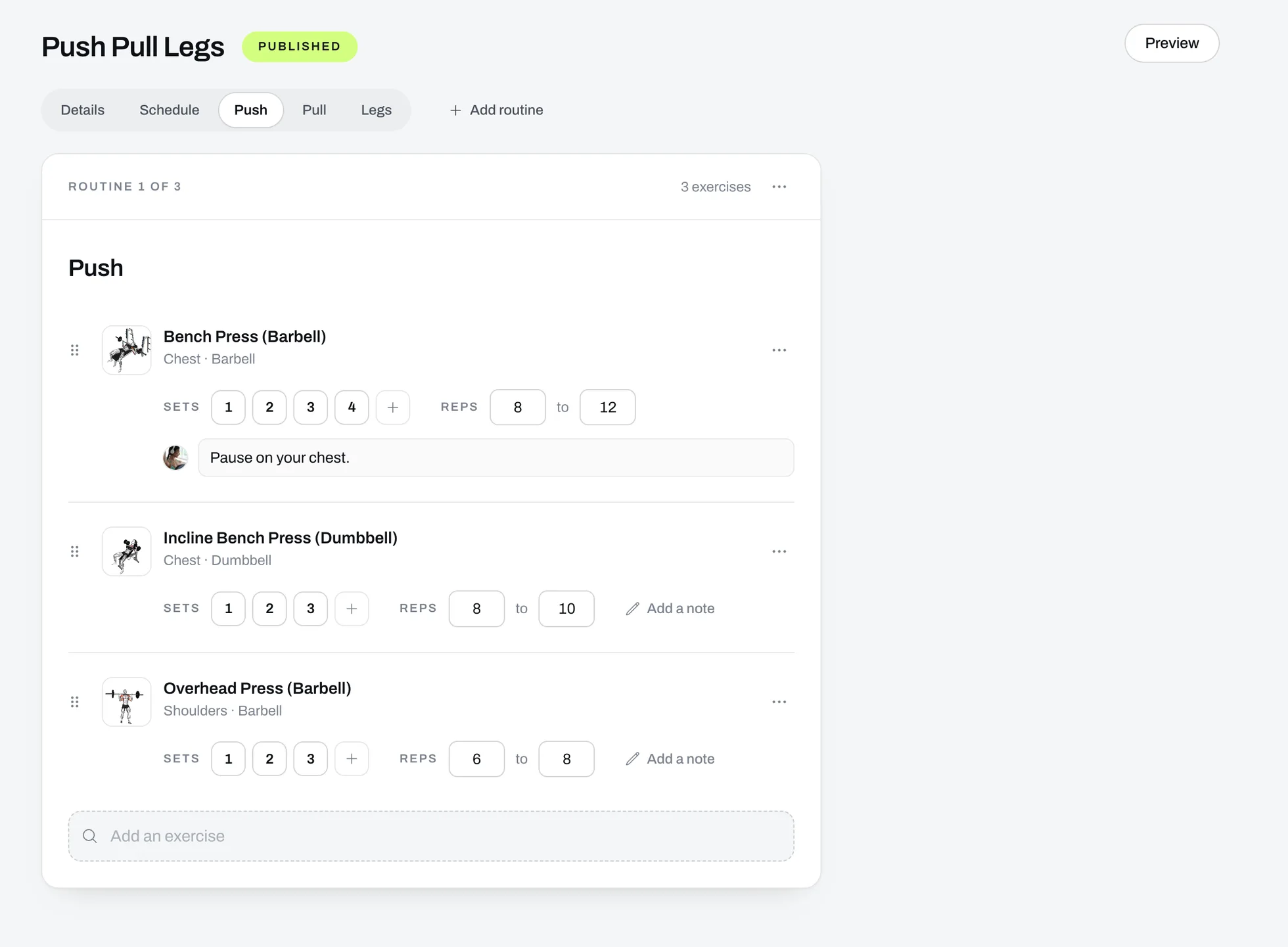
Done. I saved Push Pull Legs to your Trainlike programs. It runs 4 weeks, 6 days a week.
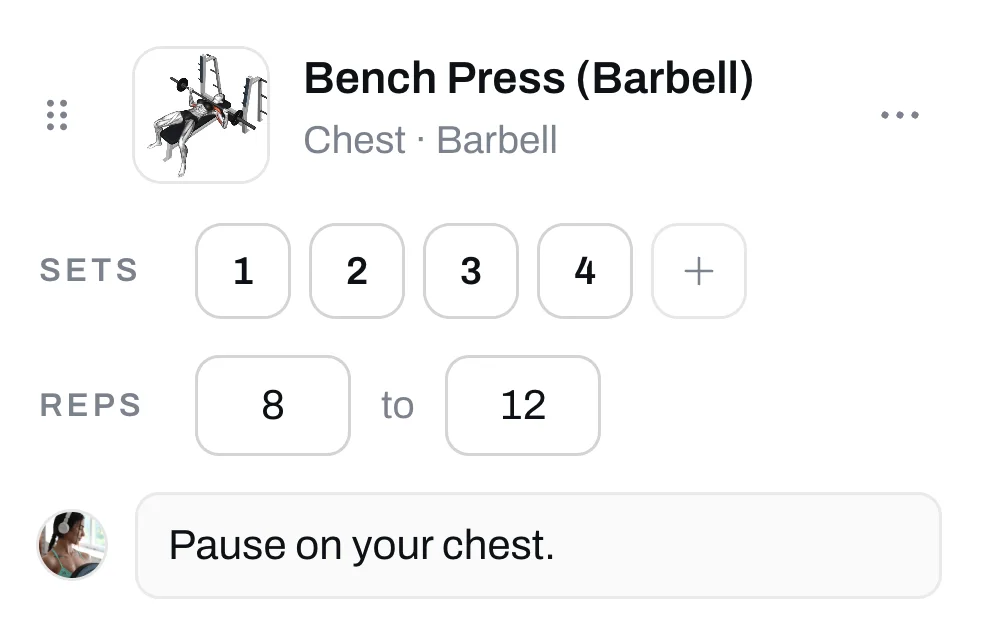
Push day starts with bench press, 4 sets of 8 to 12. Open it in your builder to check it.
Building a 12-week program means picking every exercise and typing every set. If you already plan your programs with Claude or ChatGPT, you still have to copy it all into your store by hand.
In your store, go to Settings, find Claude and ChatGPT, and click Copy.
Paste the address where your AI adds connectors, then click Allow.
Ask the way you'd ask a person. Your program shows up in your store as a draft.
It picks from our exercise list, so your followers can watch how each one is done.
Ask it to make week 4 lighter, swap an exercise or add a day, and it changes the same program.
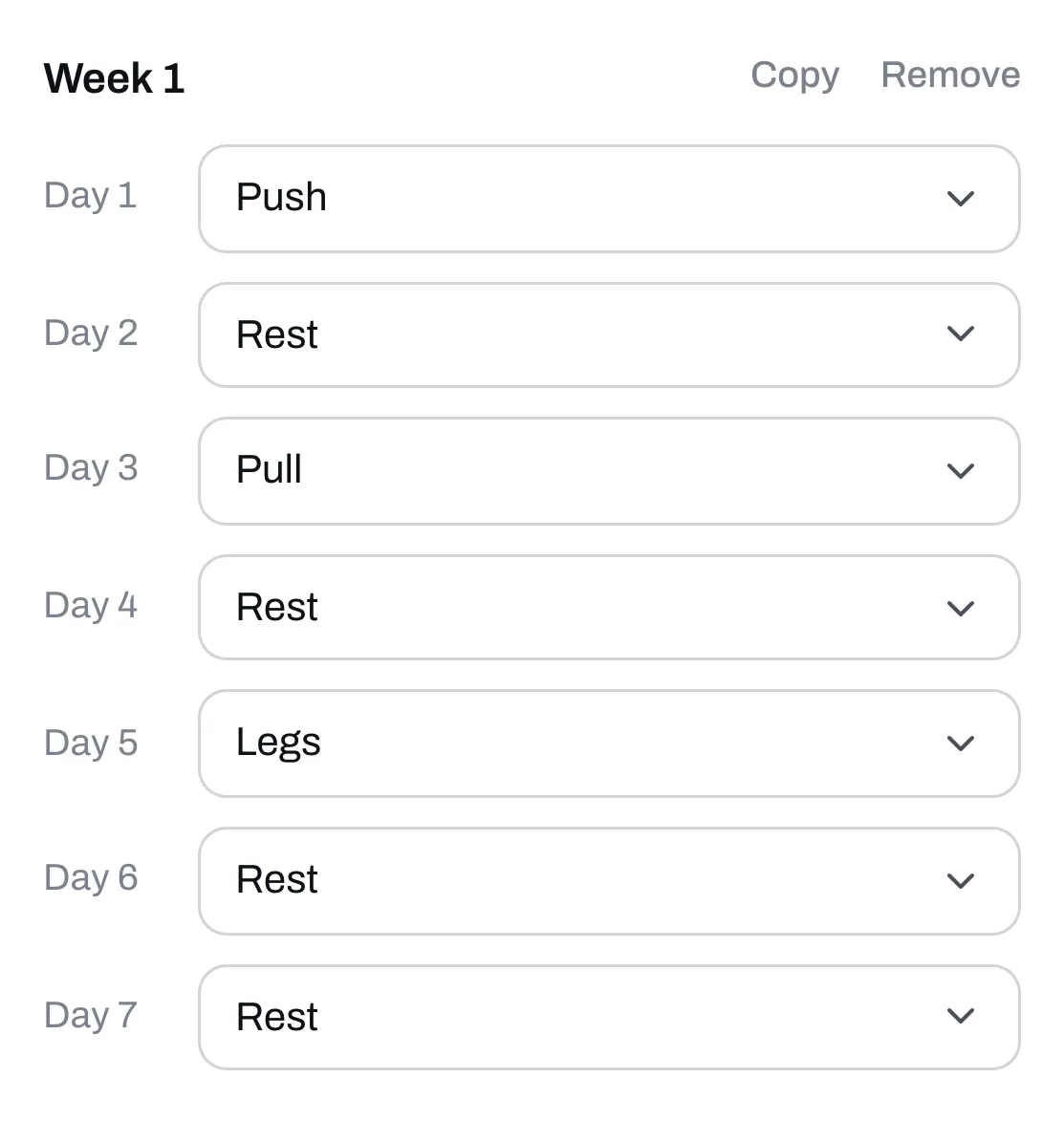
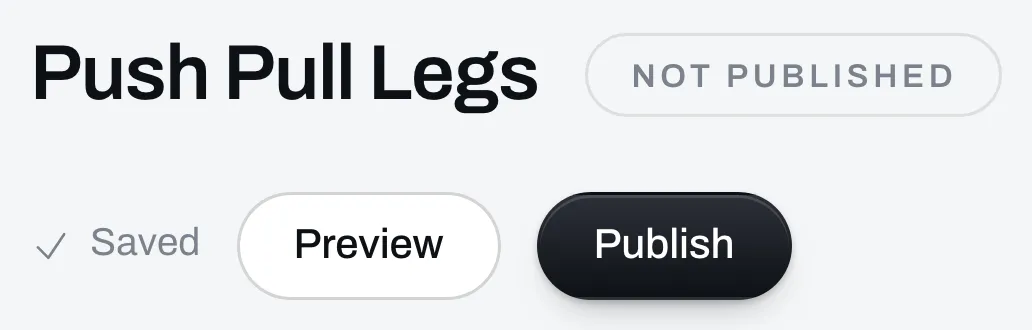
Your program is saved as a draft. You check each day, set your price and publish it yourself.
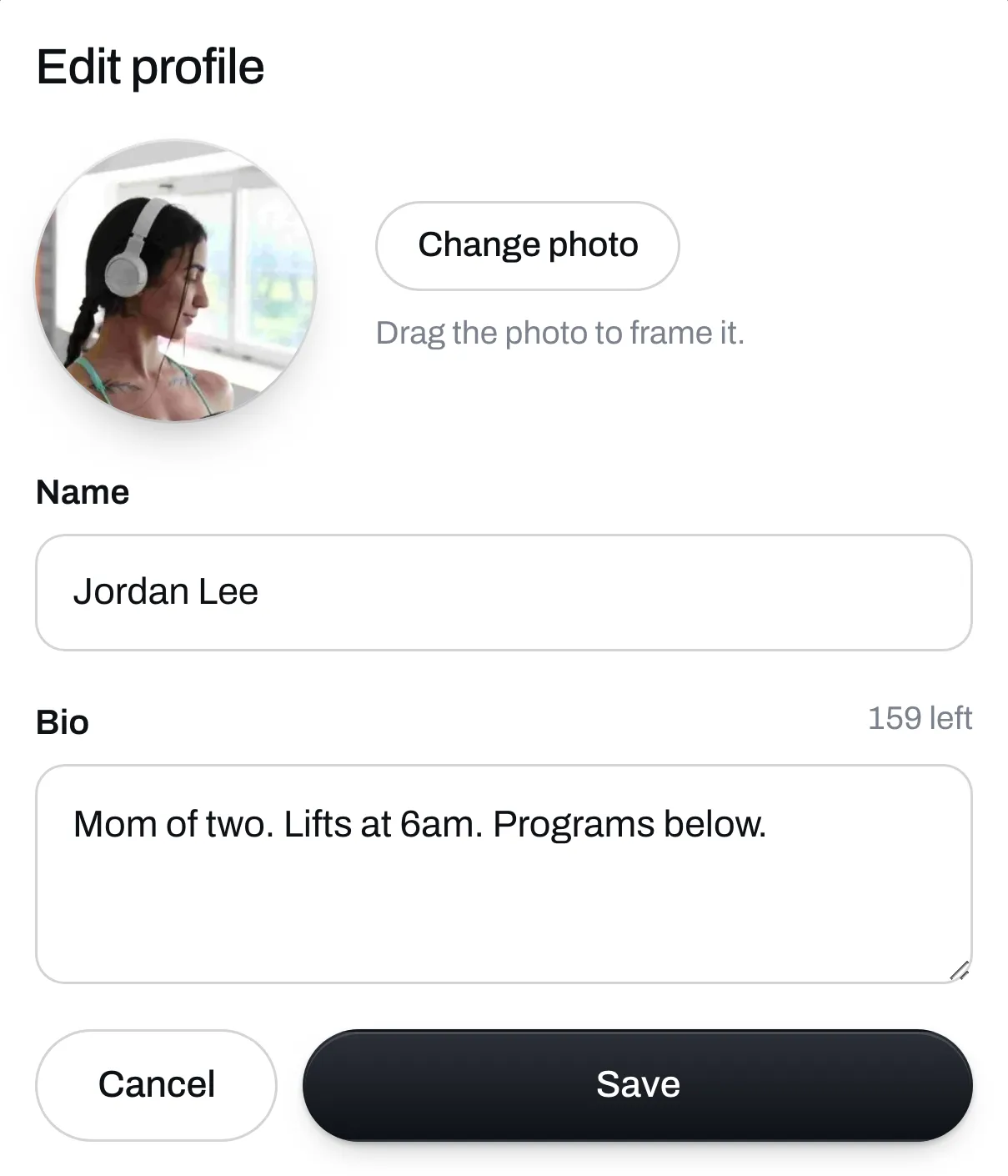
Ask it to write your bio, add your Instagram and add your links.
FAQ
It's free. No card needed.